

 markusfisch
Flash is not working in Binary Eye
Binary Eye Version : 1.45.0 Android Version : 11 Installation Source : F-Droid

Sorry for the inconvenience 😬 And thanks for opening this issue so I can investigate this bug! 👍
Unfortunately, I can't reproduce this on any of my Android 11 devices. May I ask what specific device you experience this behaviour on?


I'm adding my device : Xperia XZ1 Compact on Android 11 (Havoc 4.13). I need to tap on the icon several times like the area to tap on is smaller or around the icon. Then, when the flash is on, it stays on for less than one second.

I understood the behavior of the flash feature:
- you need to tap anywhere on the screen except on the flash button :s
- it turns on when it is needed (ie in a dark environment)
To show it, here is a video: https://mega.nz/file/T8BjVQZR#UphnnYM1rK8OnyN4LVPGM5UKK4EOShmcs5ezw9J92Rs In the first part, aiming at the window (light environment), I can't switch the flash on. In the second part, aiming at the QRCode (clear environment):
- First, I tap on the flash button -> nothing happens
- Then, I tap on the bottom right (outside of the cropping zone), on the center (down the QRCode) and on the top left (outside of the cropping zone again) -> the flash turns on
- Finally, I tap on the flash button again -> nothing happens
The button does not fulfill its functionnality. The flash turns on when needed, not on demand.
@rhayy That's really odd 🤔
Can it be that the flash light requires some time to actually become active on your device? I can see in the video you're tapping the button quite quickly what would result in on, off, on, off and so on 😬
On my phone flash button(in Binary eye app) doesn't even work. Also I can't toggle flash light manually from notification panel because of Realme UI. It doesn't let me on flash light when camera is enabled even on stock(realme) camera app. Although I can enable flash manually through the camera app.
Camera Off: Flash toggle is available
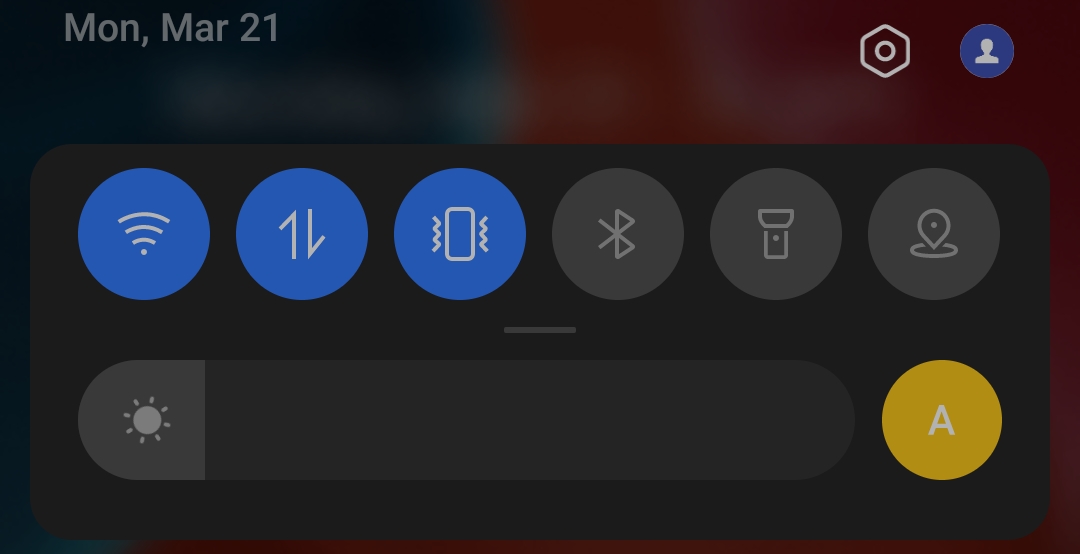
Camera On: Flash toggle is unavailable
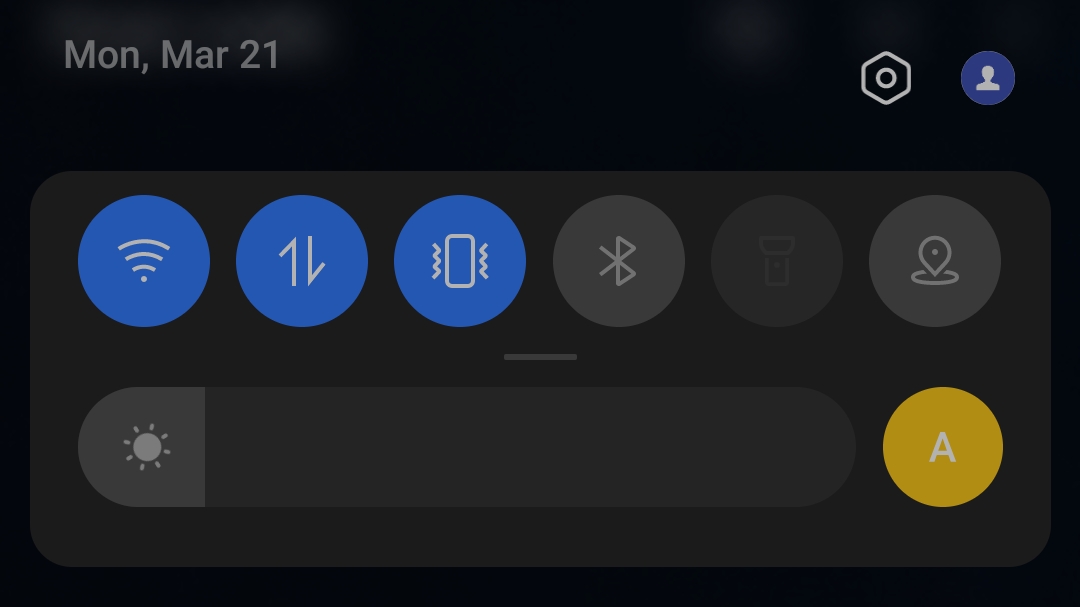
@abhigit23 This is the actual behavior: once an app is in use and asks for a resource (flashlight, camera, mic, ...), no other app can access it.
@markusfisch as shown in this video, that is not the case. However, some touches do not trigger the flash as if I am not allowed to turn it on quickly.
Edit: I've got the app through F-Droid
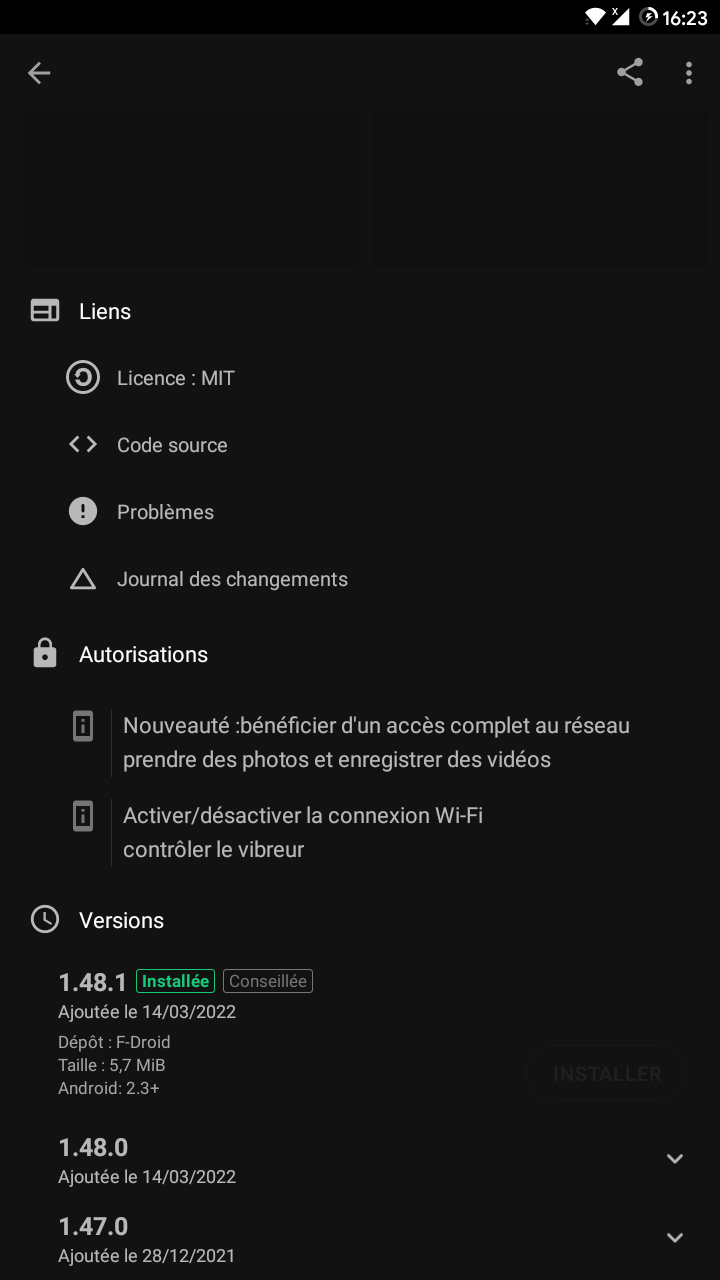

I've tried to improve enabling/disabling the flash light in the latest version 1.49.0, which is now on Google Play. I hope it will become available on F-Droid soon too. Please check if this version solves the problem.
Unfortunately, I don't have a device where I can reproduce this bug 🙈 And in principle there's just one way to enable/disable the flash light so I don't really have an idea what's going wrong.
On some devices, the flash light is coupled to the camera. And the camera can be just opened by one app at a time. So that would explain that some of you can only enable/disable the flash light when the camera is on. But this shouldn't be a problem for Binary Eye, nor the flash button in Binary Eye. The camera is already open here.
Unfortunately, version 1.49.0 does not seem to fix flash issue, the lightning button does absolutely nothing and like others said its not even possible to enable flashlight while Binary Eye is in use. It's strange because Google Lens and Discord can use flash together with camera without any problems.
It seems very strange that on some phones it works correctly and and some it doesn't
The flash modes of other open source projects (xperi+) work on my xperia 5 II. Unfortunately your app still does not.

Hello. The issue i had too here and i had too in Barcode Scanner was solved for me in Barcode Scanner with CameraX. https://gitlab.com/Atharok/BarcodeScanner/-/issues/17 Regards

I can confirm this issue is still present on my end, the flash button in the bottom right corner has no effect for me.
App version: 1.61.0, F-Droid build Device model: Xiaomi Redmi Note 10 5G OS version: MIUI Global 14.0.3 Android version: Android 13
