vedo
 vedo copied to clipboard
Published
20 hours ago •
 marcomusy
marcomusy
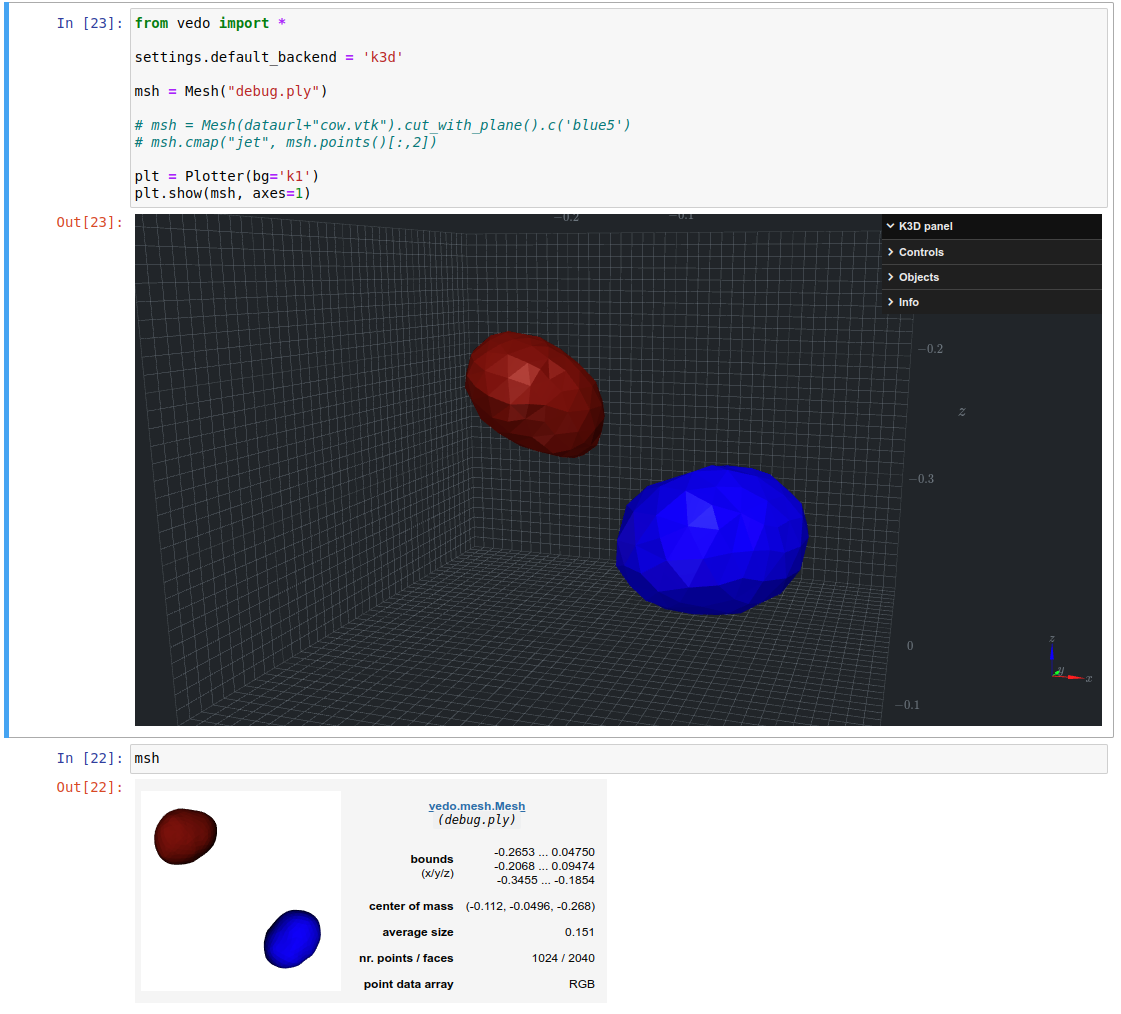
Colored PLY file gets seeming random colors applied when using k3d backend.
When I display this .ply file using the vtk interface it works fine, ie solid colored meshes. When I use the k3d backend I get multi-colored meshes.

here is the notebook code.
from vedo import Mesh, Plotter, Volume, settings

settings.default_backend = 'k3d'

msh = Mesh("debug.ply").subdivide()
plt = Plotter(bg='black')
plt.show(msh)
Here is the mesh, I renamed the extension because github wouldn't let me upload a .ply file.
Some additional details. msh.print() shows the correct coloring.

After spending some time on it I could only fix it partially (there are still some cases in which this may not work satisfactorily..)