

 mapnik
Point bitmap clipped at tile edge
Hello,
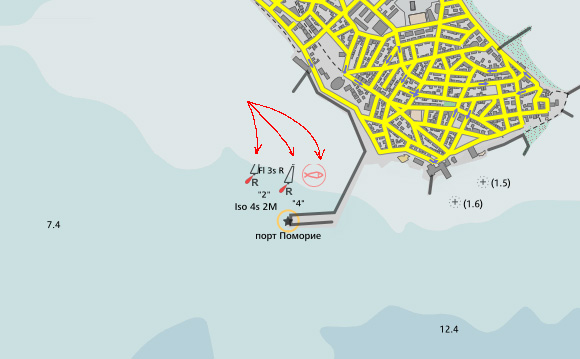
I have 3 points that are displayed using the point symbolizer, all three showing custom PNG bitmaps. On a tile edge I see clipping that seems to be unavoidable (point symbolizer doesn't have avoid-edges).
If this is not a bug, can you please share a hint how to avoid point clipping?

There are more ways how to deal with clipped features. The avoid-edges is rather radical one, but the only fully reliable. You have to use it for all colliding features, otherwise it decreases determinism of placements.
If you want avoid-edges, you can use markers symbolizer, which can do the same as point symbolizer plus much more. It is planned to merge point and marker symbolizer together in Mapnik, at least on the level of underlaying rendering code.
Other way is to think about reason why a feature is on one tile but not on the other. It may be because buffer-size of the map is not set to a sufficient value. It may also be that features are not rendered in the same order. If you render from Postgis, make sure you sort features in queries. Parameter repeat-distance can negatively influence determinism. This is all I can recollect now.

I had buffer-size set to 128 but this provided nasty duplicated-text artifacts around tile edges. Actually the clipping I speak of above appeared when I got buffer-size back to 0.