
mapbox-gl-js
 mapbox-gl-js copied to clipboard
 mapbox
raster-resampling has no effect on raster tiles (eg. nearest neighbor is still blurry)
mapbox-gl-js version: v0.49.0
browser: Chrome 69.0.3497.92 (Windows 64bit)
Steps to Trigger Behavior
- Set up a basic map instance with a raster tile layer
- Set the
raster-resamplingpaint property of the raster tile layer tonearest - Over-zoom map and notice blurry tiles
Link to Demonstration
http://jsbin.com/nohuromeqa/1/edit?js,output
Expected Behavior
According to the documentation, when setting the raster-resampling paint property to nearest the raster tiles should have sharp pixels when over-zoomed.
Nearest neighbor filtering interpolates pixel values using the nearest original source pixel creating a sharp but pixelated look when overscaled
Also, when changing the raster-resampling paint property to linear the results should appear different.
Actual Behavior
When setting the raster-resampling paint property to nearest the raster tiles have blurry pixels when over-zoomed.
When changing the raster-resampling paint property to linear the results appear the same (blurry).
Screenshots with custom layer (not in demo)
Over-zoomed in QGIS
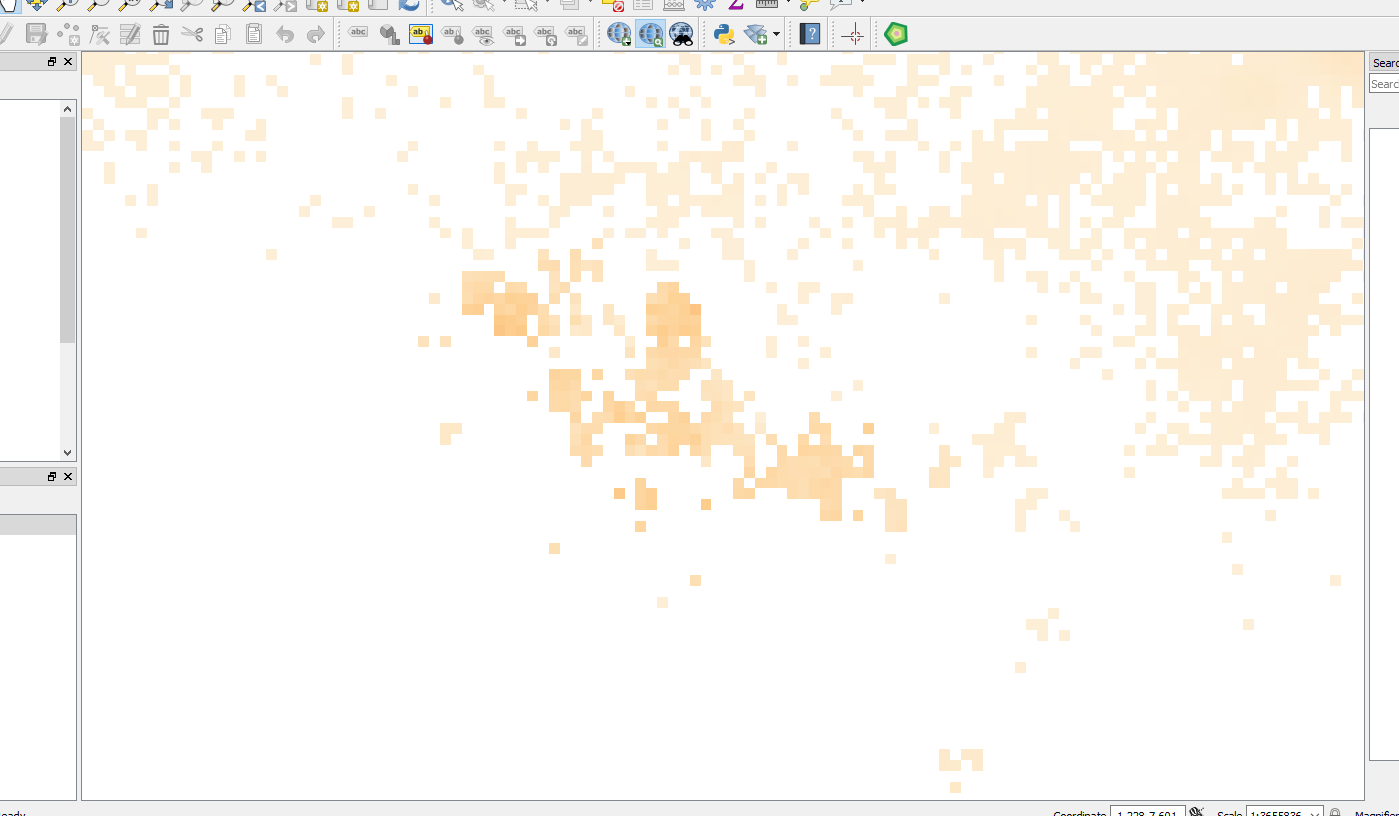
Over-zoomed in Mapbox GL JS with raster-resampling set to nearest
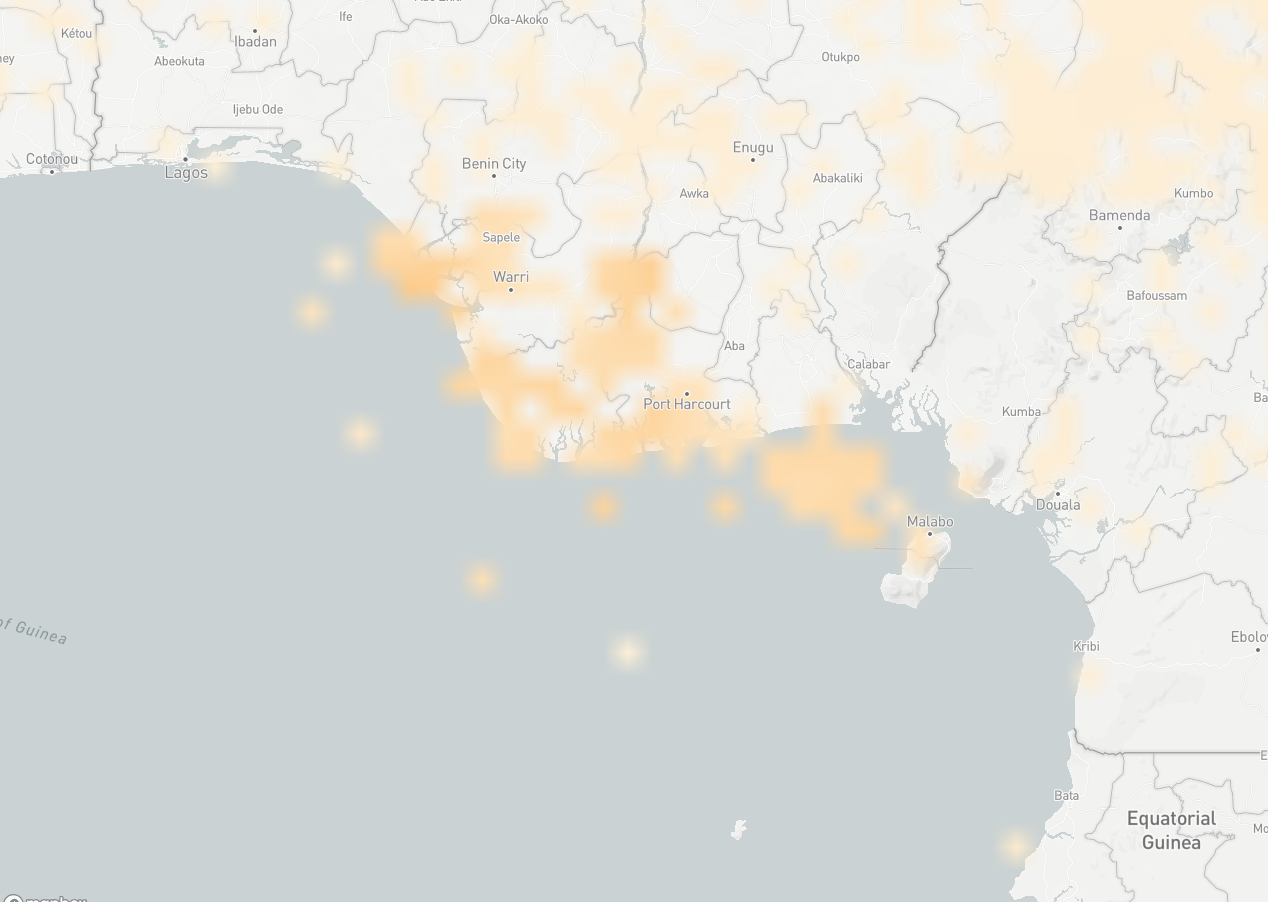
Over-zoomed in Mapbox GL JS with raster-resampling set to linear

Screenshots from demo
Original tile
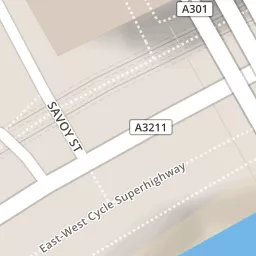
Over-zoomed in Mapbox GL JS with raster-resampling set to nearest
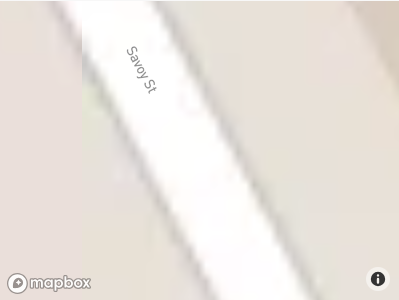
Over-zoomed in Photoshop (1000% increase in size)


Interesting! Might be GPU-dependent? Here's how the example works for me on macOS:
Can you also try different browsers?

Ah good question, I hadn't checked other browsers and machines yet.
Here are the results of a few tests:
- Windows, NVIDIA GeForce GTX 1070
- Firefox (62.0.2) looks blurry
- Edge (42.17134.1.0) looks blurry
- Windows (Surface Book 2), NVIDIA GeForce GTX 1050
- Chrome (69.0.3497.100) looks blurry
- MacOS (MacBook Pro Retina, 2012)
- Chrome (69.0.3497.100) looks pixellated
- iOS (iPhone 8 Plus)
- Chrome 69.03497.105 (iOS) looks pixellated
Looks like Windows vs. MacOS / iOS more than GPU. Are you able to replicate it on a Windows machine?
Hmm, I have no ideas why Windows wouldn't like the NEAREST mag filter. Perhaps you could poke around the code and see if there are any clues? https://github.com/mapbox/mapbox-gl-js/blob/master/src/render/draw_raster.js#L48
Me neither, I'll see if I can find a moment to have a look and poke around.
If it helps, the Three.js examples using a nearest mag filter work as expected (pixellated) on Windows: https://threejs.org/examples/webgl_materials_texture_filters.html
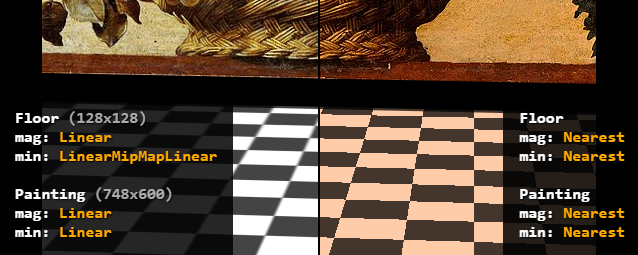
It's passing in the render tests which run on Linux, and I can't replicate this on my Linux machine either, so certainly it being a Windows specific issue sounds plausible.

I can also confirm this issue. I validated that both MIN & MAG texture filters are set to NEAREST using the WebGL Inspector Chrome Extension. This only happens on Windows, no issues on macOS:
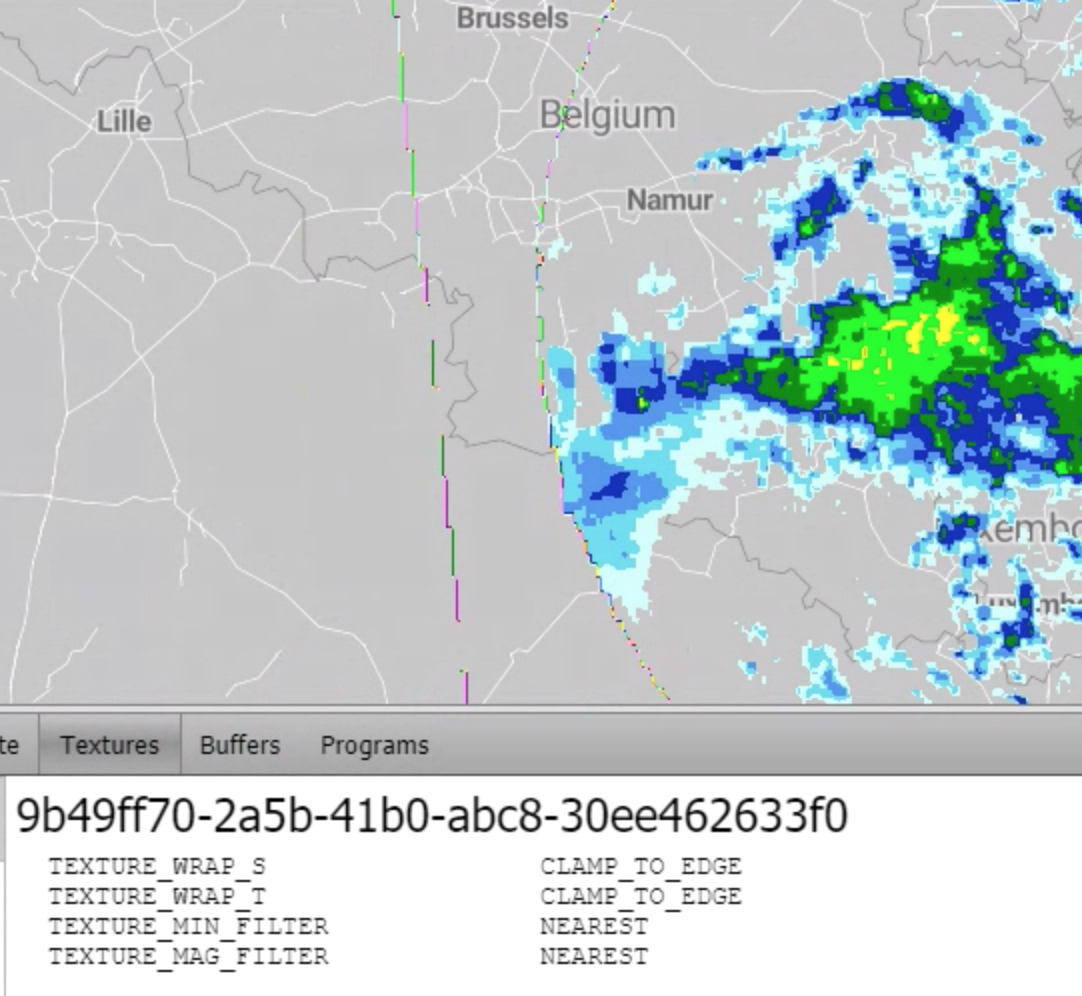
Instead of blur, we get rainbowy edges, as we remap grey scale colors of the original tile image.

I did some digging, and from what I can gather, the problematic lines are here:
https://github.com/mapbox/mapbox-gl-js/blob/321a3695a6c068a1cfd58629ed9d8dcb333b8bbd/src/source/raster_tile_source.js#L129-L131
If commented out, everything looks fine on my side.
I'm hitting this while implementing https://github.com/mapbox/mapbox-gl-js/pull/12268, not only on Windows but also on MacOS VM.
This issue can be fixed on Mac by using Chrome flag --use-gl-desktop as introduced in https://github.com/mapbox/mapbox-gl-js/pull/10389, however that causes a separate set of tests to fail with missing globe and inconsistent stars. (Same or similar test failures that led to https://github.com/mapbox/mapbox-gl-js/pull/12090)
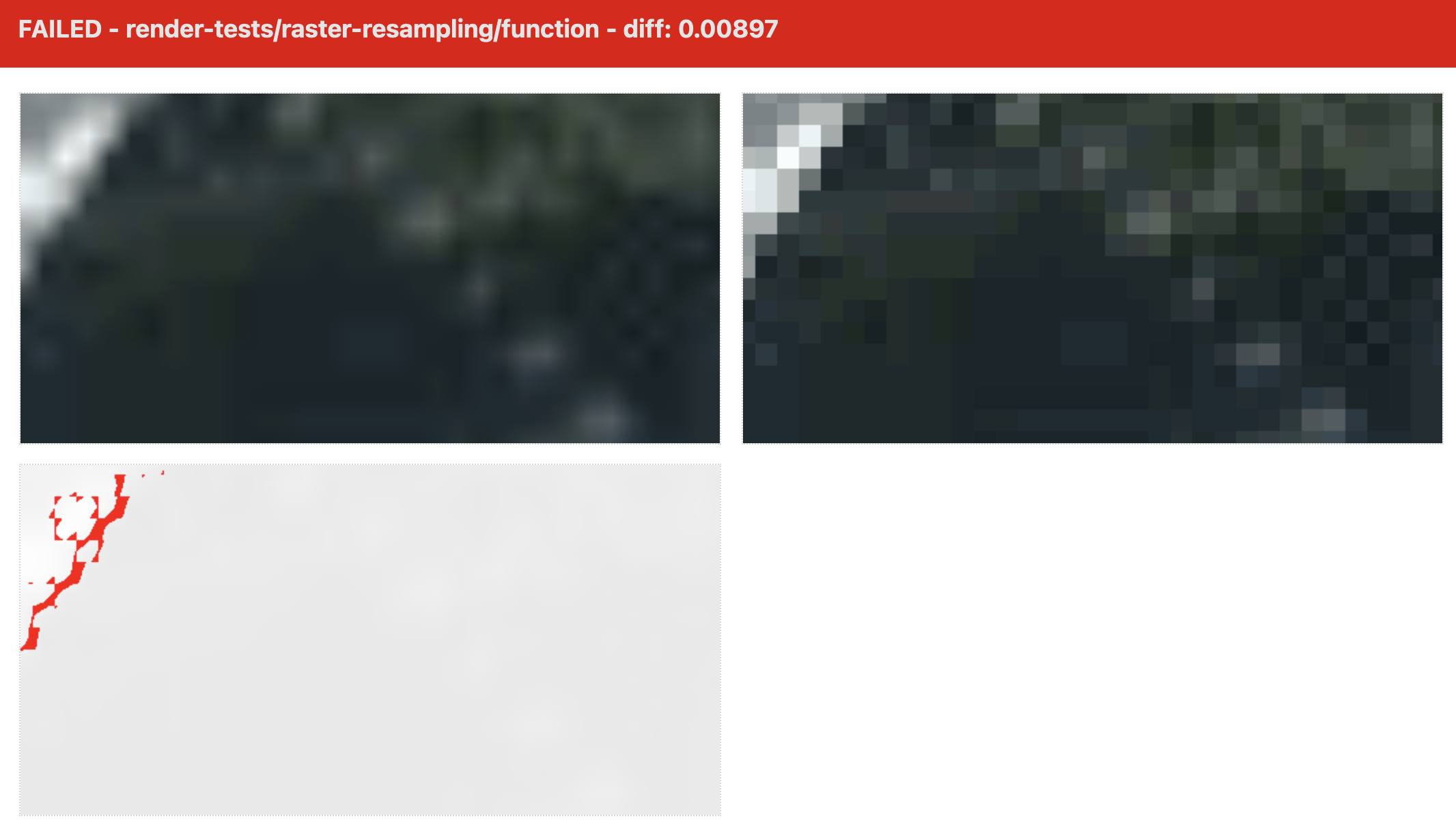
A likely related issue appearing In the same circumstances: icons appear to have incorrect resampling.
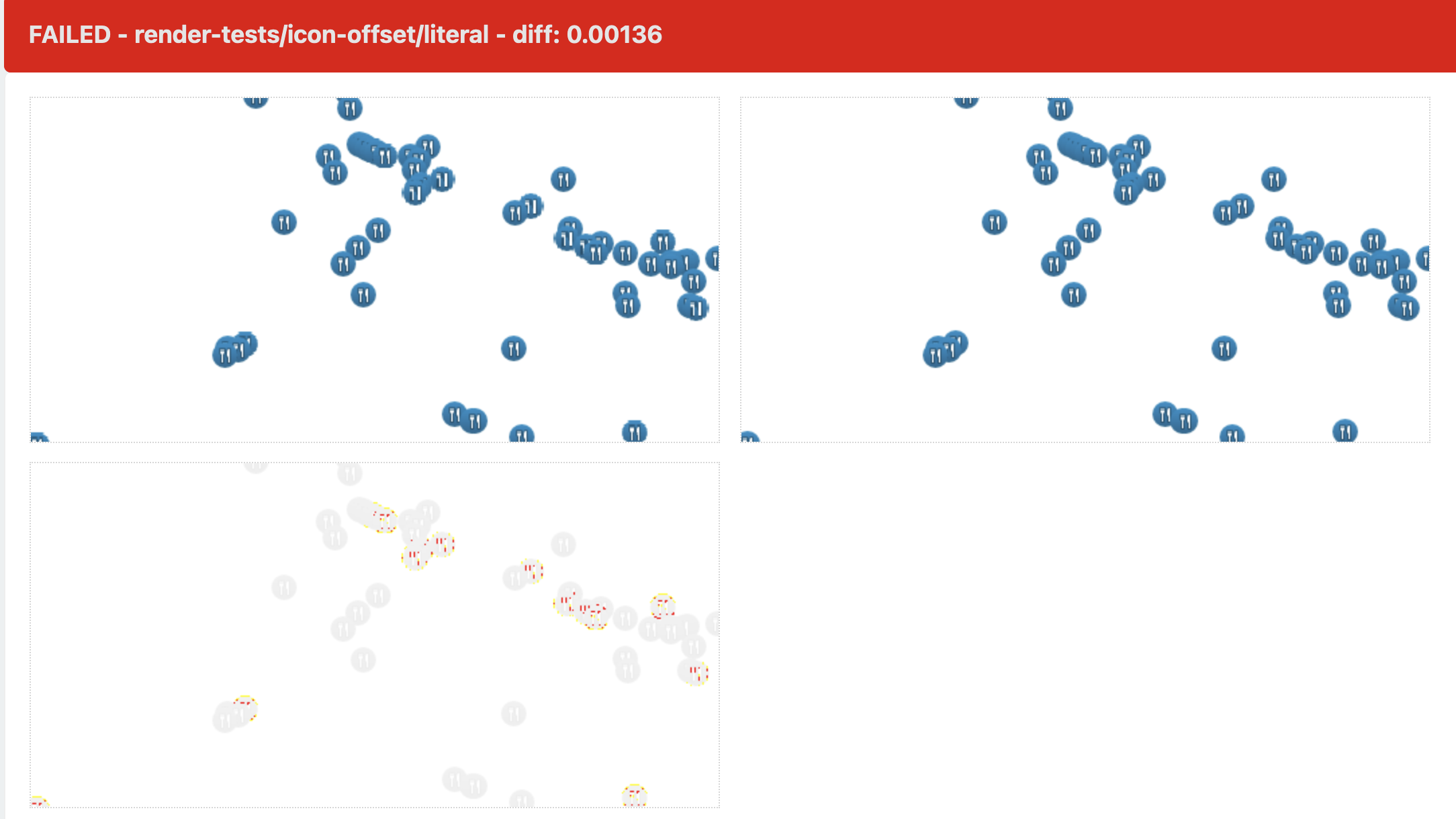

Has anyone found a solution to this issue? I've tried versions 1.6 and version 2.8 and in both cases "nearest" raster-resampling is not working on Windows. It works on Linux/iOS (including on Android).
