

 mapbox
hatching line pattern
General Idea Ability to apply a hatching pattern to line geometries, and not have the pattern rotate with geometry angle.
Existing condition
Currently, hatch patterns that are applied to lines rotate with the line geometries, which leads to a warped, non-uniform pattern.

Desired condition Line patterns should have the ability to be fixed, so that hatched line patterns are uniform and do not rotate with line geometries.

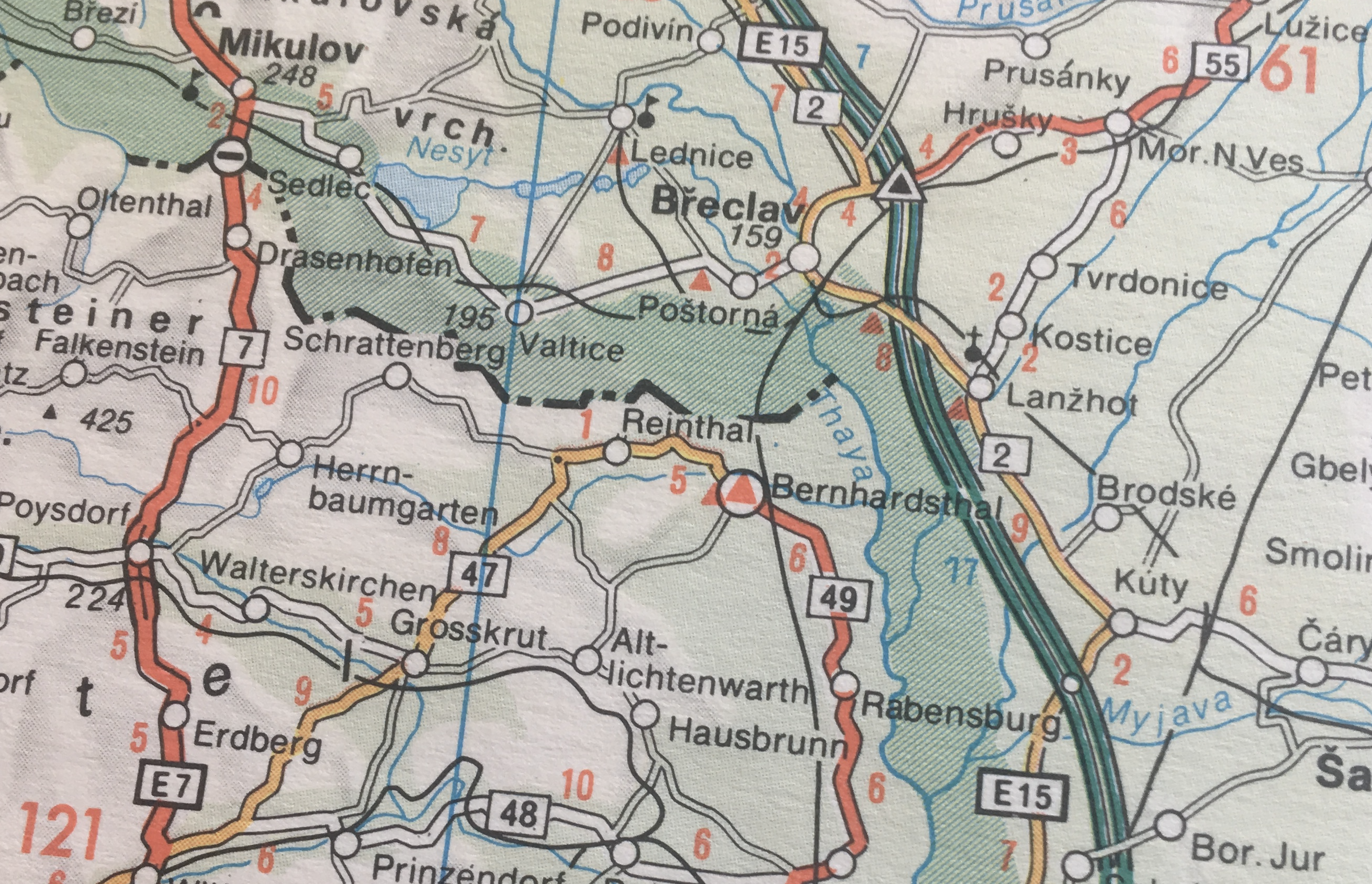
Here is a cartographic example of an administrative boundary line using this technique.
cc @kkaefer @ansis @nickidlugash

Maybe line-pattern-rotation-alignment (by analogy with icon-rotation-alignment), or possibly anchor line-pattern-anchor (by analogy with fill-translate-anchor). It might be hard to keep the possible values consistent with those though. Maybe:
-
map: texture is aligned with the rest of the map (what you want here) -
line: texture as aligned with the orientation of the line segment (the default) -
viewport/auto? needed?

I've been experimenting with an svg pattern fill plugin/library. I've got a bunch of patterns working but a hatched line fill is proving problematic, it's like there is some sort of rotation or translation applied to the pattern fill which means the seams don't quite match up.
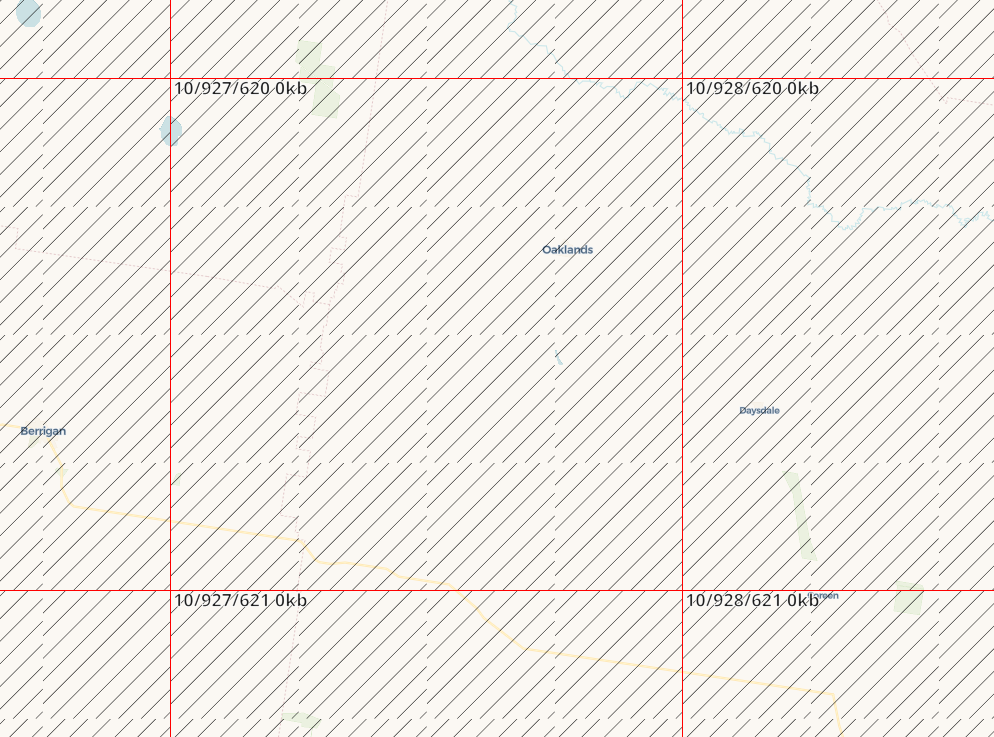
Horizontal and vertical lines appear to work fine, it's just those which are turned on a 45% angle...

Was this feature ever added somewhere? It seems like hatching, generally speaking, has been used in map creation - always. It seems, therefore, that hatching shouldn't even require svg, etc. It should just be a pre-programmed default in mapbox (choose angle, line thickness, color, etc) for polygon fill layers.

@rowanwins you need to craft the hatch to be repeatable, eg.
<?xml version="1.0" encoding="UTF-8" standalone="no"?>
<svg
   xmlns:dc="http://purl.org/dc/elements/1.1/"
   xmlns:cc="http://creativecommons.org/ns#"
   xmlns:rdf="http://www.w3.org/1999/02/22-rdf-syntax-ns#"
   xmlns:svg="http://www.w3.org/2000/svg"
   xmlns="http://www.w3.org/2000/svg"
   width="16"
   height="16"
   viewBox="0 0 16 16"
   version="1.1"
   id="hatch-45">
  <path
     id="path1"
     d="M 15,0 0,15 v 1 H 1 L 16,1 V 0"
     style="fill:#000000;" />
  <path
     id="path2"
     d="m 16,15 -1,1 h 1 z"
     style="fill:#000000;" />
  <path
     id="path3"
     d="M 1,0 0,1 V 0"
     style="fill:#000000;" />
</svg>
