
Hyprlock-Dots
 Hyprlock-Dots copied to clipboard
 mahaveergurjar
simple stylish hyprlock conf with scripts music , weather and battery widget
Hyprlock Configuration
This repository contains the Hyprlock configuration files and layout settings. Below are the different layouts with their respective screenshots and descriptions.
Layout 1
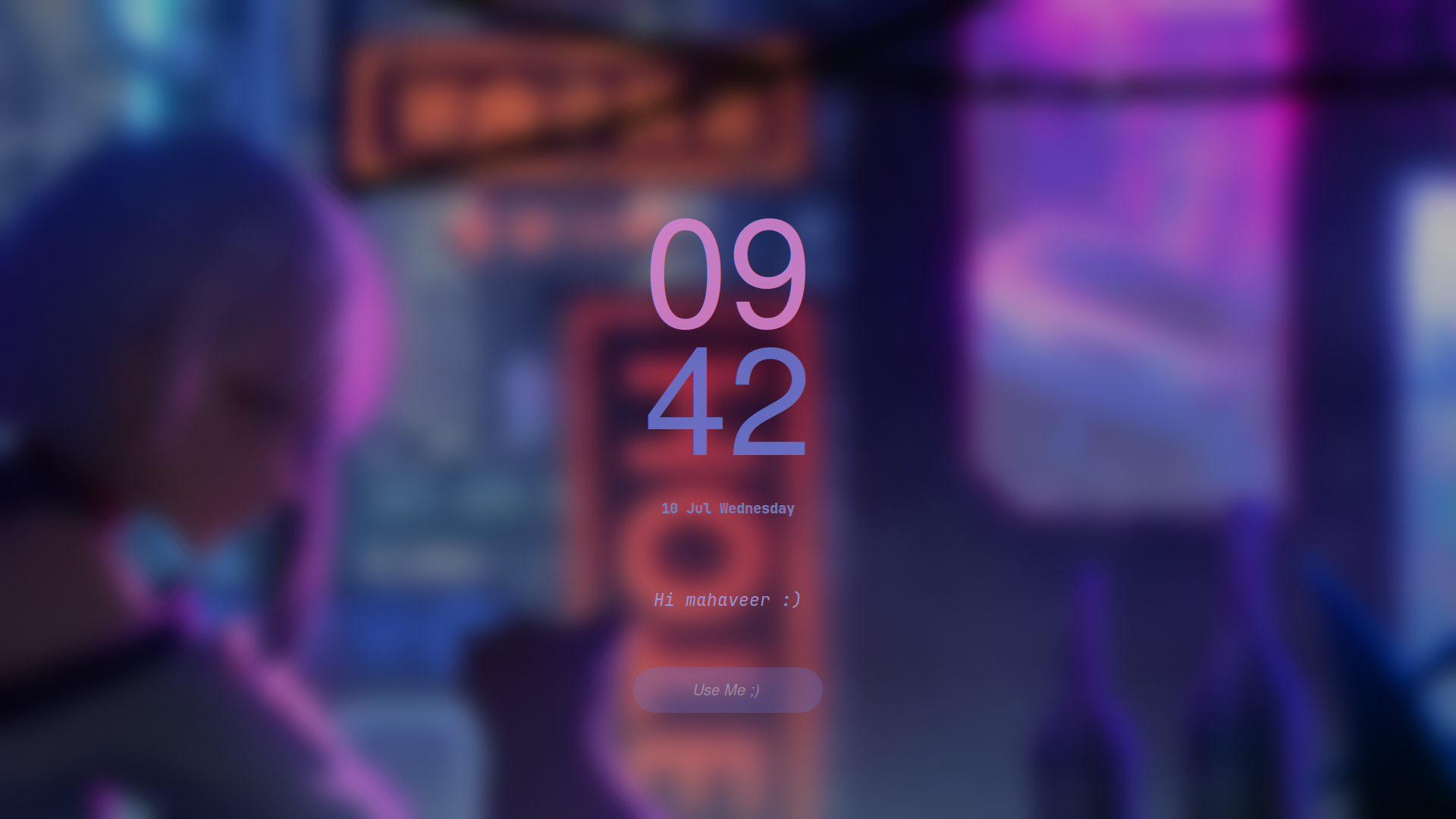
Layout 2
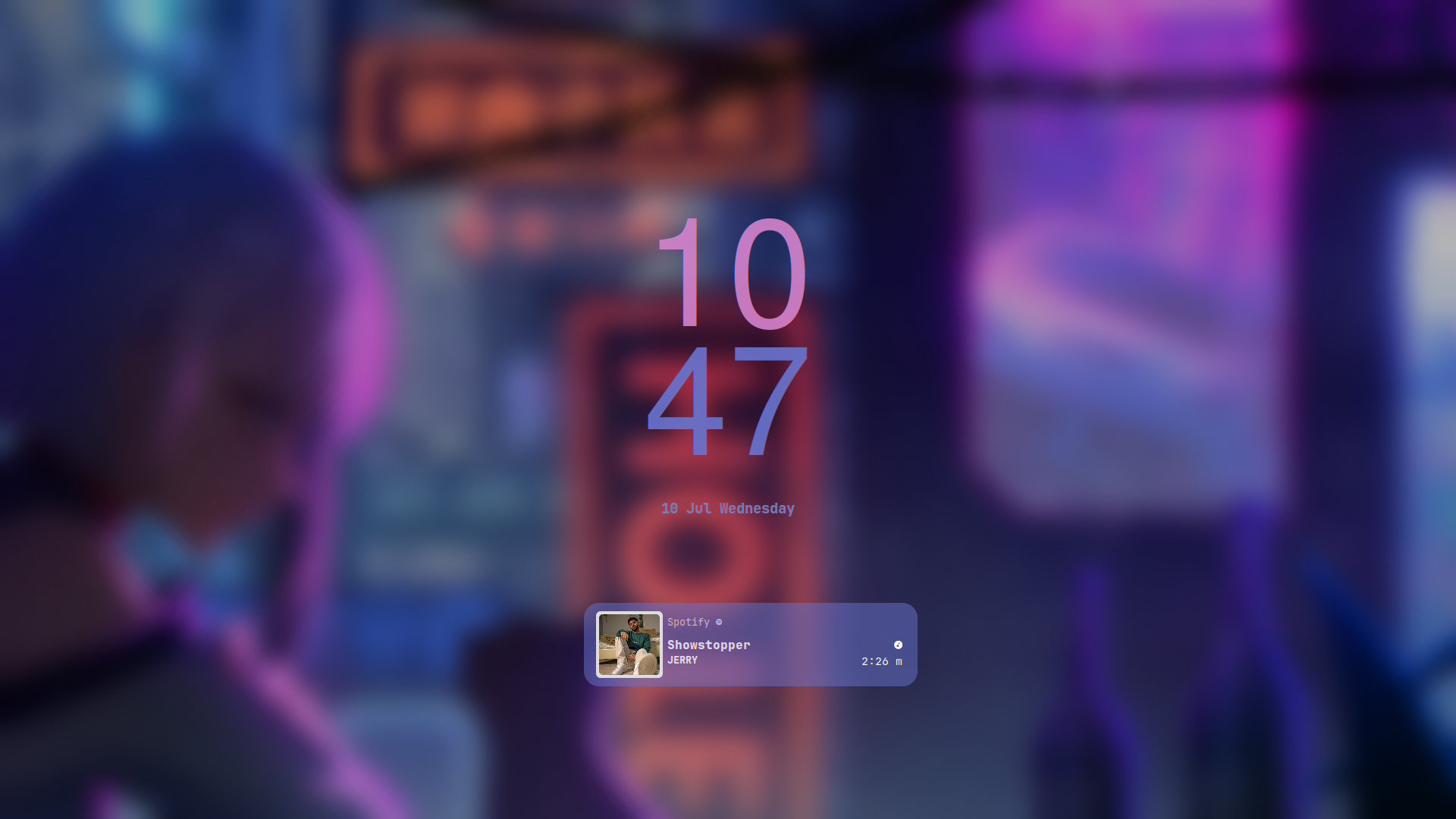
Layout 3

Layout 4
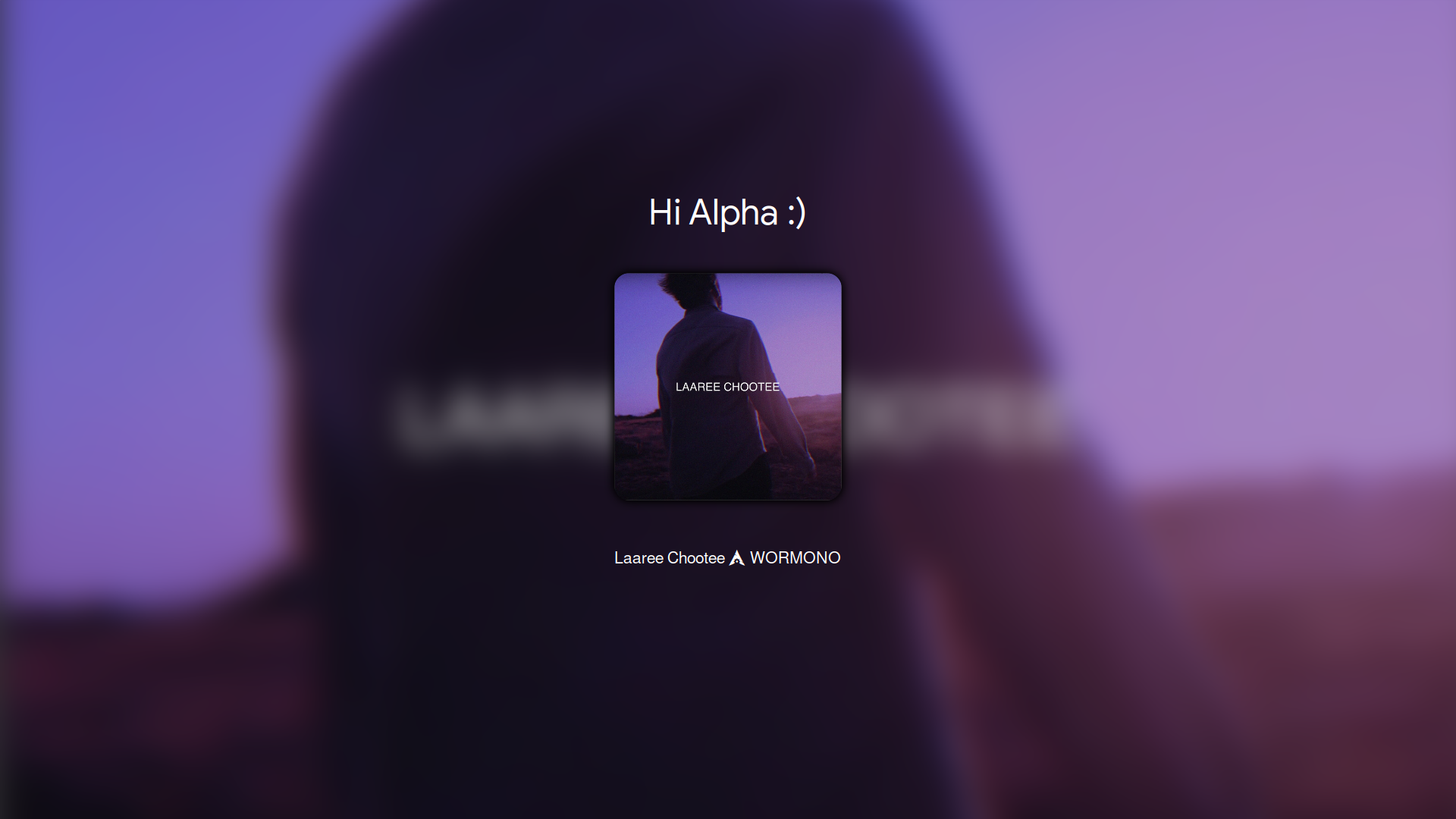
Layout 5
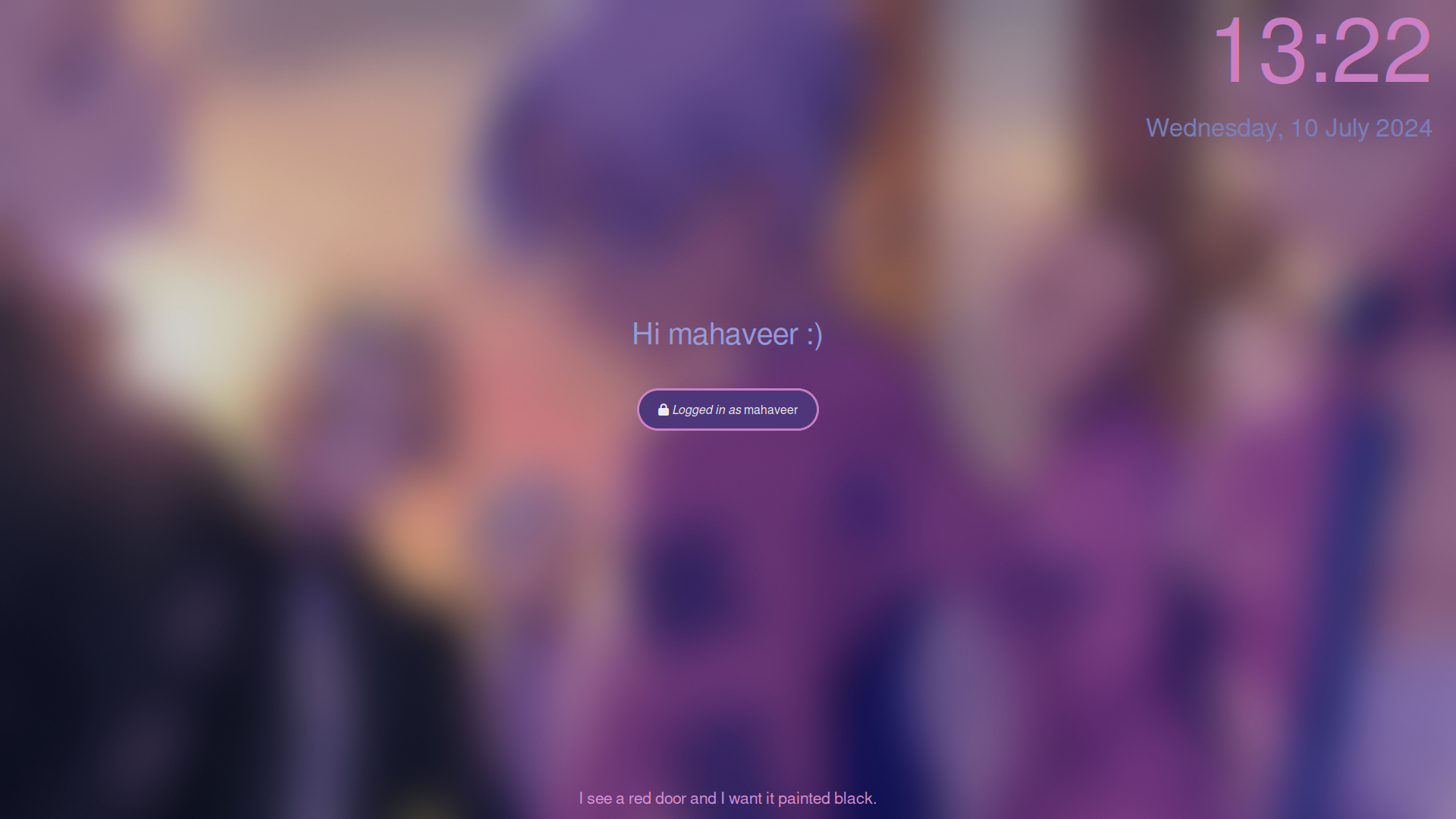
Layout 6
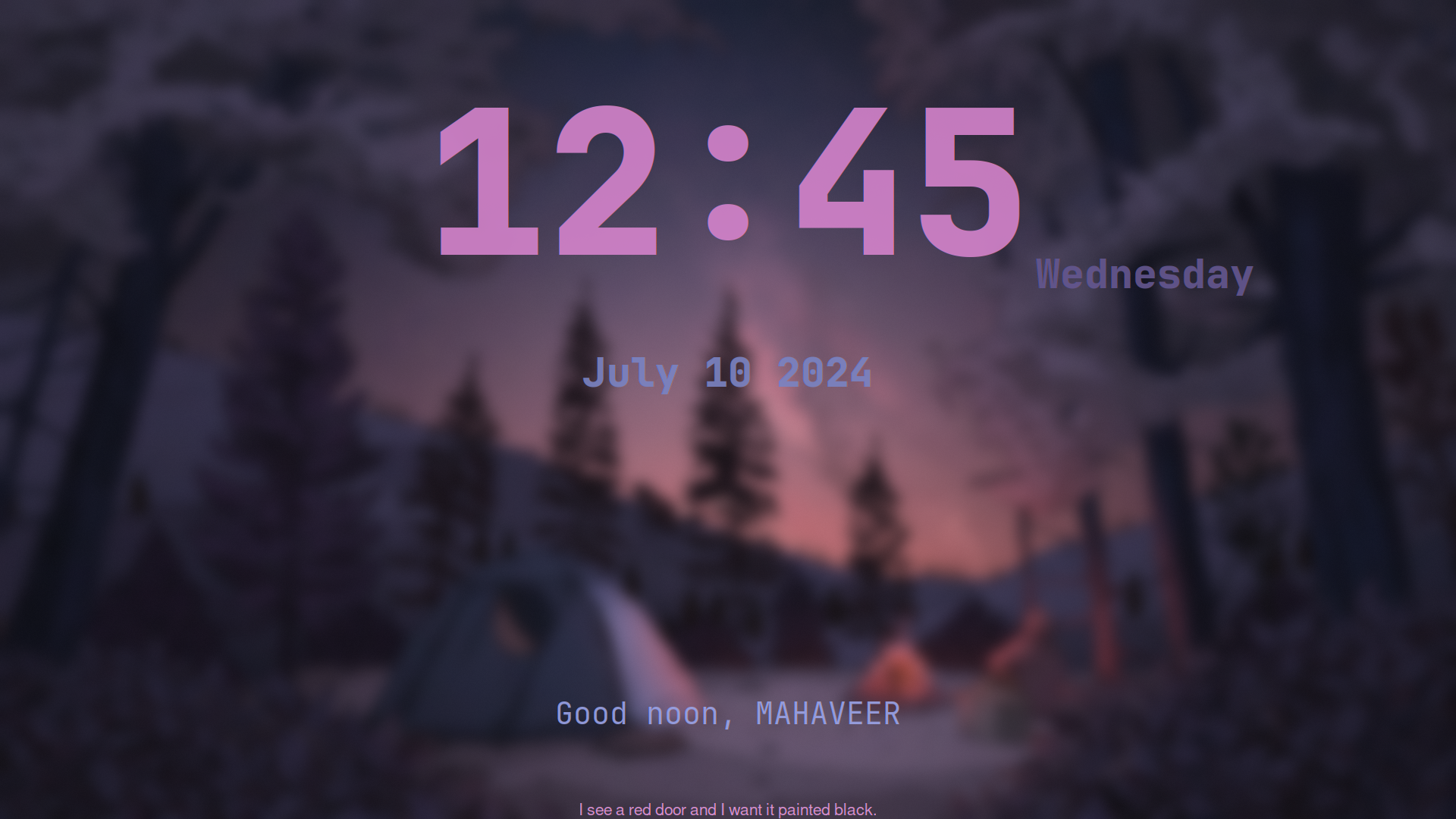
Layout 7
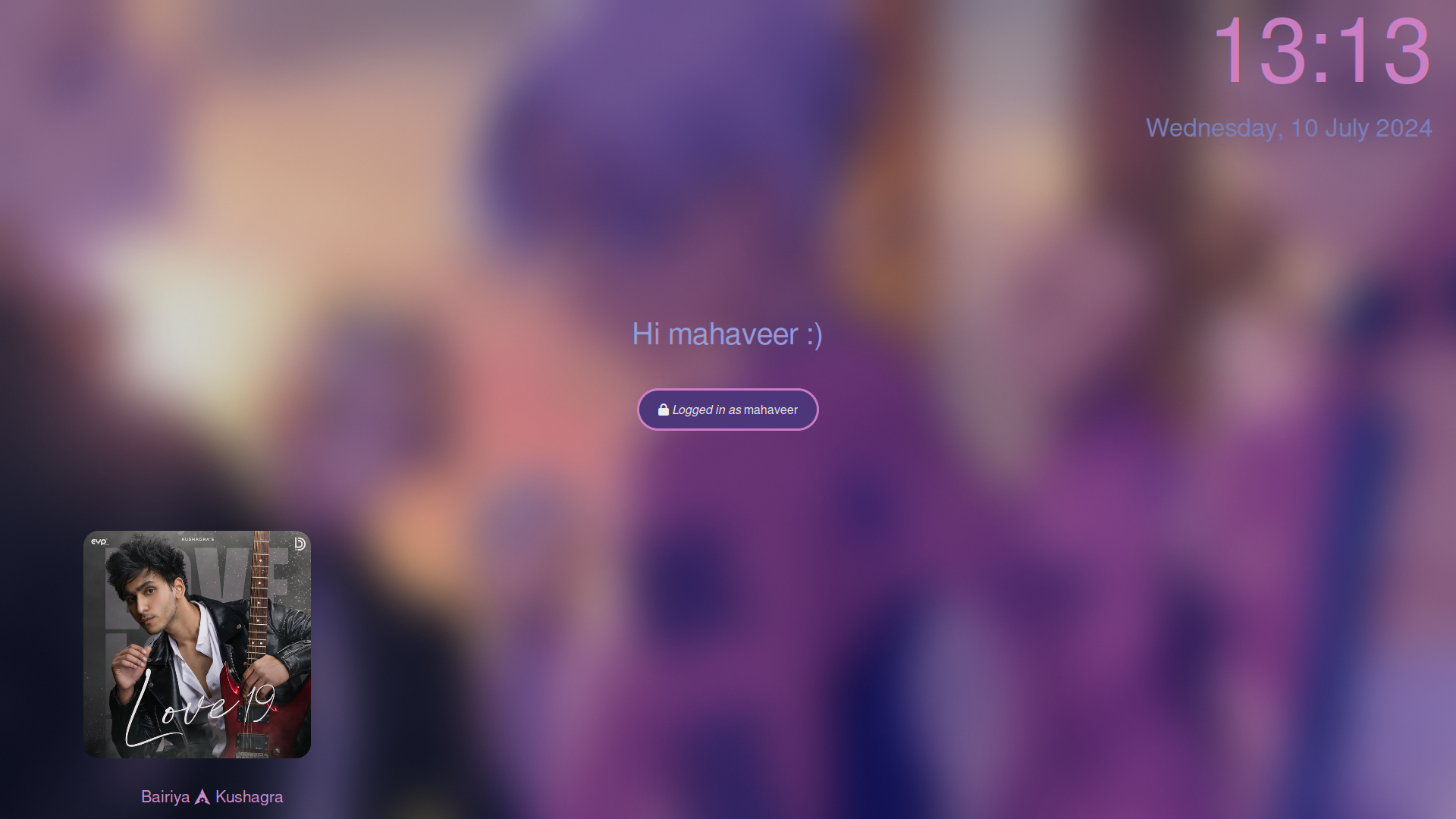
Layout 8
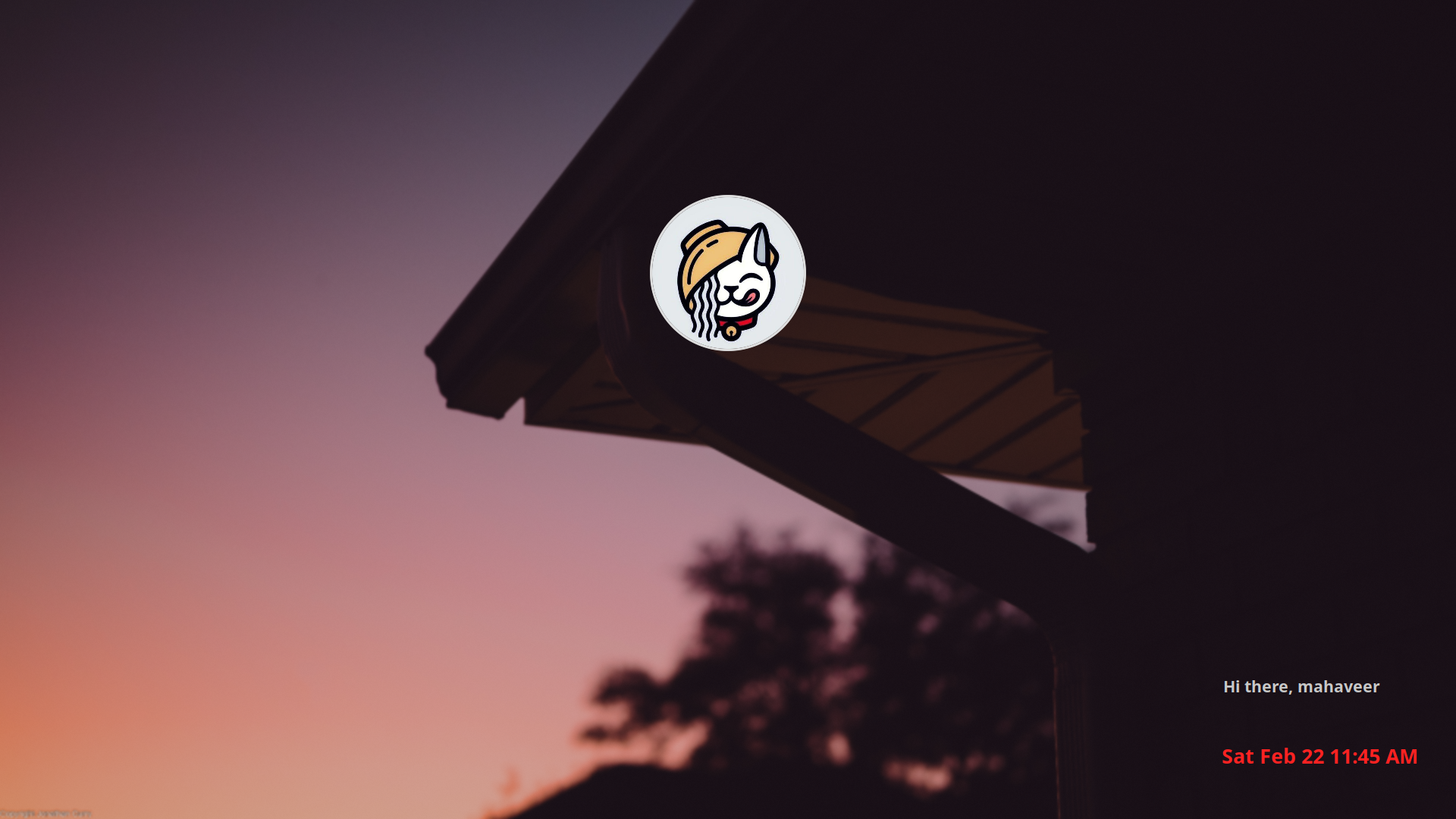
Layout 9
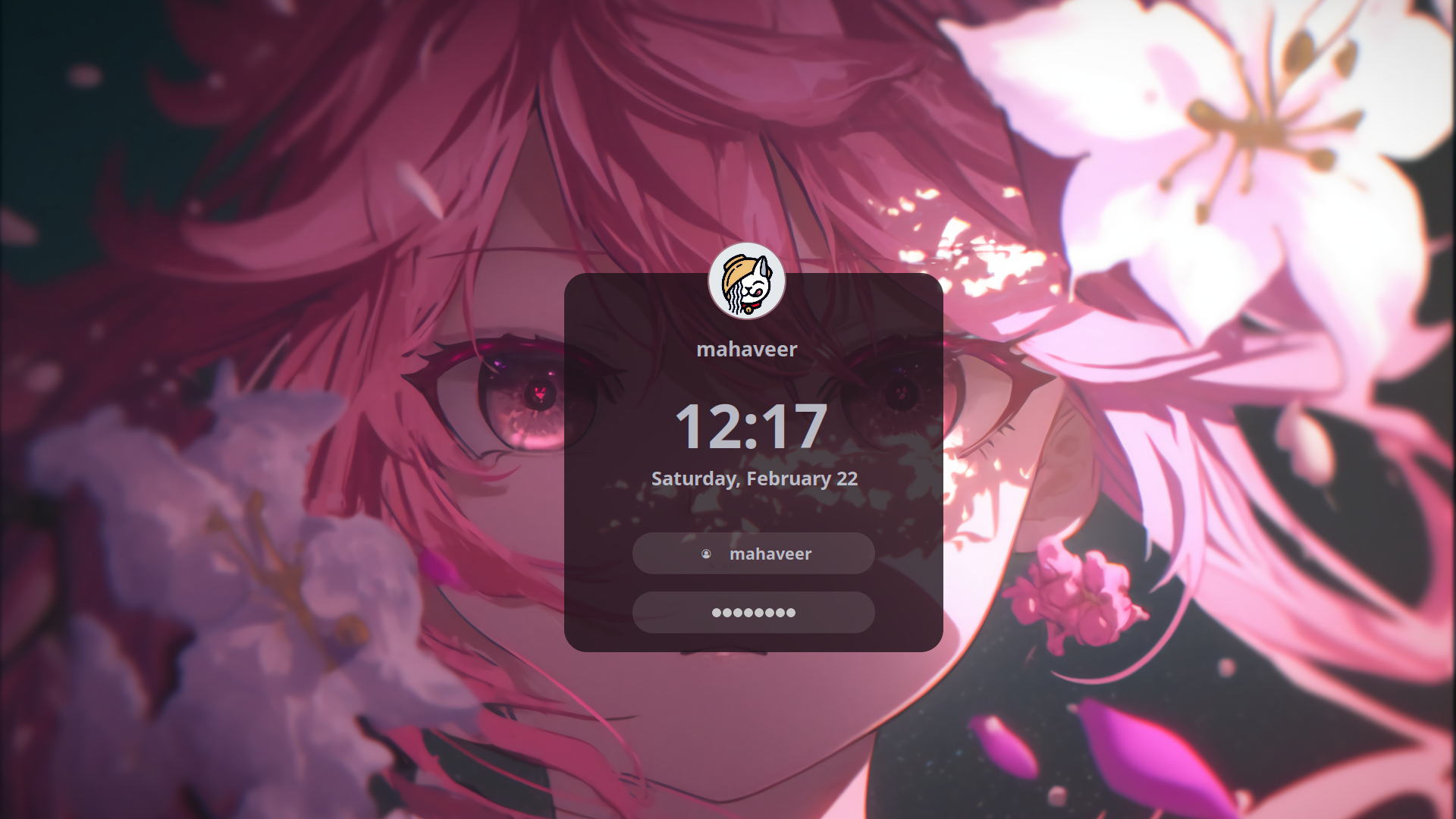
Layout 10
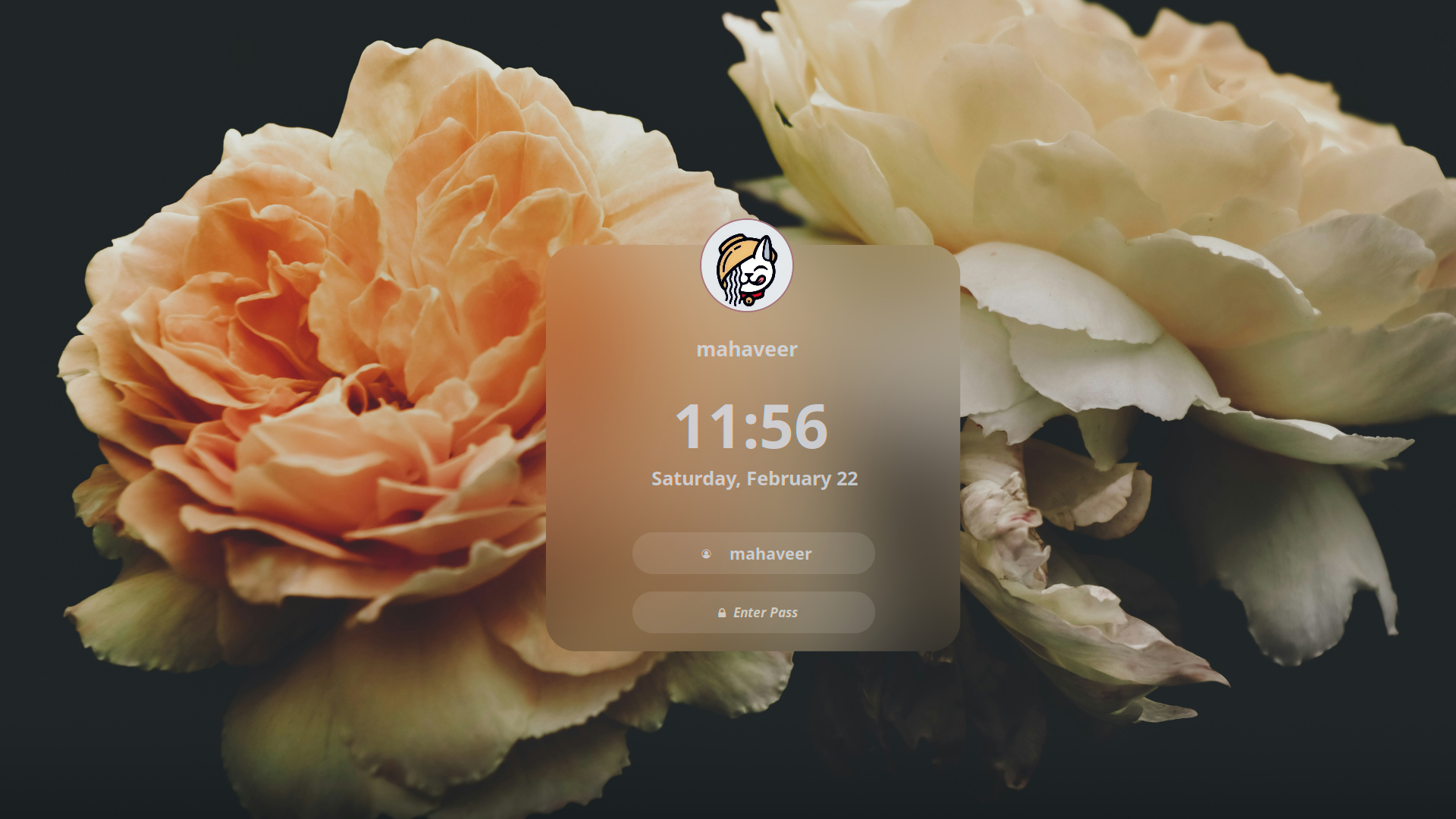
Layout 11

Layout 12

Layout 13
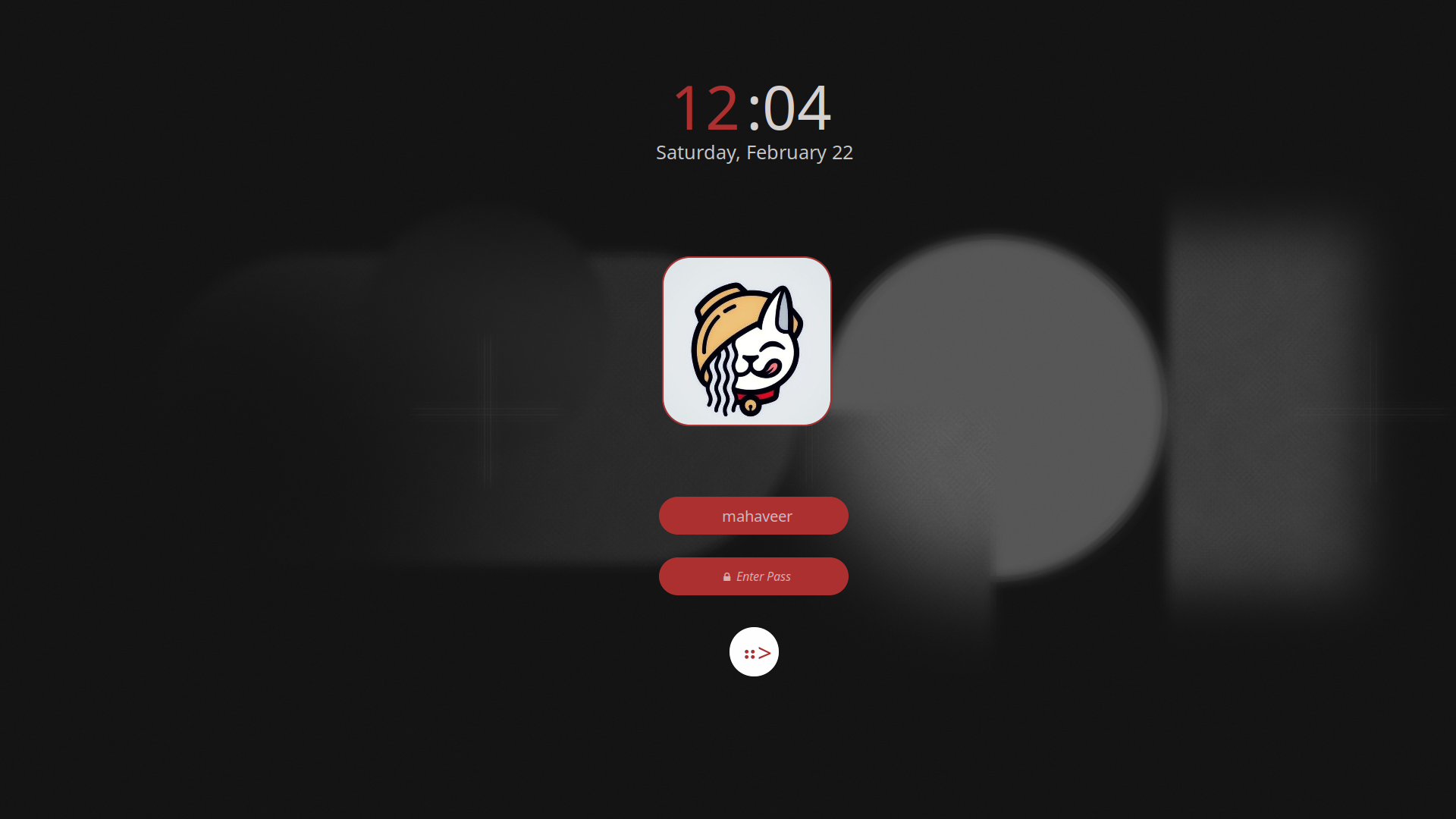
Layout 14
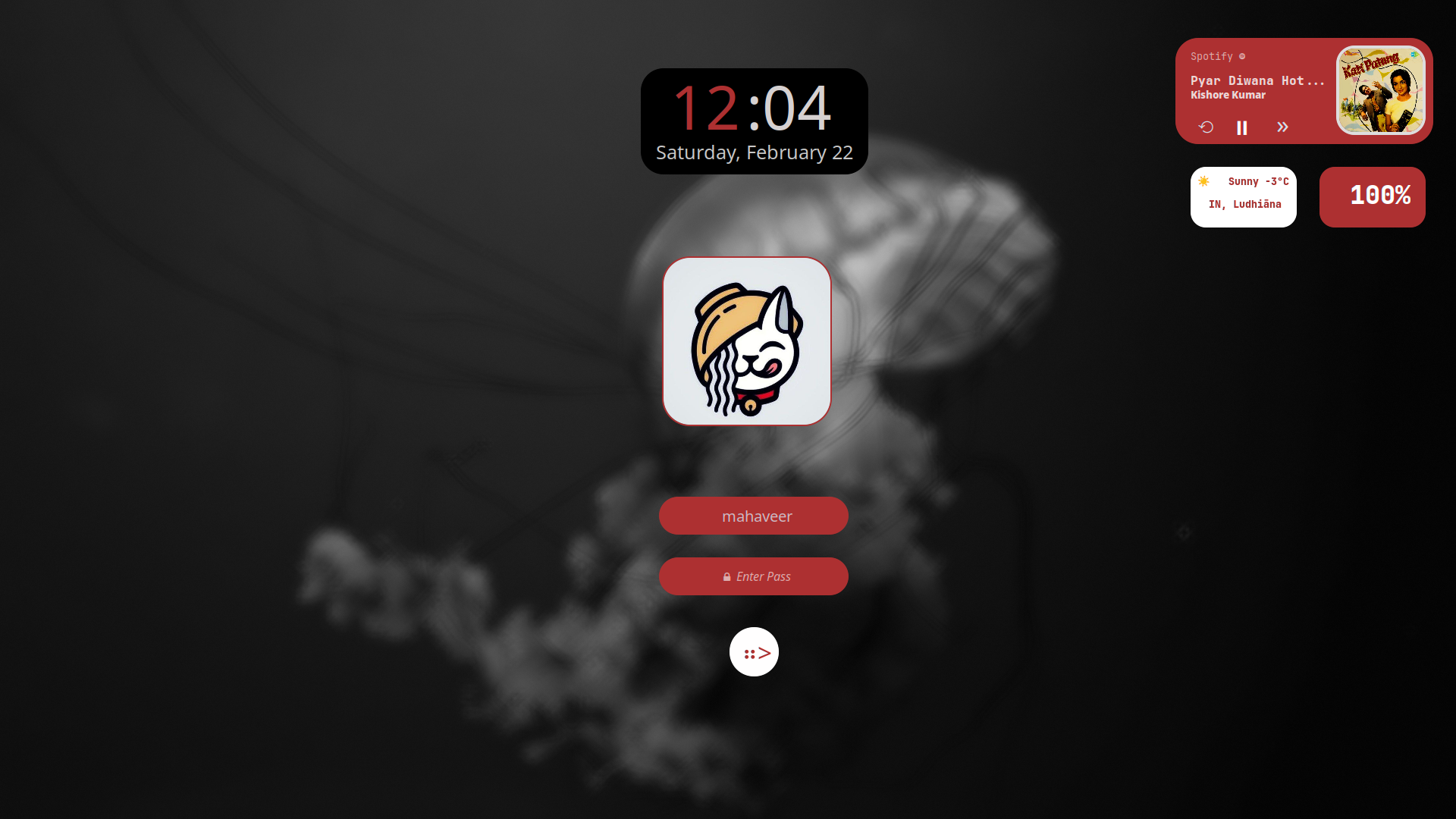
Layout 15

Layout 16
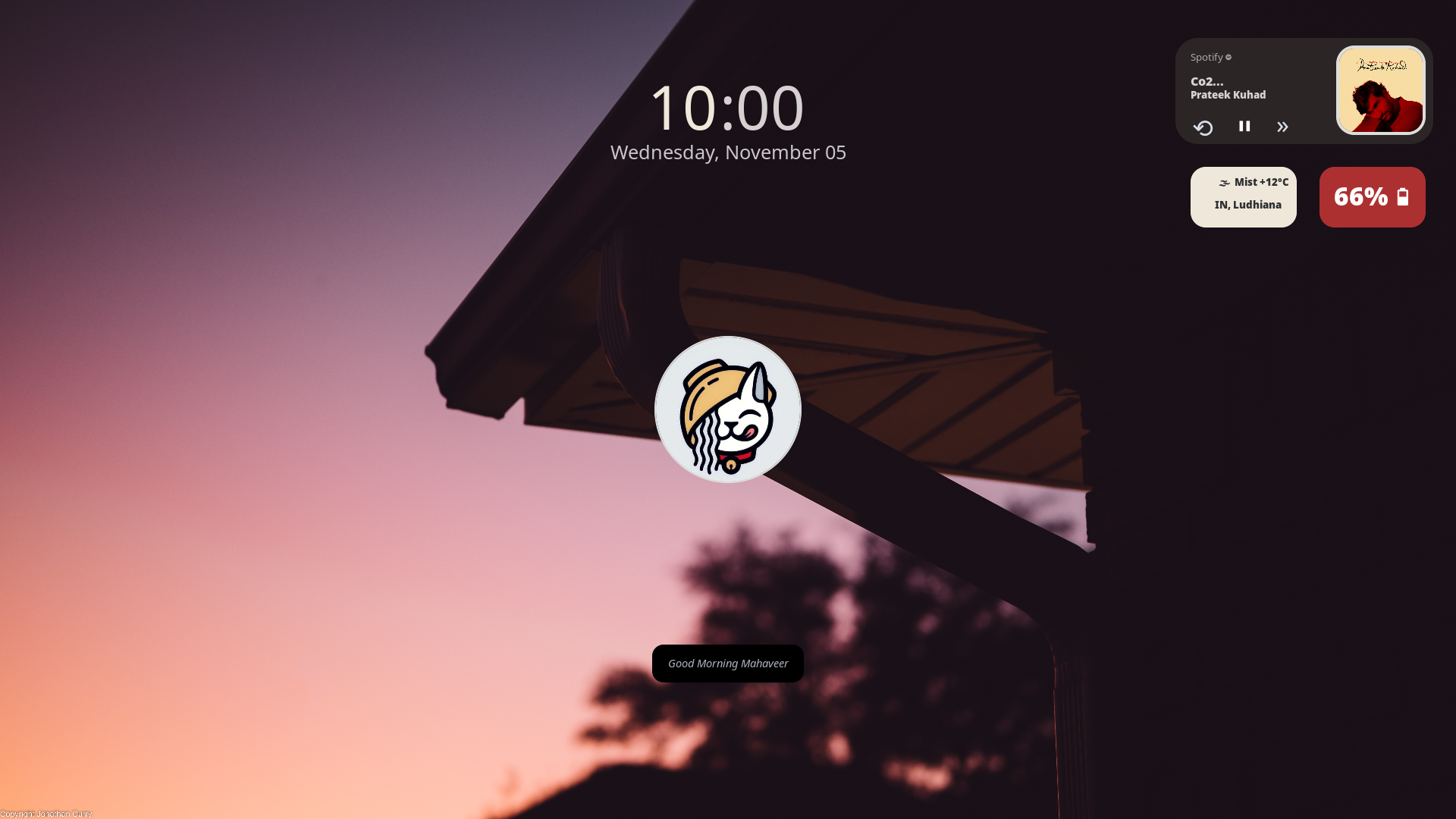
Layout 17
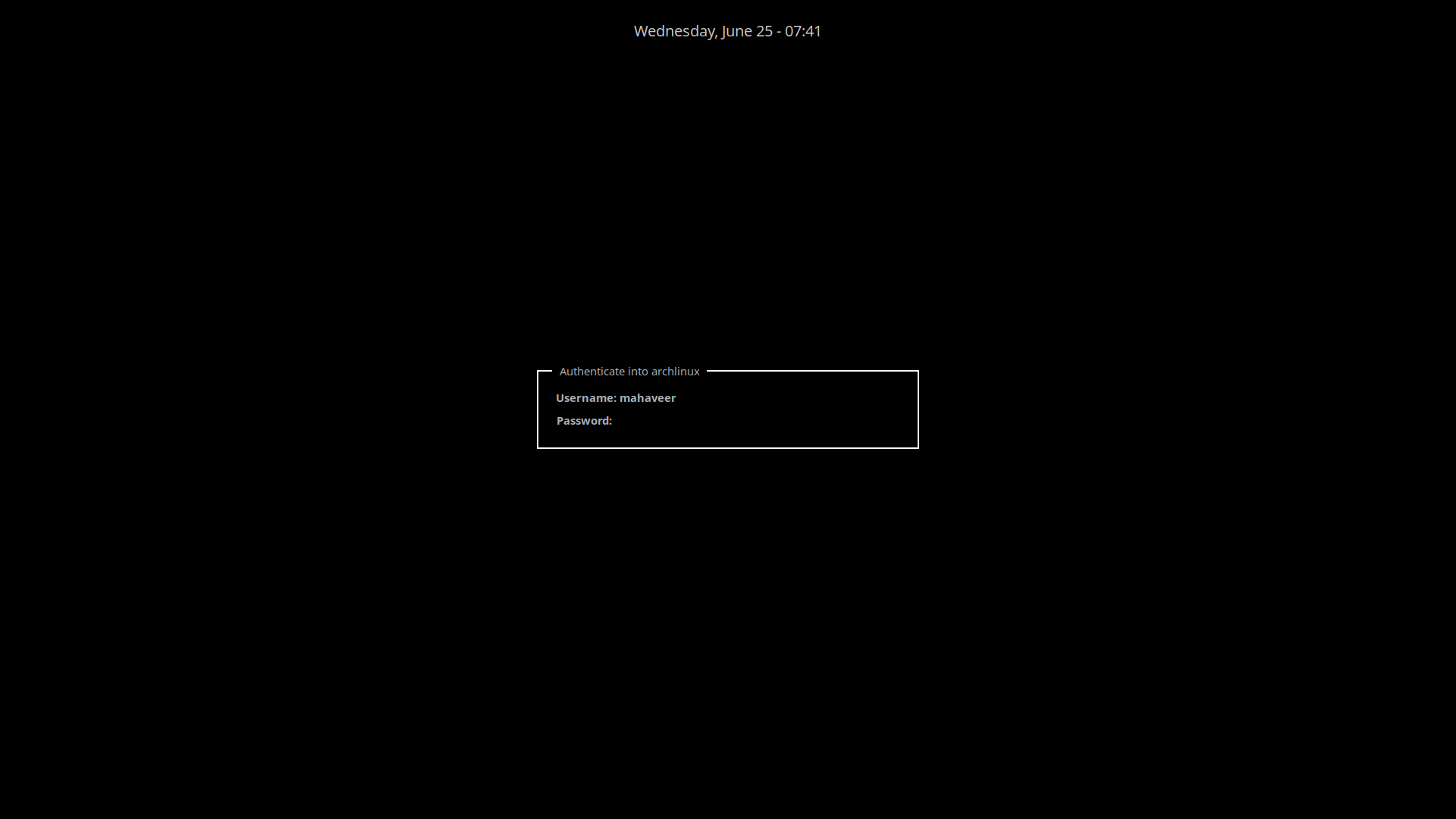
Layout 18
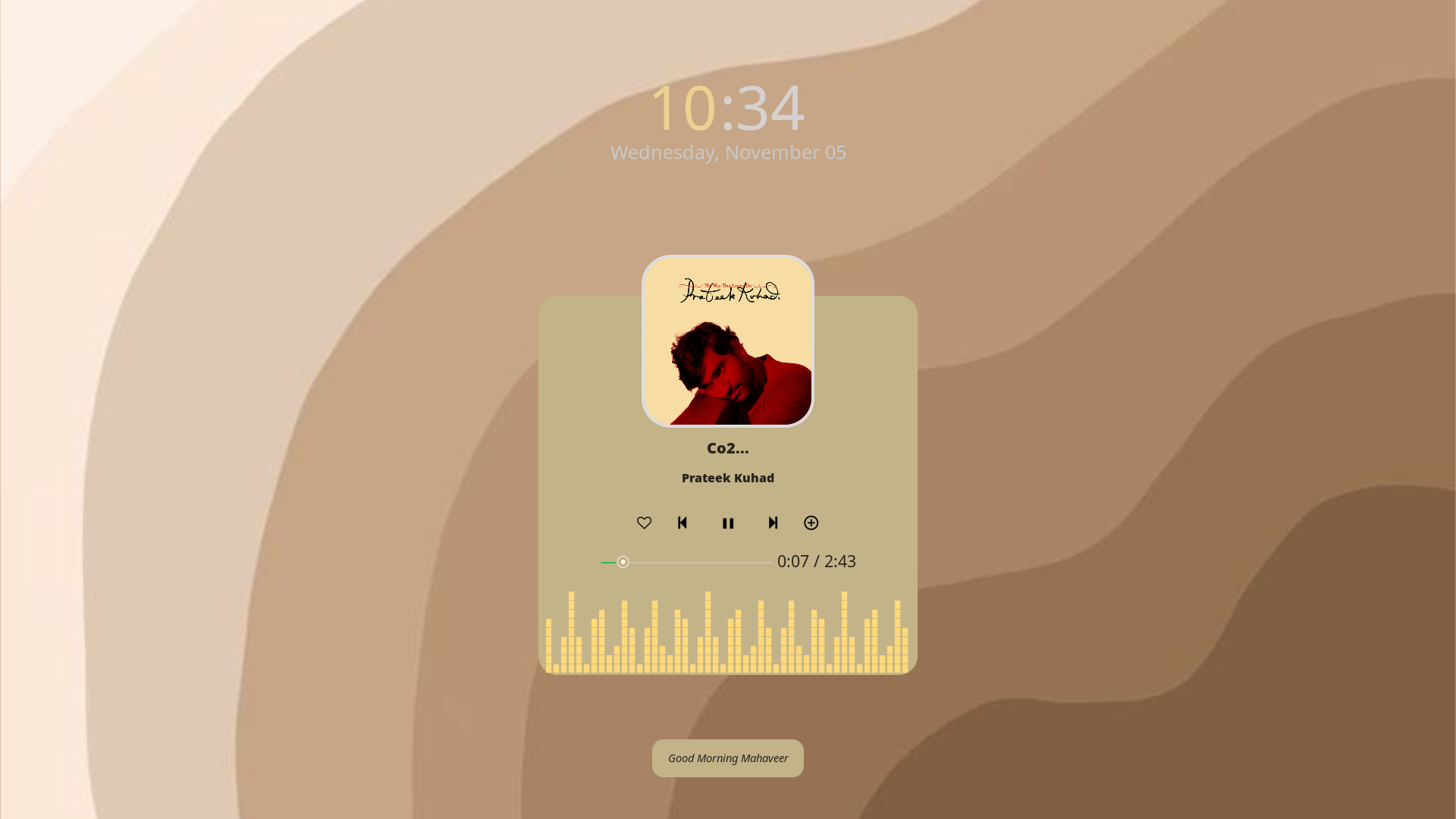
Layout 19

Layout 19 setup — click the branch link below to view the files:
Branch: https://github.com/mahaveergurjar/Hyprlock-Dots/tree/glava
...
Installation and Usage
- Clone this repository:
git clone https://github.com/mahaveergurjar/hyprlock-Dots.git - Move into Hyprlock-Dots
cd Hyprlock-Dots - Copy the configuration files to your Hyprlock directory:
cp -r .config/hyprlock ~/.config/ - Copy the
hyprlock.conffile to the Hypr configuration directory:cp hyprlock.conf ~/.config/hypr/ - Restart Hyprlock to apply the changes:
hyprlock --reload
Customization
You can customize the layouts by editing the respective configuration files located in the ~/.config/hyprlock/ directory.
Issues
If you face any issues, please open an issue in this repository.
Metadata
140
Stars
9
Forks
Watchers
Owner
 mahaveergurjar
Metadata
simple stylish hyprlock conf with scripts music , weather and battery widget