
JavaScriptRegions

JavaScriptRegions copied to clipboard
 madskristensen
Collapsed Regions showing without text when creating inline MVC View Scripts
Installed product versions
- Visual Studio: [2019 Community Editon]
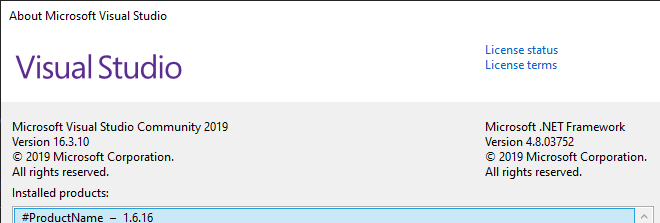
from Google Drive URL https://drive.google.com/file/d/1z35I5mpI7-cHK6NggTWmwQZtltovKxOP/view?usp=sharing given on your visual studio market place discussion section as I was unable to find the same extension for Visual Studio 2019 from VS Market Place
- This extension: [1.1]
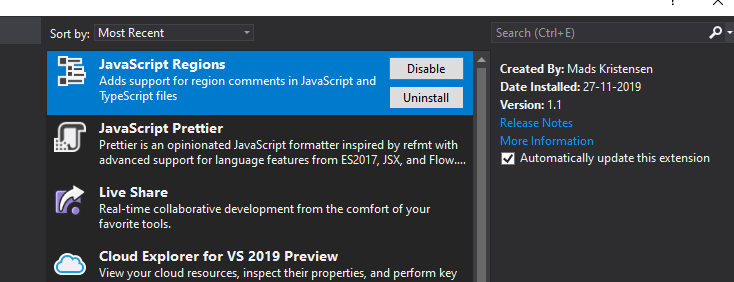
Description
Some Regions are unable to See the Heading as per snapshot below
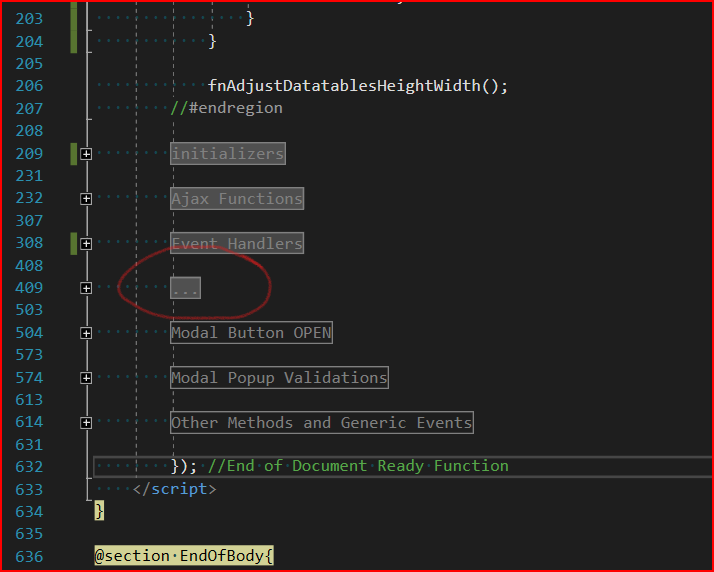
If you expand code then you'll see following
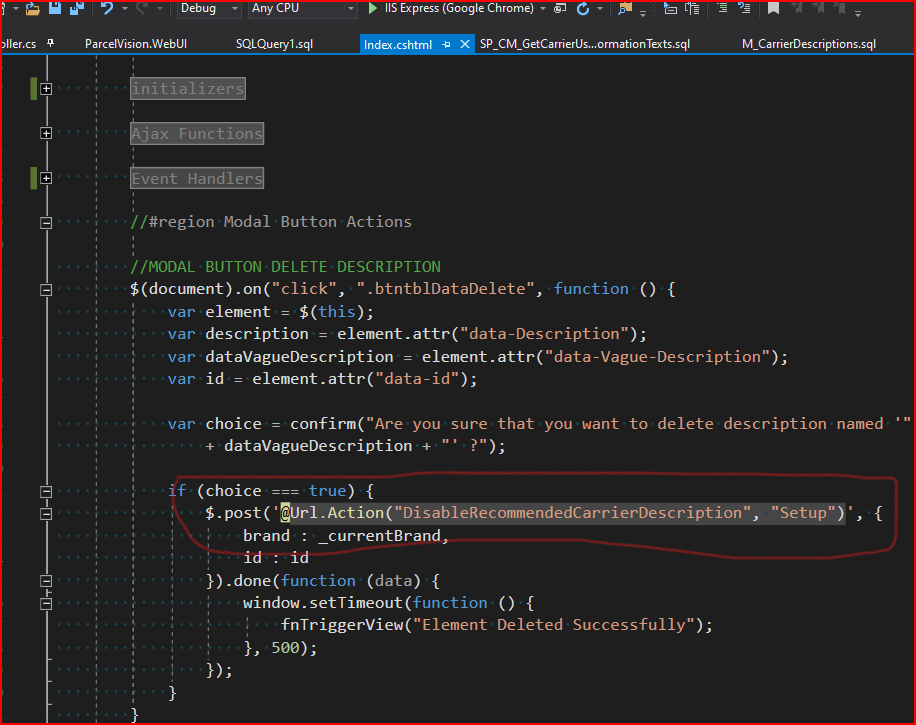
Steps to recreate
- Create a new MVC Web APP (.NET Framework 4.5.x or above)
- Create a View and Insert in it
- Add some MVC Actions like
$.post('@Url.Action("DisableRecommendedCarrierDescription", "Setup")' - Open Visual Studio Next Time and notice missing headings for such regions
Current behavior
Already mentioned in description
Expected behavior
Region should be able to show all headers correctly when the same visual studio project is reloaded.
