

 madskristensen
Bindings not working in VS2019
Installed product versions
- Visual Studio: Visual Studio 2019 Enterprise
- This extension: 1.2.41
Description
bindings not working, the commands.json get modified and everything but in the Task Runner Explorer after saving the json file the bind disappear, even though it is in the json file
Steps to recreate
- open the task runner explorer
- add an after build binding
- rebuild the solution
- the binding does not run and also disappear from the task runner explorer windows
{
  "commands": {
    "TestCommand": {
      "fileName": "powershell.exe",
      "workingDirectory": ".",
      "arguments": "Start-Process -FilePath \"C:\\Windows\\System32\\cmd.exe\" -ArgumentList \"\/k\",\"C:\\src\\deployment.cmd\" -Verb RunAs"
    }
  },
  "-vs-binding": { "AfterBuild": [ "TestCommand" ] }
}
if you click on run from the task runner explorer it executes correctly
Current behavior
the binding does not run and also disappear from the task runner explorer windows
Expected behavior
run the binding after the build


Hey all,
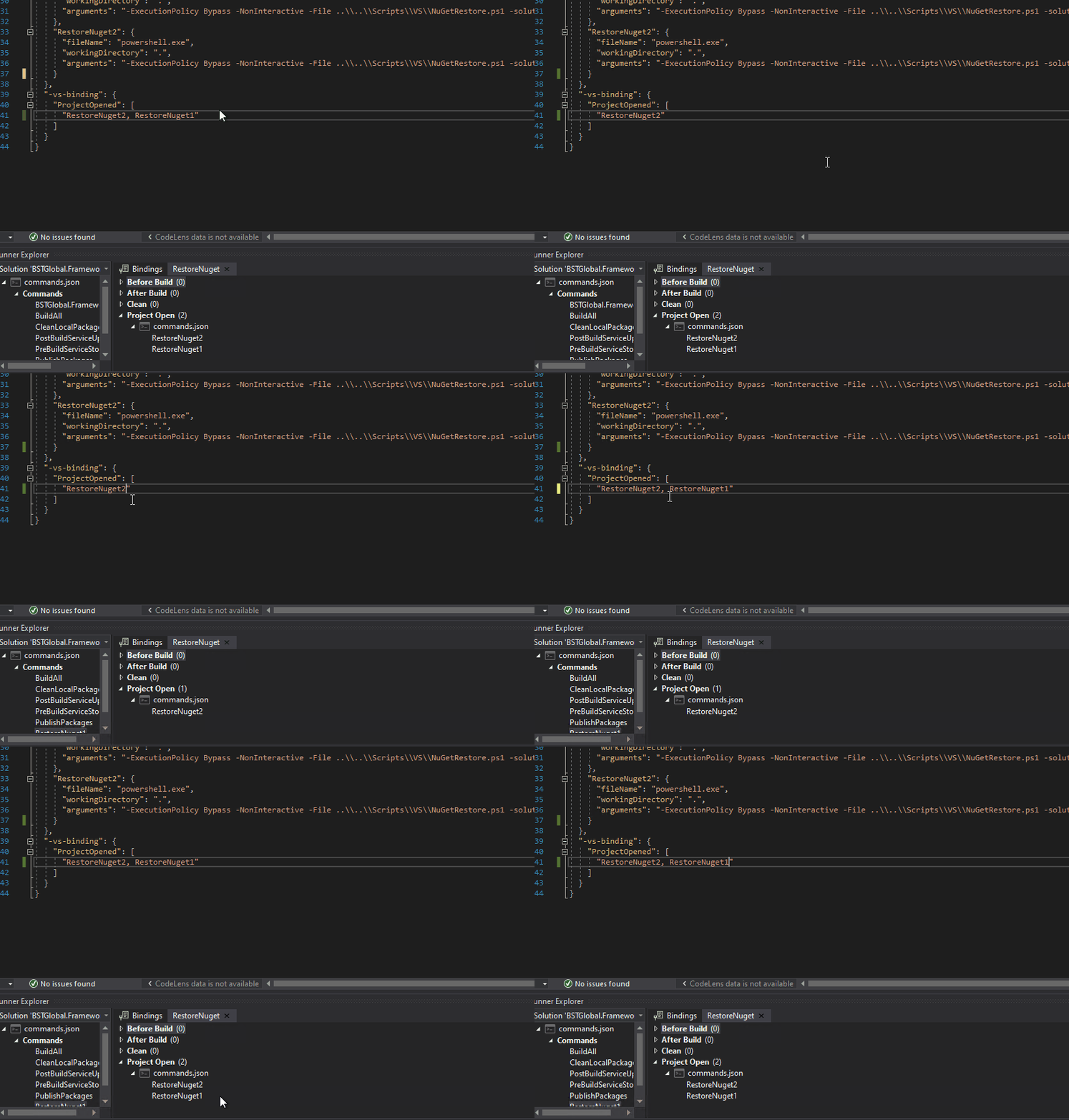
After looking at this locally, what I think I can find is that the addition of the zero-width space character to the command names are causing Visual Studio to not be able to register them correctly. Stepping into the calling Microsoft.VisualStudio.TaskRunnerExplorer assembly, eventually a comparison is done between the returned task name from BindingsPersister that's passed into a Default Encoding Xml Reader then back to a string, and the one gotten from the hierarchy ITaskRunnerNode, which ends up being "TaskName('\u200b') == "TaskName?", where the zero width space replaces the char in parentheses. This equates to false and thus the binding is lost when loading.
Simply removing the appending of this zero width space character to the command name (at https://github.com/madskristensen/CommandTaskRunner/blob/41e216fbb171dea8baf950899cfc0f8bfc44eaa6/src/TaskRunner/TaskRunnerProvider.cs#L178) seems to make everything work again, and I get all my bindings to register correctly, but then this essentially invalidates an entire commit that "Fixed dynamic names" (https://github.com/madskristensen/CommandTaskRunner/commit/788ad1483f7b87c695660c0f2756aab312cab258). Problem is, I don't have much of an idea as to what this fix was actually doing.
If anybody else could tell what the purpose of this old commit was or have insight into why this fix works, we could likely move on from this issue. I'm hesitant to put in a PR that just removes old code because I assume that fix was likely made for a reason that is unknown to me.

@curleytd If I remember right, it has to do with triggering TRX to refresh itself after the .json file has been updated. Otherwise you have to close and reopen the solution for TRX to get the correct values

@madskristensen For what it's worth, I can modify the json file currently without reloading the solution and the TRX will update correctly. I wonder if this was fixed in a later release of TRX thus making that trigger now unnecessary. Let me know if this isn't the scenario you're describing though.
May it was an early issue in TRX. I can't exactly remember. So perhaps it's safe to remove then