

 lovasoa
Integration with jitsi / docker-jitsi-meet
Hello, I am running docker-jitsi-meet instance and I have configured etherpad, which is running successfully as seen in the screenshot below.

- Taking a shell of the etherpad container, I installed the plugin
ep_drawby firingnpm i ep_drawand when I click Open shared document, I see that the drawing tool symbol is added there as seen below
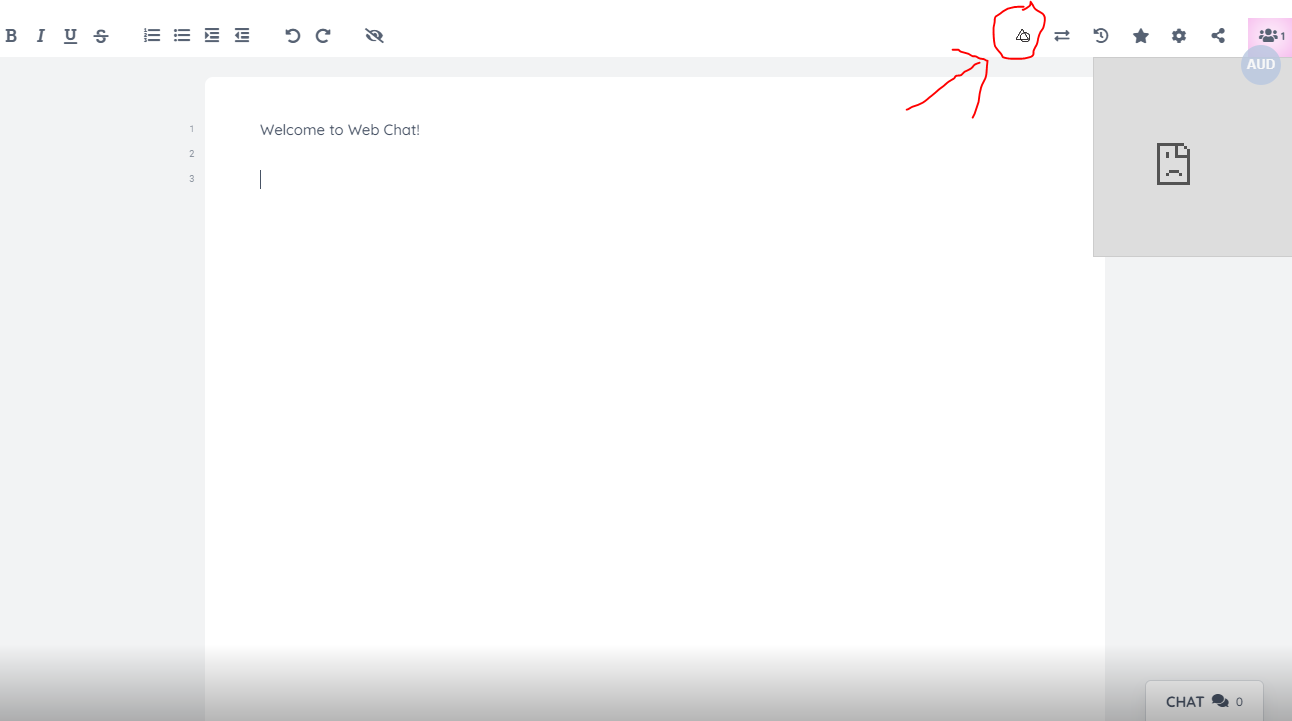
- I am also running a separate wbo container using this command -
docker run -it --publish 5001:80 --volume $(pwd)/wbo-boards:/opt/app/server-data lovasoa/wbo:latestas mentioned in the official repo and I can successfully access it on port 5001

What I want is,
a. When I click the drawing tool symbol, as mentioned in point no. 1 above, the wbo-board should open. So I will have Etherpad working with WBO-whiteboard. I went through the documentation, but when I add
"ep_draw":{
        "host": "wbo_host.tld"
    }
to settings.json, my container crashes
b. And where do I add the nginx configurations ? I couldn't understand where to put the nginx configurations.
Any help on this ?

what does your settings.json look like ? What is the error message when it crashes ?

You should replace wbo_host.tld with the domain name of the host where you installed wbo.
You should replace
wbo_host.tldwith the domain name of the host where you installed wbo.
@lovasoa thank you for the quick response.
Wbo is installed as a docker container on the same machine and is running on port 5001. I added these lines in settings.json
"ep_draw":{
        "host": "http://<machineip>:5001"
    },
I forgot to add a comma in the end because of which the container was crashing. Now what is happening is, as soon as I restart the container after adding the above code, the ep_draw icon disappears from the etherpad instance.
I also see two files, settings.json and settings.json.docker. I am adding the above in settings.json
Just to let you know, I am running the container with this command docker exec -it --user="root" 51eab32bce57 bash
Not running with root doesnt let me update and install vim, which is used to make changes in the settings.json file.
@lovasoa , from the logs, it is seen that the browser is sending an https:// request to the ep_draw instance. It I removed the http:// in front of the machine ip, because it showed something like https://http://machineip:5001/boards/anonymous/, but stilll it is sending https:// request to the ep_draw instance.
I recently published a modified version of ep draw designed to use WBO. https://www.npmjs.com/package/ep_whiteboard If you do this, you do not need to use a reverse proxy.
