

 lovasoa
download high-resolution images from horyuji-kondohekiga.jp
Hello!
I have tried to use dezoomify, Here is the link that I want to donw
https://horyuji-kondohekiga.jp/index.html
Please click on "Digital Viewer" ----"start"----"Mural No.1"
thank you somuch

You can find the color images in your browser's devtools :
https://view.horyuji-kondohekiga.jp/asset/01_square.jpg https://view.horyuji-kondohekiga.jp/asset/02_square.jpg ... https://view.horyuji-kondohekiga.jp/asset/12_square.jpg
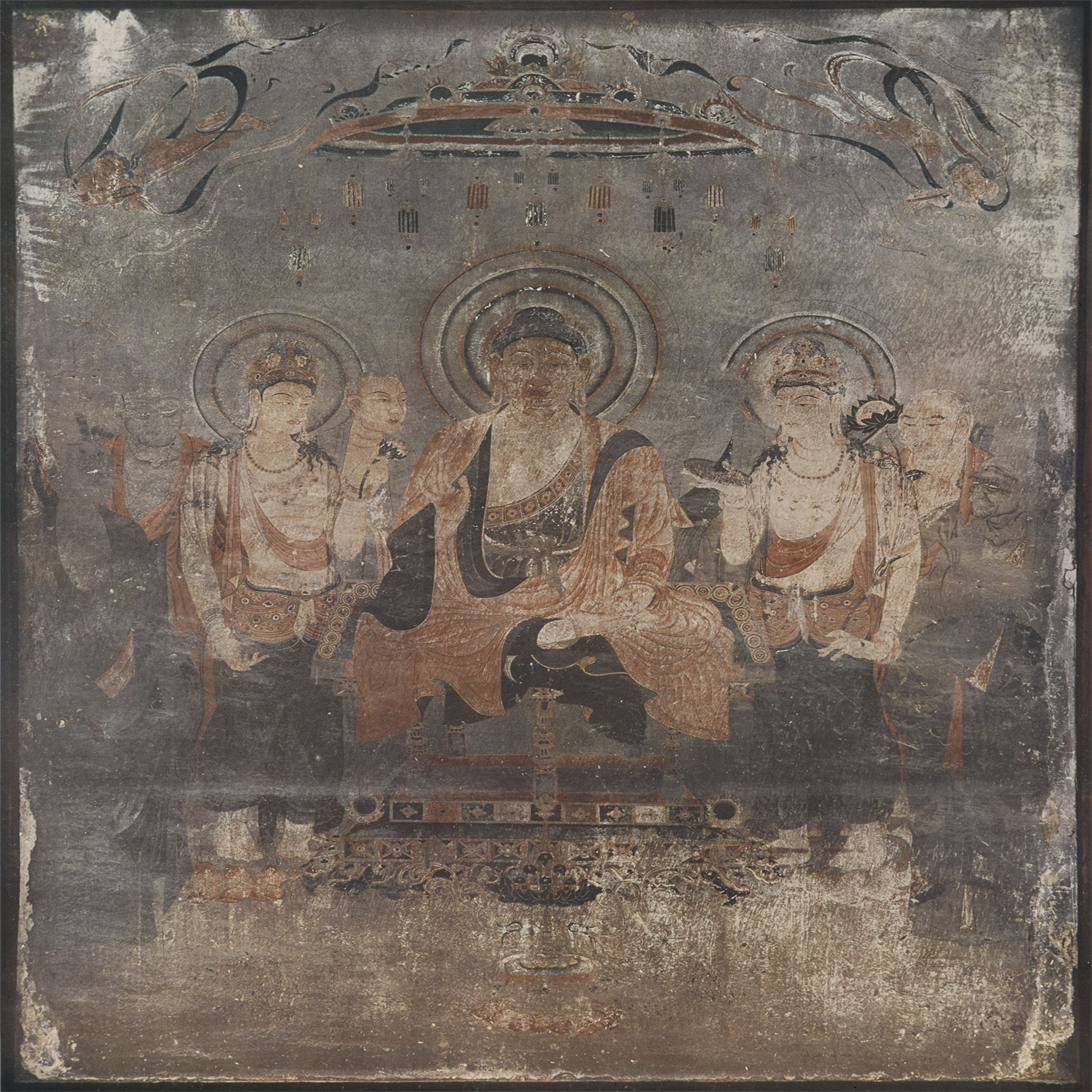
They are all served as squares, you'll have to resize them.

Thank you!
but click on "Digital Viewer" ----"start"----"Mural No.1" we can see this pictures
then click button “view glass photographic plates” jump to highresolution
I need the big one,I did not make it clear, sorry.
Their tiling system is quite unusual.
You can find the metadata here: https://view.horyuji-kondohekiga.jp/js/tileData.json
Each image has a center defined by a latitude and a longitude: "center": { "x": 135.339000, "z": 34.983517 }
This center is then converted to an x,y position using a mercator projection and serves as a basis to compute the x,y coordinates of each tile.
The tiles are then loaded using the the information in tilesData.json :
https://view.horyuji-kondohekiga.jp/tile/wall09/{{zoom}}/{{mercator x}}/{{mercator y}}.jpg
The tilesData.json mentioned above contains a showRange property that seems to indicate the start and end points of the mercator coordinates of the image. For instance, "showRange": { "zoom": 16, "left": 57344, "right": 57500, "top": 25856, "bottom": 26041 }, indicates that the x values span from 57344 to 57500 and the y values from 25856 to 26041.
Using this information, you should be able to use dezoomify-rs and its custom yaml dezoomer to download the image.
Good luck, and please post your results here !
Here is a tiles.yaml for the first image :
# The url of individual tiles, where {{ expressions }} will be evaluated using the variables below
url_template: "https://view.horyuji-kondohekiga.jp/tile/wall01/16/{{
  x/256 + 57344
}}/{{
  y/256 + 25856
}}.jpg"

variables:
  # The x position of tiles goes from 0 to the image width with an increment of the tile width
  - name: x
    from: 0
    to: 39936 # Image width = (right-left)*tile_size
    step: 256 # Tile width

  - name: y
    from: 0
    to: 47360 # Image height
    step: 256 # Tile height

headers:
  Referer: https://view.horyuji-kondohekiga.jp/
Since the resulting image is huge, I advise you to use the experimental IIIF output format
Hi
I start from CMD, and run dezoomify tiles, I got PNG pic, but 0 byte
screen:
network error: error sending request for url<----------->:error trying to connect:unexpected EOF during handshake#-----------------------
point out my mis PLS
url_template: "https://view.horyuji-kondohekiga.jp/tile/wall01/16/{{x/256 + 57344}}/{{y/256 + 25856}}.jpg"
variables:
-
name: x from: 0 to: 39936 step: 256
-
name: y from: 0 to: 47360 step: 256
headers: Referer: https://view.horyuji-kondohekiga.jp/
network error: error sending request for url<----------->:error trying to connect:unexpected EOF during handshake#-----------------------
Please post the full error message
And as I said, you should probably not create the image as a PNG. You will end up with a 2 Gb PNG that no image viewer will be able to open.


You are probably using a VPN, a proxy or a misconfigured antivirus that prevents dezoomify-rs from accessing the internet.
yes I am useing VPN,I am living in China, something you know……
if shutdown VPN,I cannot open these sites
thank you so much!although I didnot get the pic
You can try dezoomify-rs --accept-invalid-certs, and if it doesn't help, try to read the documentation of your VPN, or use another one.

If your network is slow, you can increase the default timeout with --timeout 60s for instance.
Did you change the output format to IIIF ?
I've downloaded the full image and converted it to jpeg. Here it is :
and a downsized version with higher (lossy) compression that can fit on github

I downloaded the file!
I get the way,and I can do it byself,sorry for waste your time,
Thanks for your help and kindly.
And you can compose the colors from the low-resolution file with the texture from the high-resolution one, and get a large colorized image
convert large_grayscale.jpg colors_enlarged.jpg -compose Colorize -composite colorized.jpg
