

 losnoco
Audio files with several channels are only played in stereo
When playing an audio file with more than 2 channels (like 4 in the example below), it seems like it's played back with the 2 additional channels merged into stereo only.
The original audio file opened in Audition.
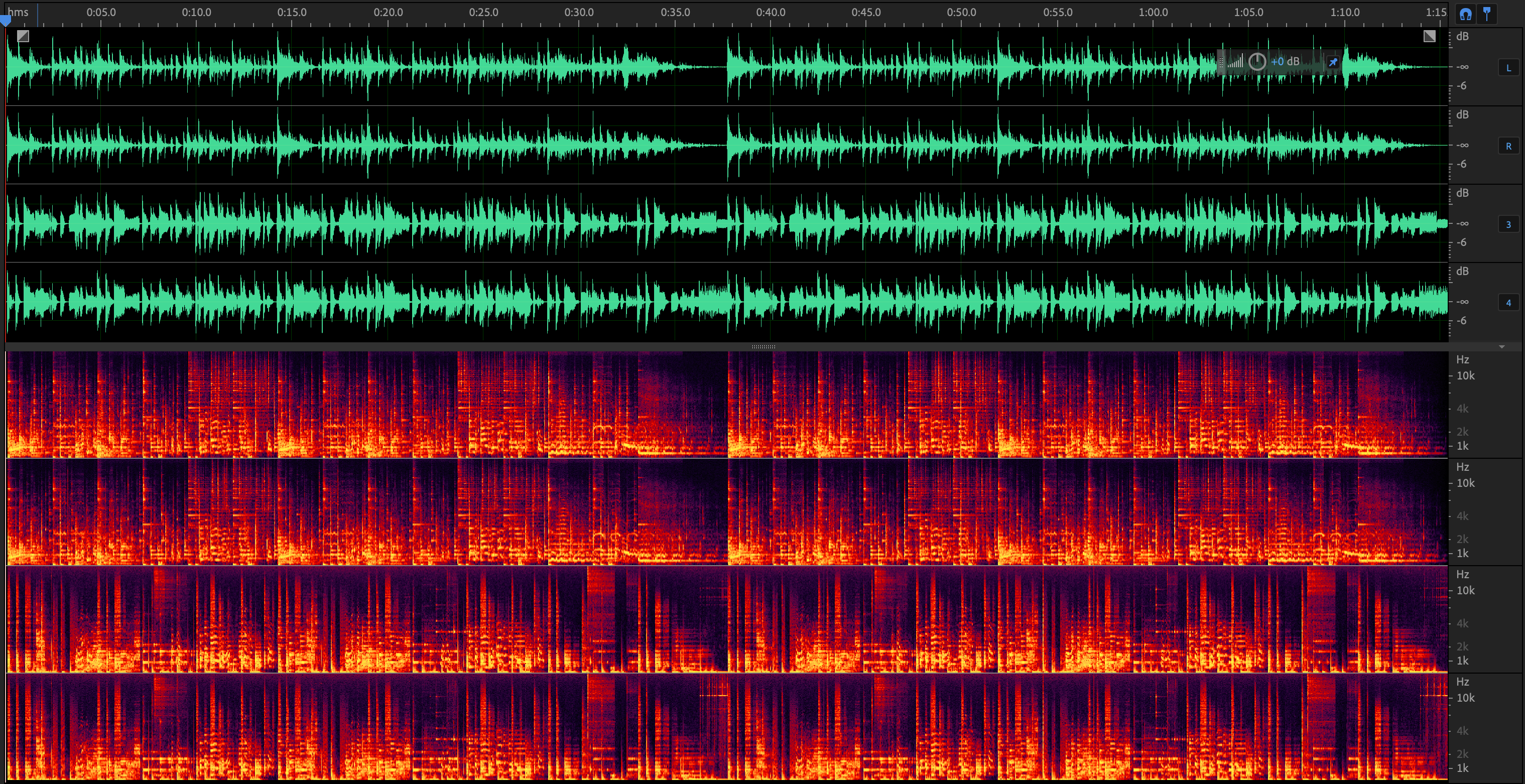
The audio file when played with Cog. The 3rd channel is played on the Left channel and the 4th channel is played in the Right channel.
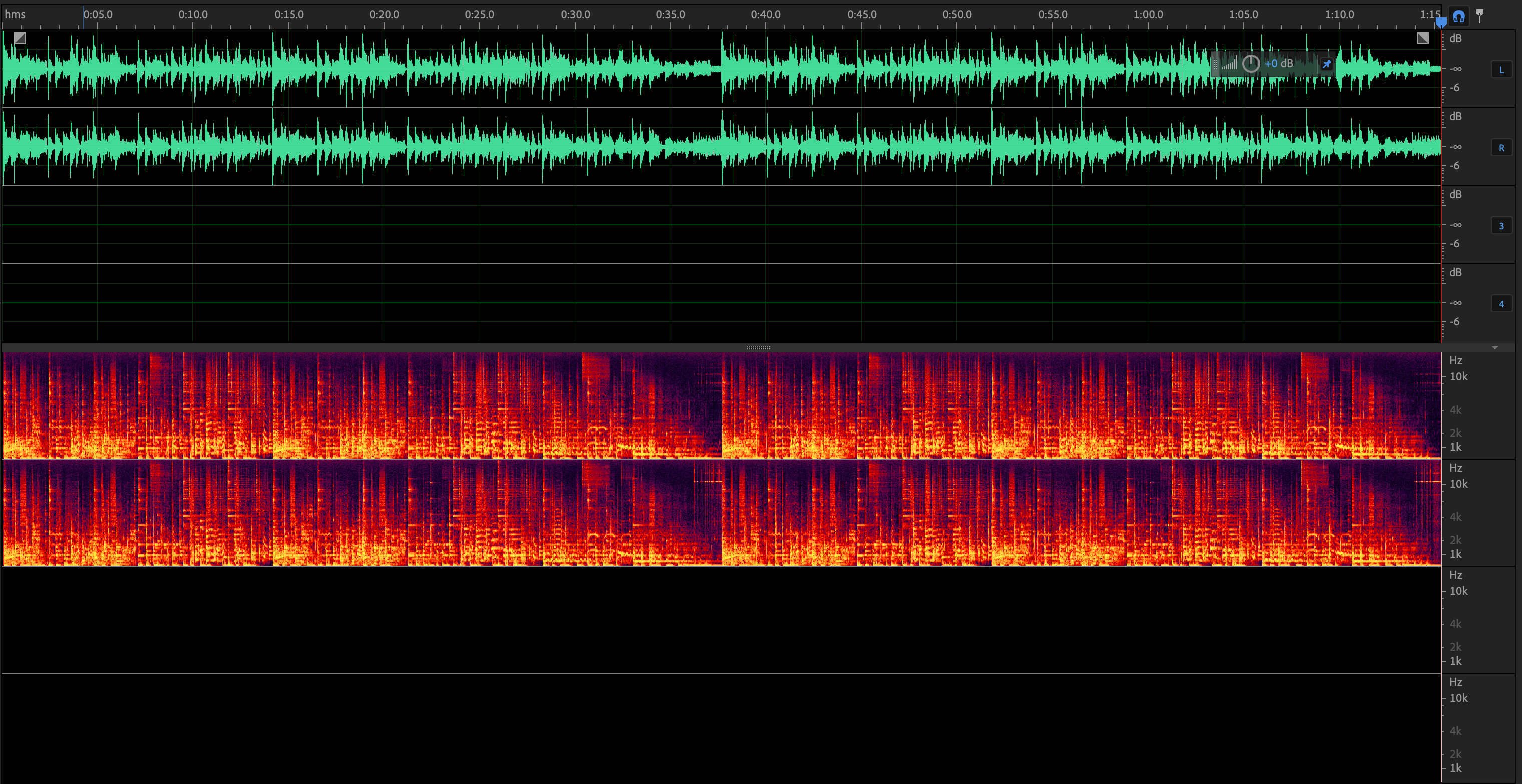
It would be great if there was a way to play the channels on their respective channels, like for example when you want to listen to a 5.1 surround audio file in the right way. Sorry if I'm bad at explaining, English is not my first language.
Thank you! 😊

Did you enable "Enable HRTF filter" by mistake? Also, the built-in output method will prefer surround to headphone downmixing if you're using Bluetooth output devices, at least Apple's devices.

"Enable HRTF filter" is not enabled... Also yes I am using the built-in output method
Files don't play directly channel mapped file to device. They play explicitly flagged speaker maps to the output device. If you have a 4ch surround device, you need to configure it in Audio MIDI Setup to have 4ch or greater and have all of the channels correctly mapped.
Cog is mostly for playing back media for general listening purposes, so sorry if I didn't account for edge cases like studio mixing.
Try this again, as it will try to remap audio reasonably to output device channel counts, but I don't know how well it works now.