lkwq007
[Probably not a bug] Why can't I outpaint on my own images?
I followed the instructions for installing on Windows. When I run the app and upload an image, the 'outpaint' button is disabled after I upload the image. If I click 'outpaint' before I upload the image, it says the canvas is locked, displays its own image (part of some lady, I think), and won't let me upload my own image. I don't understand this behavior or how to get around it.

It works fine for me. Are you pressing 'confirm' after you have uploaded the image?

Oh, I didn't notice the confirm button (duh me), after I press it the 'outpaint' button becomes enabled. Thanks.
Ack, so I tried to outpaint something, and I don't understand what's going on at all. It just placed a tiny square image in an empty area of the canvas that's totally unrelated to the picture I uploaded.
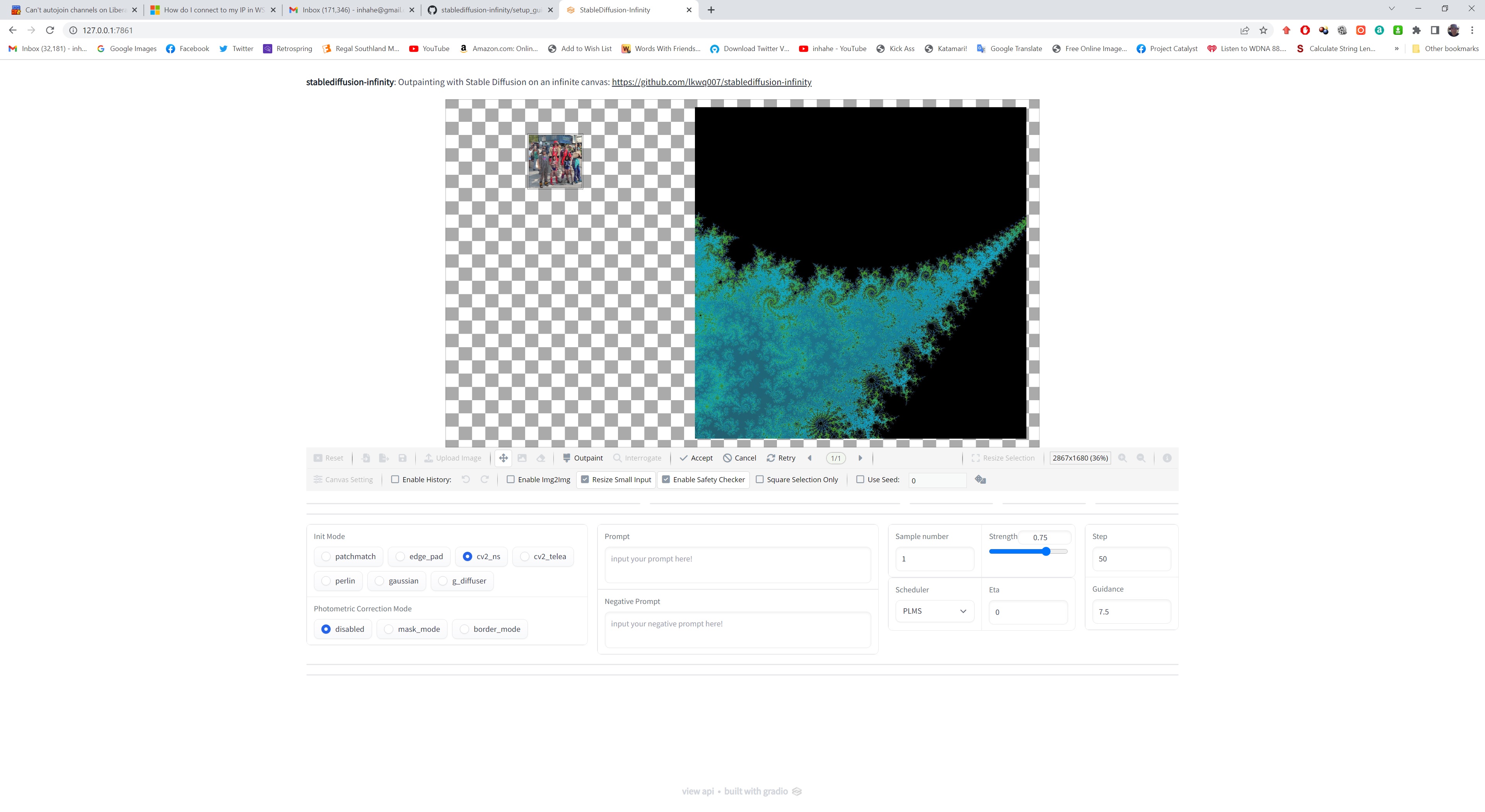
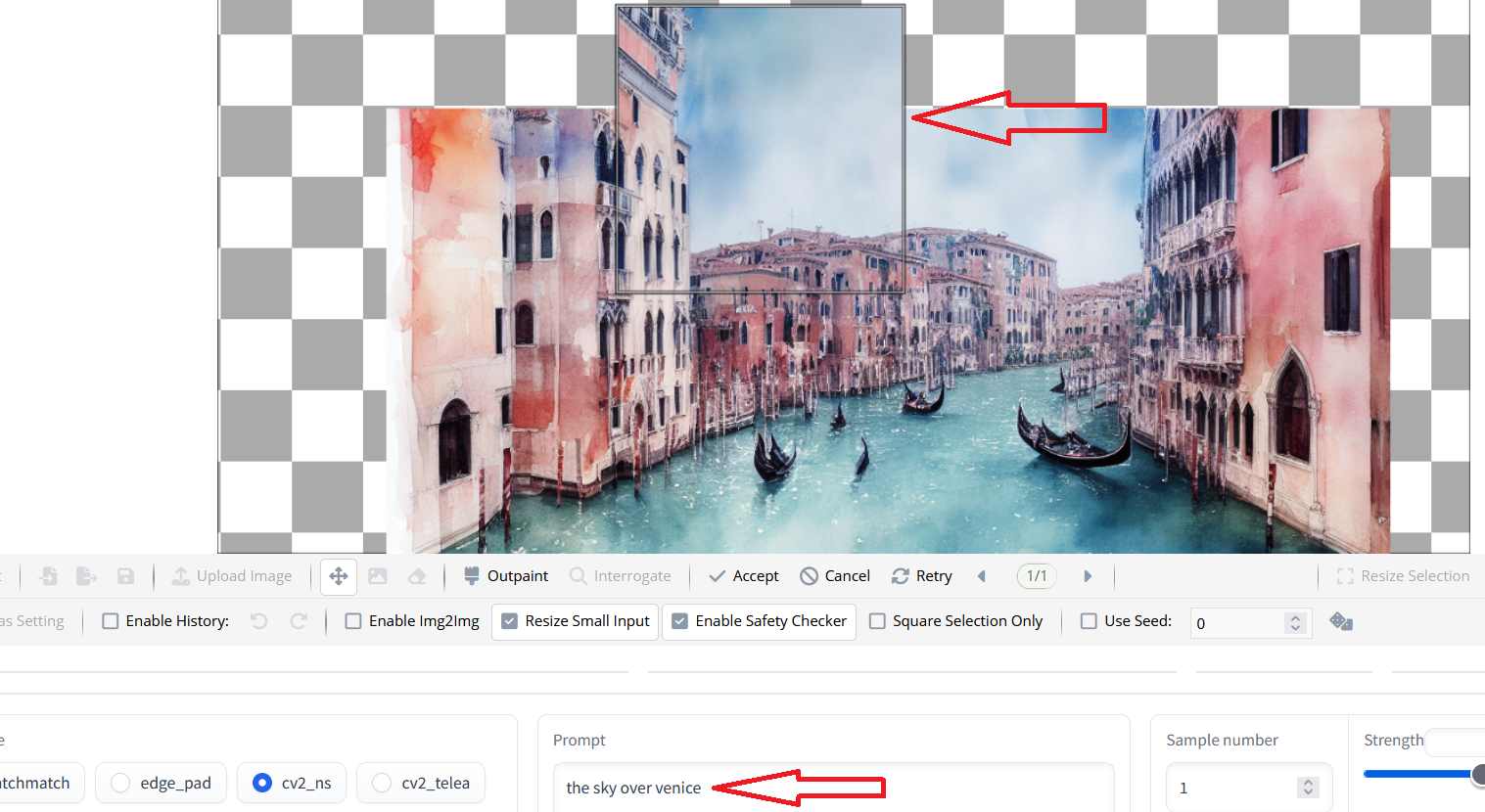
You need to type something in the prompt box otherwise you will just get a random image. You're also better off placing the selection box over your image and just outpainting a bit at a time. It takes a bit of practise but you'll get the hang of it..!