

 lkosson
Different output format position on render to PDF and render to DOCX
Hello, I am using .NET 6, ReportViewerCore.NETCore version 15.1.16 and trying to make Docx format look like a Pdf format. What am I supposed to do?
this is an example I just try using report.Render("WORDOPENXML", null, out mimeType, out encoding, out fileNameExtension, out streamIds, out warnings); for docx format and create file with the byte array to Docx file with File.WriteAllBytes();. For pdf format, i am using report.Render("PDF", null, out mimeType, out encoding, out fileNameExtension, out streamIds, out warnings); and creating a file with the byte array to a Pdf file with File.WriteAllBytes(); too.
DOCX format
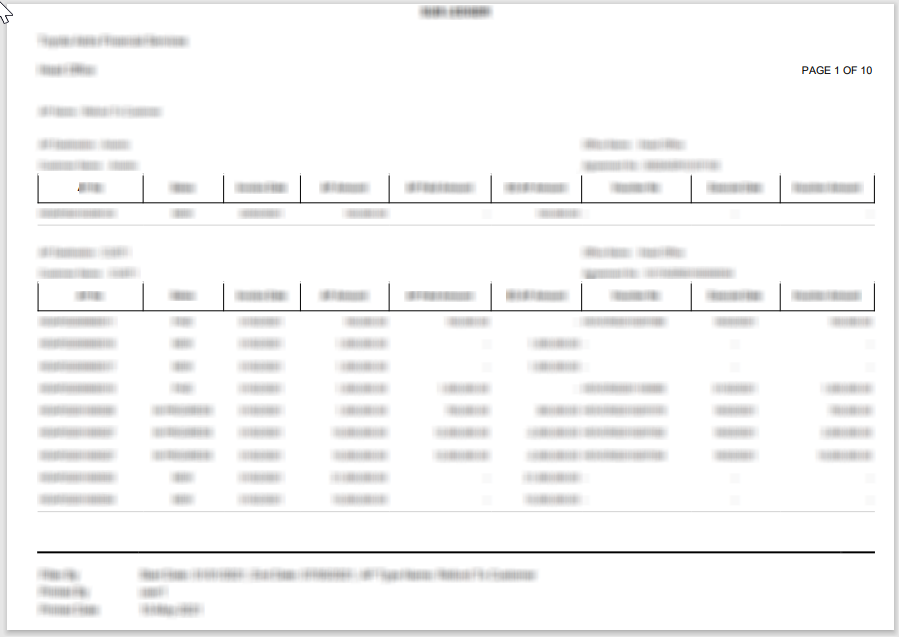
PDF format
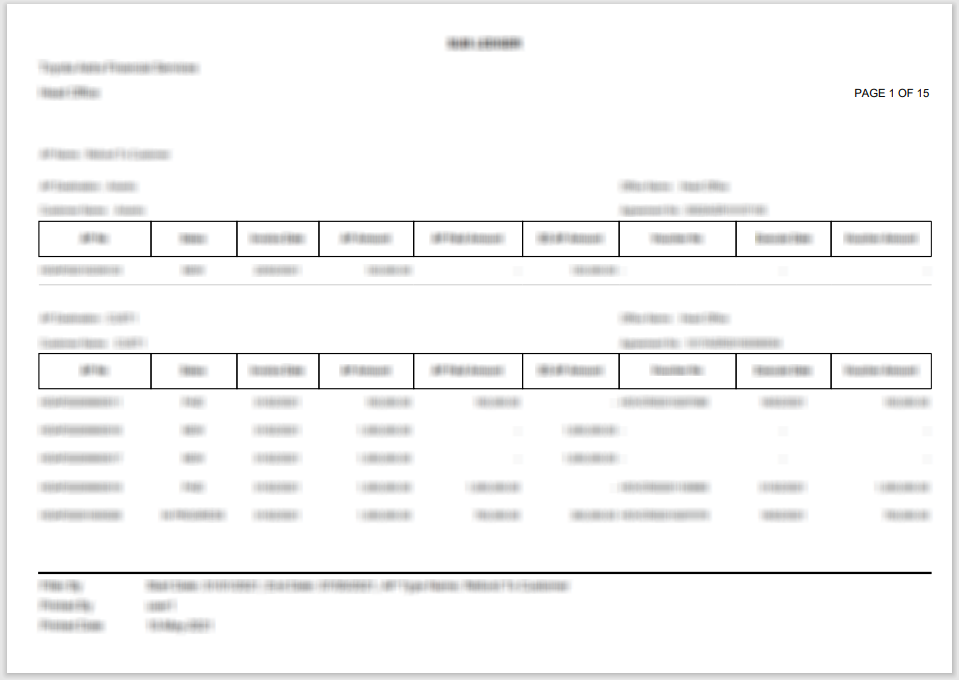
You can see the different positioning in the picture above. Thanks in advance.

Hi. I don't think it's directly related to .NET 6 or Core version of Report Viewer. What results do you get using original Microsoft's Report Viewer packages?

Sorry for late response, thank you for your response. I can't using the original packages because I'm currently using .NET 6 and when I am force to use .net framework, some error appear and this is not the point of my problem, is there anything else I need to do? some settings or something in my code? Thanks in advance.
Create a new .NET Framework project, add original RV references, plug in your report with some minimal dataset and see if the layout still changes between PDF and DOCX.