

 liodali
marker position is inaccurate when zoomed out.
I noticed that marker position is inaccurate when zoomed out.
And for osmdroid, set anchor to Marker.ANCHOR_CENTER, but I haven't found the property in osm_flutter.
Is there the property anchor?
Or may there be other ways to solve the problem?

I have the same problem, the marker position is too low (or too far south).


in this example, I put the marker on "Sainte-Maxime", visible on the most zoomed-in view. When zoomed out, the marker seems to be in the sea...
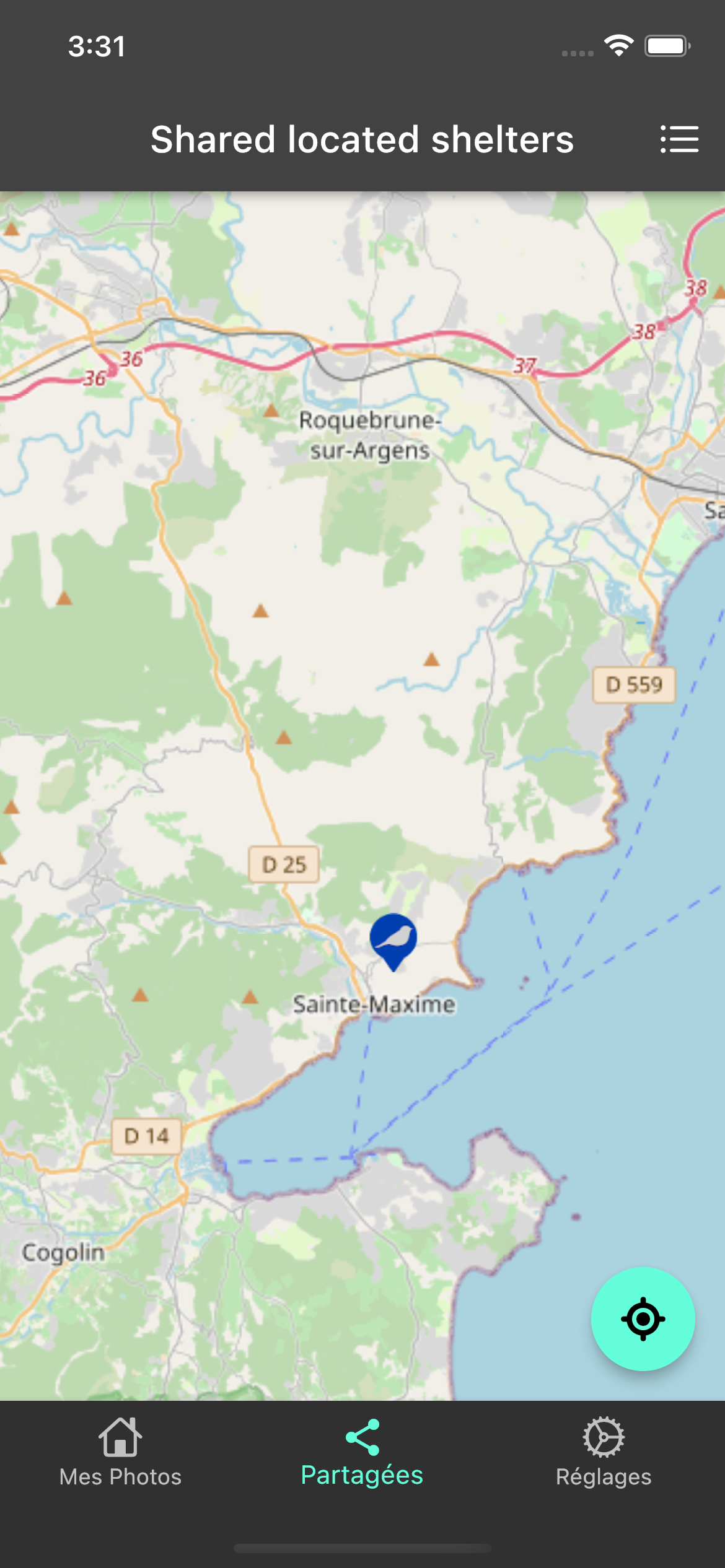
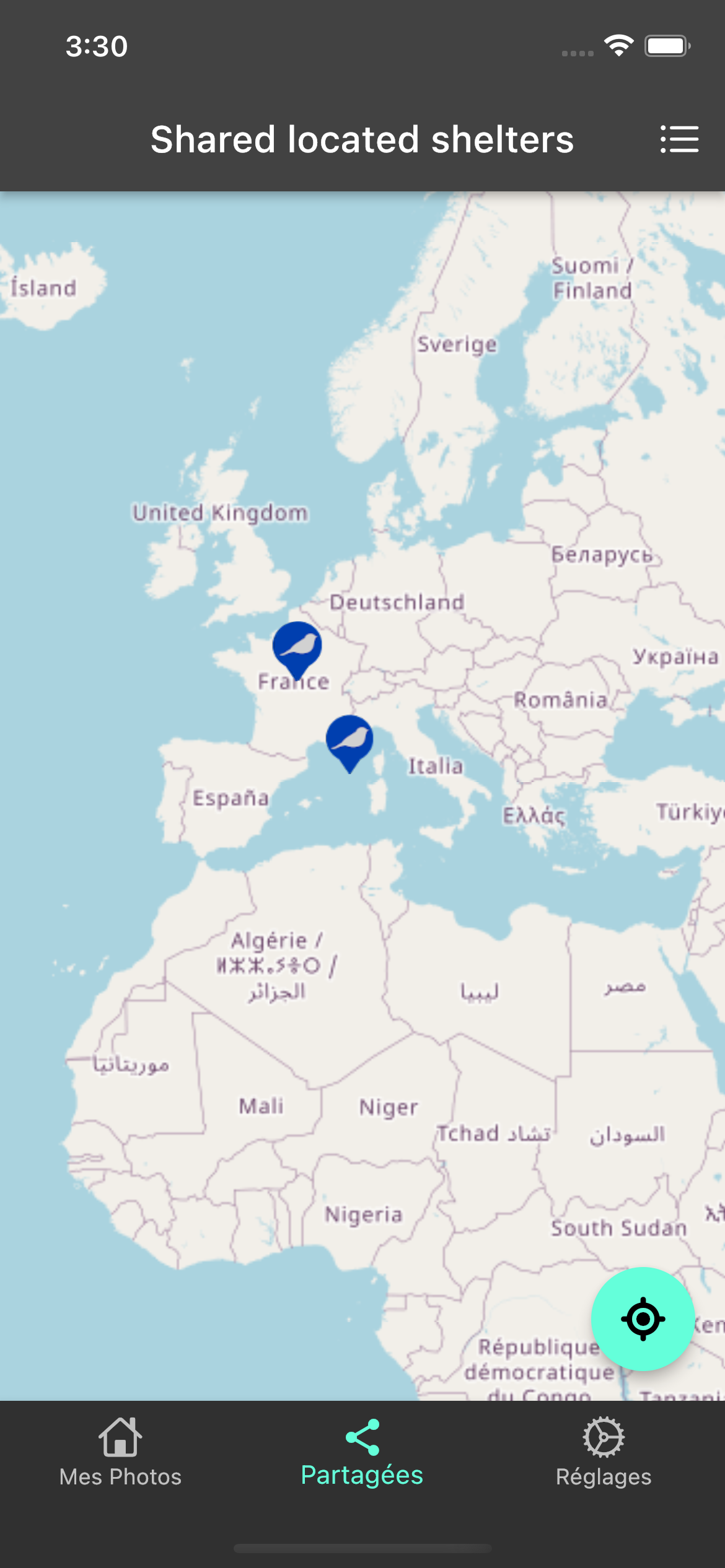
Any updates on this? I'm seeing very similar on my end.
If I set a map pin on current location, then zoom out, it drifts from Ottawa Ontario all the way north and slightly east to Cape Dorset Nunavut (2000km+ away lol)
If I zoom out and place another pin to current location, it also gets mapped up north with the other one. The GPS coordinates for current location are correct regardless of zoom level, so I suspect it has to do with the pin rendering

I have the same issue. As far as I can tell it is mainly a problem due to the fact that the anchor of the marker is set at the bottom-center of the image. If you have (a lot of) whitespace at the bottom then the location of the marker will be very inaccurate. I would like to have the option to center the anchor as horo99 suggests in the original comment.
I have created an example repo that can be used for testing. I use a solid white rectangle to make it clear where an image gets drawn. I have also drawn a cross at the marker location using the drawRoadManually function.
As you can see the anchor for the image is at the bottom.
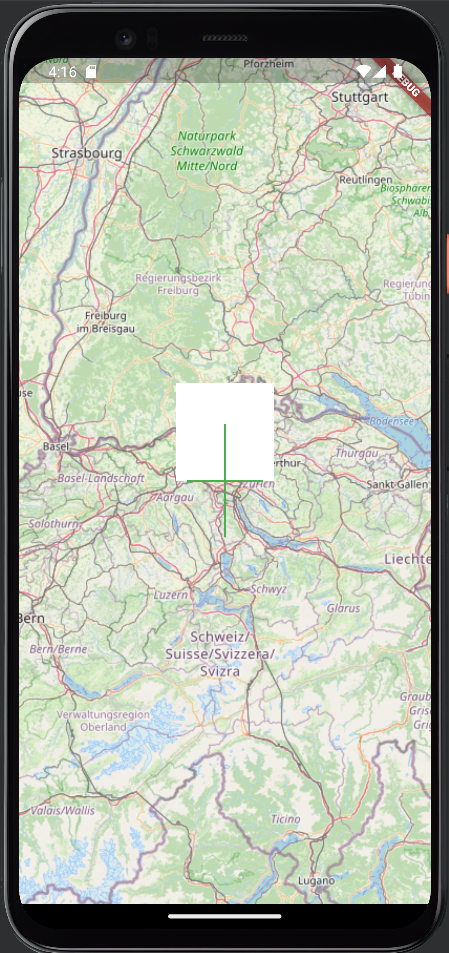
The repo with the example: marker_location_example.zip

I will check it, I have lot of technical issue here because for user location should like that I will see how we can fix that and you should know when you zoom out to 1->9 zoom level there no need for markers but we will see for now I can not look at it sorry

Hi, The same problem with me if I create custom icon marker using userLocationMarker. But if using default marker, there is no problem when zoom in/out. So it's good if you have fix the issue so I can custom the marker. Hope the fix will come out soon.
Thank you.

I will fix that issue and also i next version we will add feature to set anchor for markers