



lingr7
这个问题现在应该是依然存在的,我使用webview2 runtime也遇到这种问题。
这个网站能复制文本也不错了,用了3年了。复制文件的话,建议使用奶牛快传的命令行项目,可以上传,可以下载文件。https://github.com/Mikubill/cowtransfer-uploader
这个需求。不就等于重做一个跨平台支持的新的ide?
尝试使用2.2版本的cls文件,但是切换过去之后,编译报错信息太多,无法迁移。在2.2版本的正常使用环境中似乎没有这个问题。不过目前我没有完成2.2版本的正常使用。
> 这问题在 v2.2 里也存在,我之前也研究过这个问题,但没有找到解决方法。 它与行间距有关。 现在的解决方法是编译完成后使用WPS编辑处理移动线条。我发现以前的师兄的论文里面,有的也有这种问题,有的又没有,感觉不是普发性的。
补充一个最小复现样例文件,以便可能的修复。 ```tex \usepackage{algorithm} \usepackage{algpseudocode} \floatname{algorithm}{算法} \renewcommand{\algorithmicrequire}{\textbf{输入:}} \renewcommand{\algorithmicensure}{\textbf{输出:}} ``` [algo_min_example.zip](https://github.com/nuaatug/nuaathesis/files/8456921/algo_min_example.zip)
老问题,我pdf文件放在了D:\git-for-use\hexo\source 这就是博客的source目录下,同时在D:\git-for-use\hexo\source\_post的md文件里面写的代码是{% pdf ./Linear01.pdf %} 这样的,但是根本没有效果。实在没有办法了。如果是在线的pdf文件是可以正常使用的。本地的无效。 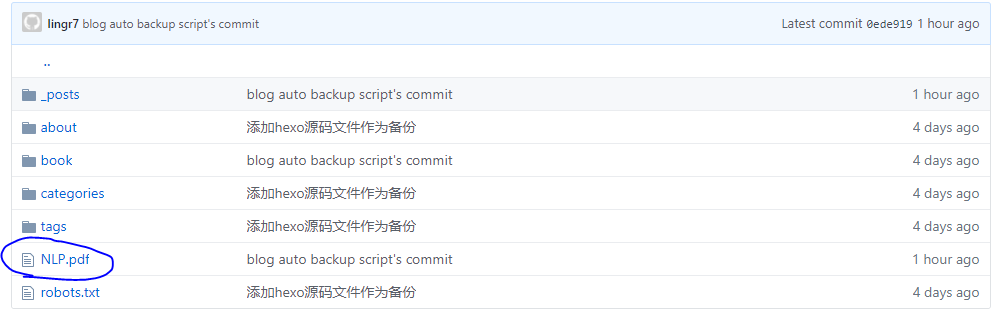 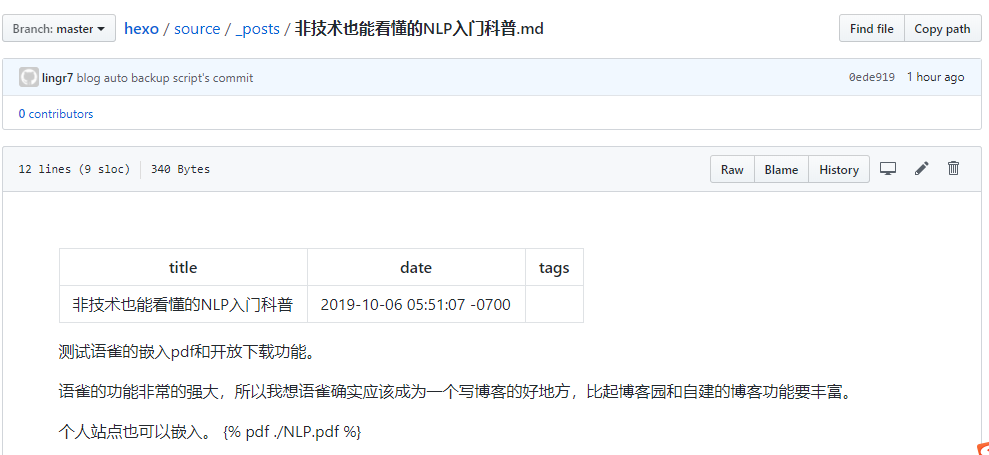
确实如此,只要去掉点,这个路径就是从根目录开始, 使用 Github 空间搭建 Hexo 技术博客——Hexo NexT主题内添加pdf 插件(十一) - wugenqiang的博客 - CSDN博客 https://blog.csdn.net/wugenqiang/article/details/88377669 我使用里面的建立书籍页面的二三步了。 把pdf放到根目录/book/name.pdf 然后在文章里面用{% pdf /book/nlp.pdf %}就行了。 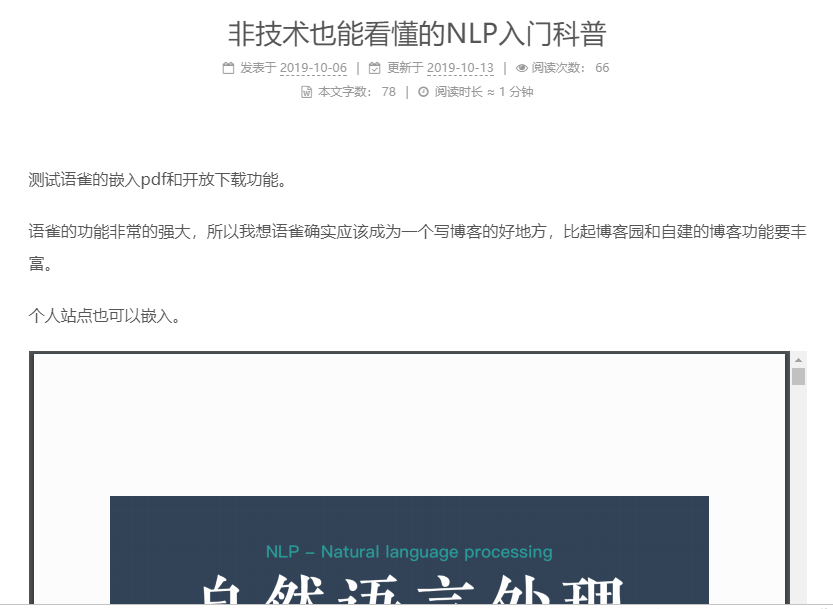
> > How did you generate the `customdoxygen.css`? > > I generated the customdoxygen.css in the command line with `doxygen -w html header.html footer.html customdoxygen.css` > > > I assume...
> The problem with the chm / html help generator (`hhc.exe`) is has been abandoned by Microsoft a long time ago (see also https://en.wikipedia.org/wiki/Microsoft_Compiled_HTML_Help). At first the distribution package was...