
linette-zyy
linette-zyy

**Environment**  **Steps to Reproduce** 1.Create a project and write 'print xxxx' in default .py file 2.File -> Project, same steps as step1 3.Check the IntelliSense and ErrorList Window **Expected...
**Environment**  **Steps to Reproduce** 1. Create new project: Visual C++ > Windows Desktop > Windows Console Application 2. Open the property page 3. Click Debugging tab 4. Click to...
**Environment** 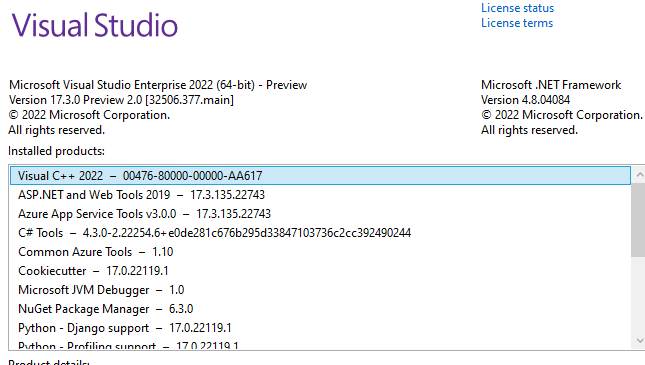 **Steps to Reproduce** 1.Launch VS and create new python application 2.Add an input('>') or raw_input('>') at the top of your code - depends on version of python 3.Add...
**Environment**  **Steps to Reproduce** 1.Create a Python Project 2.Select 'View All Python Environments'  3.Check the Python Environments window is open 4.Close the Python Environments window and repeat step...
**Environment** 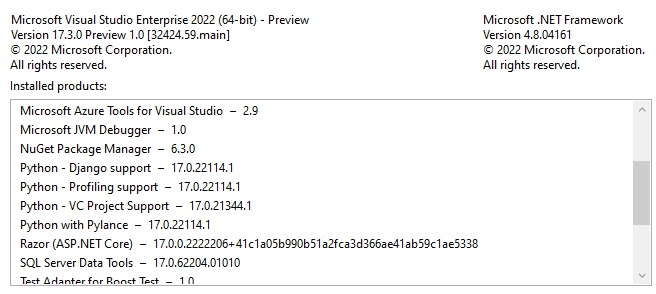 **Steps to Reproduce** 1. Open folder in SE. 2. Add new python file in SE named WholsRunningMe.py 3. Add folder named TestMethod under current workspace 4. Add __init__.py...
**Environment**  **Steps to Reproduce** 1.Create a Python Application 2.Open an Interactive Window 3.Write some codes to get intellisense 4.Write '$help' to get REPL commands  5.Write '$cls' 6.Repeat step3...
**Environment**  **Steps to Reproduce** 1.Create a Flask Web Project. 2.Click Create virtual environment( Make sure Flask was successfully installed ).  3.Reload the Project. **Expected behavior** After Flask is...
**Environment** 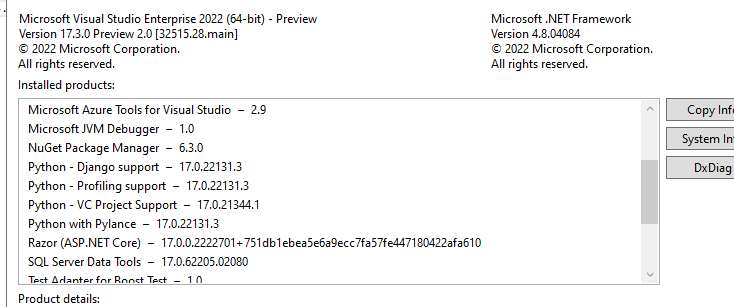 **Steps to Reproduce** 1. Create a Python Application. 2. Open Live Share, make connection between host and client. 3. Click Share Terminal(Read-only) **Expected behavior** No warnings and no...
**Environment**  **Steps to Reproduce** 1. Open folder in SE. 2. Add new python file in SE named module1.py 3. Select an python environment from the python toolbar to open...
## Environment data  ## Expect behavior  ## Actual behavior Press @ and nothing appears, press Ctrl+J, completions show like below,  Choose "and' in the list, the @...