
animate-blocks-wordpress-plugin
 animate-blocks-wordpress-plugin copied to clipboard
 liip
liip
Animate Gutenberg blocks plugin for WordPress
Animate Blocks - Animate Gutenberg blocks plugin for WordPress

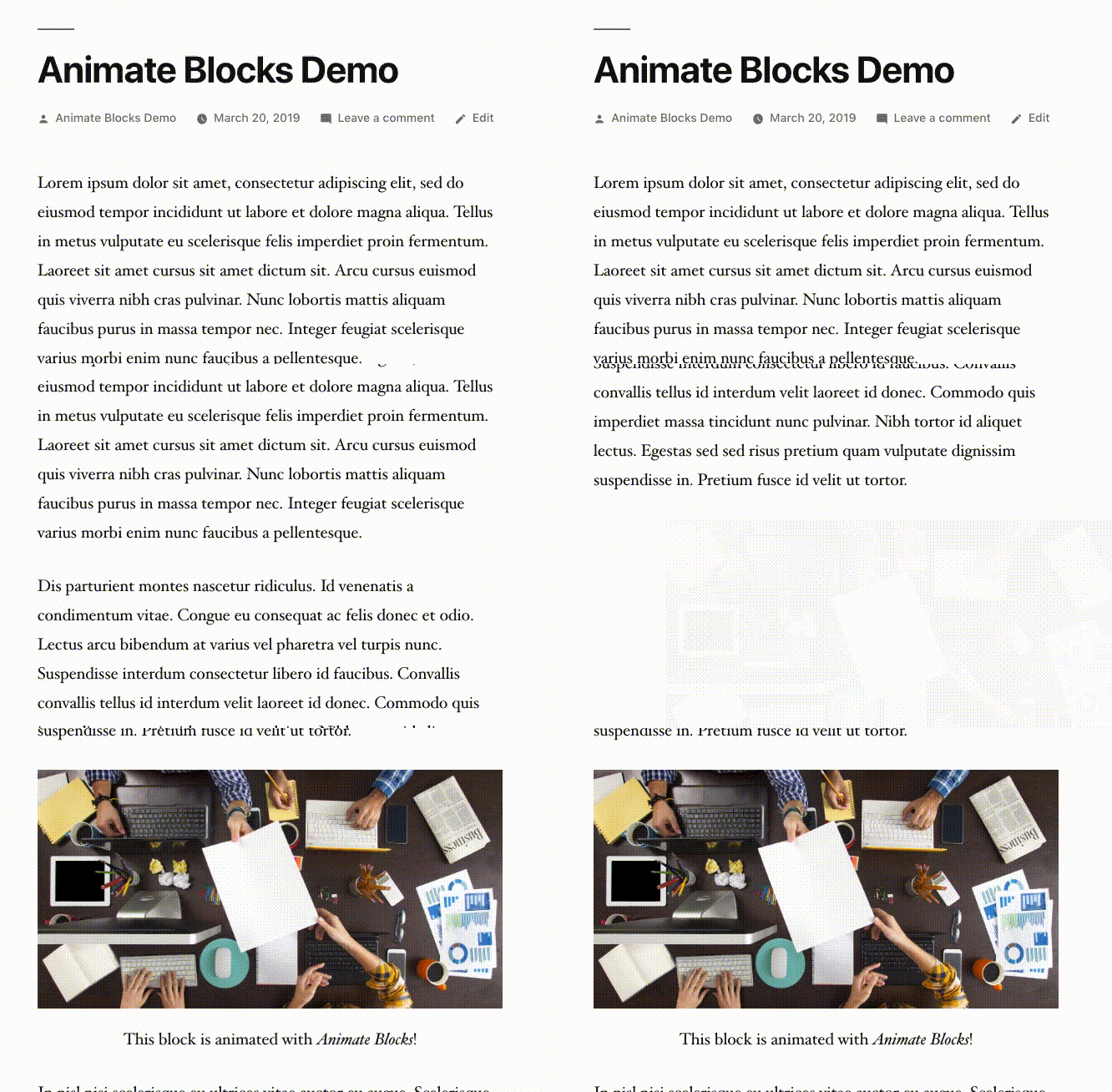
Animate Gutenberg blocks when they scroll into view.
- Works with all existing Gutenberg blocks
- Choose from 27 different animations
- Configure animation with custom delays, offsets and durations
- Based on AOS Animate On Scroll Library
JavaScript Filters
animateBlocks.defaultOptions
Change default options.
Usage:
function myDefaultOptions( defaultOptions ) {
    // Change default animation to 'flip-up'
    defaultOptions.animation = 'flip-up';

    return defaultOptions;
}
wp.hooks.addFilter( 'animateBlocks.defaultOptions', 'myplugin/animate-blocks/defaultOptions', myDefaultOptions );
Parameters:
defaultOptions(object) Object with the following attributesanimation(string)offset(number)delay(number)duration(number)easing(string)once(boolean)mirror(boolean)anchorPlacement(string)
animateBlocks.anchorPlacementOptions
Modify anchor placement options.
Usage:
function myAnchorPlacementOptions( anchorPlacementOptions ) {
    // Modify anchorPlacementOptions here

    return anchorPlacementOptions;
}
wp.hooks.addFilter( 'animateBlocks.anchorPlacementOptions', 'myplugin/animate-blocks/anchorPlacementOptions', myAnchorPlacementOptions );
Parameters:
anchorPlacementOptions(array) Array with anchor placement options
animateBlocks.animationOptions
Modify animation options.
Usage:
function myAnimationOptions( animationOptions ) {
    // Modify animationOptions here

    return animationOptions;
}
wp.hooks.addFilter( 'animateBlocks.animationOptions', 'myplugin/animate-blocks/animationOptions', myAnimationOptions );
Parameters:
animationOptions(array) Array with animation options
animateBlocks.easingOptions
Modify easing options.
Usage:
function myEasingOptions( easingOptions ) {
    // Modify easingOptions here

    return easingOptions;
}
wp.hooks.addFilter( 'animateBlocks.easingOptions', 'myplugin/animate-blocks/easingOptions', myEasingOptions );
Parameters:
easingOptions(array) Array with easing options
PHP Filters
animate_blocks_load_aos
Enable or disable loading of AOS library.
Usage:
function my_plugin_disable_load_aos( $load_aos ) {
    $load_aos = false;
    return $load_aos;
}
add_filter( 'animate_blocks_load_aos', 'my_plugin_disable_load_aos' );
Parameters:
$enable_aos(boolean) If true AOS will be loaded by the plugin.
Developer information
Installation
-
Clone this repo
-
Install composer dependencies
$ curl -s https://getcomposer.org/installer | php $ php composer.phar install $ vendor/bin/phpcs --config-set installed_paths vendor/wp-coding-standards/wpcs -
Install Node dependencies
$ npm install
Compile assets
This project was bootstrapped with Create Guten Block.
npm start
- Use to compile and run the block in development mode.
- Watches for any changes and reports back any errors in your code.
npm run build
- Use to build production code for your block inside
distfolder. - Runs once and reports back the gzip file sizes of the produced code.
npm run eject
- Use to eject your plugin out of
create-guten-block. - Provides all the configurations so you can customize the project as you want.
- It's a one-way street,
ejectand you have to maintain everything yourself. - You don't normally have to
ejecta project because by ejecting you lose the connection withcreate-guten-blockand from there onwards you have to update and maintain all the dependencies on your own.
Extract labels
To extract the labels and generate the languages/animate-blocks.pot file run the following command:
$ curl -O https://raw.githubusercontent.com/wp-cli/builds/gh-pages/phar/wp-cli.phar
$ php wp-cli.phar i18n make-pot . languages/animate-blocks.pot
 liip
liip