lightninglabs
Invalid password (during initial sync)
Version 0.0.14: When I kill the app during the initial sync and restart it, I am asked for the 8-digit passcode. Although I entered the correct passcode, I got an "Invalid password" error at the top of the screen:
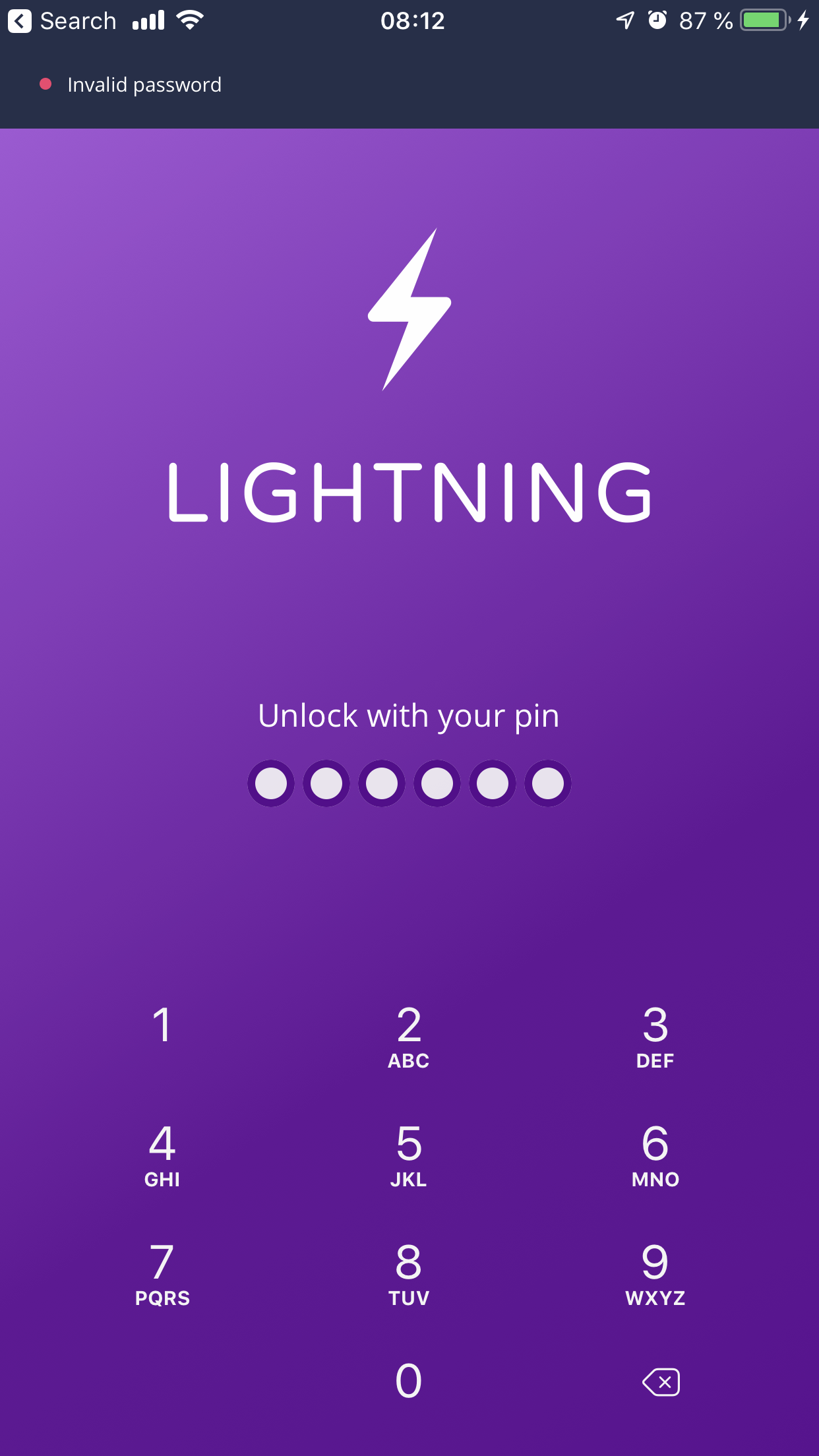

Interesting. Could be that the PIN wasn't stored in the keychain correctly for some reason.

I have this invalid password probem too on Android. Steps to reproduce:
1- I open Lightning app, add the correct password and lightning app opens ok. 2- I click Android back button and I see (loading network) lightning app window. 3- I click back button again on (loading network) window and now appear the lightning app unlock window. Obs: the OOOOOO is already filled without I fill it. (it's automatically filled) 4- I erase the already filled pin and add the pin again. 5- I see the invalid password message. 6- I can only login again if I restart lightning app.

Now when I start Lightning app on android I add the password, tht app go to main window for 1 second and go back to pin window automatically. When I insert the pin again, say the password is invalid. So I can't use the app anymore.
Referenced #1188, this is exactly the issue on Android as well. Including video for easier lookup: https://drive.google.com/file/d/1-OtTx-ldMKcklR-xtaBjJ11WY7cpDfQL/view?usp=sharing


We're looking into this and also adding a way to restore your wallet with your seed. Tracked here: https://github.com/lightninglabs/lightning-app/issues/1227