

 libvips
Set image brightness, contrast, saturation and hue by using vips
Hello @jcupitt I am using vips library for my different image operations and it's work charm and take less time and memory with compare to imagick.
My problem is i want to add brightness, contrast, saturation and hue on my image. I am using below function for change image brightness, saturation, hue. But it gives me different result as compare to imagick. Also i want to set contrast on image by using same below function how can i achieve the same result like imagick using vips.
function modulate($image, float $brightness = 1.0, float $saturation = 1.0, float $hue = 0.0) {
    $oldInterpretation = $image->interpretation;
    $hue %= 360;
    if ($hue < 0) {
        $hue = 360 + $hue;
    }
    if ($image->hasAlpha()) {
        $imageWithoutAlpha = $image->extract_band(0, ['n' => $image->bands - 1]);
        $alpha = $image->extract_band($image->bands - 1, ['n' => 1]);
        return $imageWithoutAlpha
            ->colourspace(Interpretation::LCH)
            ->linear([$brightness, $saturation, 1.0], [0.0, 0.0, $hue])
            ->colourspace($oldInterpretation)
            ->bandjoin($alpha);
    }
    return $image
        ->colourspace(Interpretation::LCH)
        ->linear([$brightness, $saturation, 1.0], [0.0, 0.0, $hue])
        ->colourspace($oldInterpretation);
}
$image = Vips\Image::newFromFile($arg[1]);
$image = modulate($image, 1.5, 1, 0);
$image->writeToFile($arg[2]);
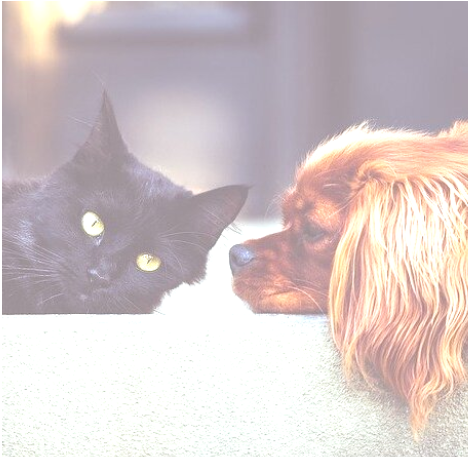
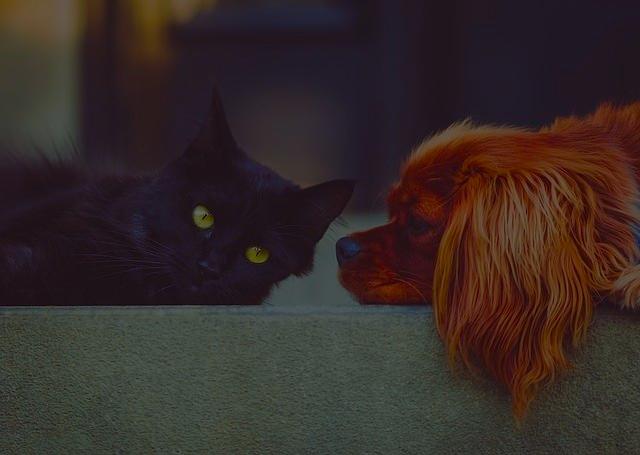
For ex - My brightness is 0.44 for both imagick and vips, below i added images for imagick and vips you can check the difference.
Imagikck Brightness image
Vips Brightness image

Hello again @vnkapoor,
brightness is used to multiply the luminance, so values less than 1 will make it darker. Try 1.2.

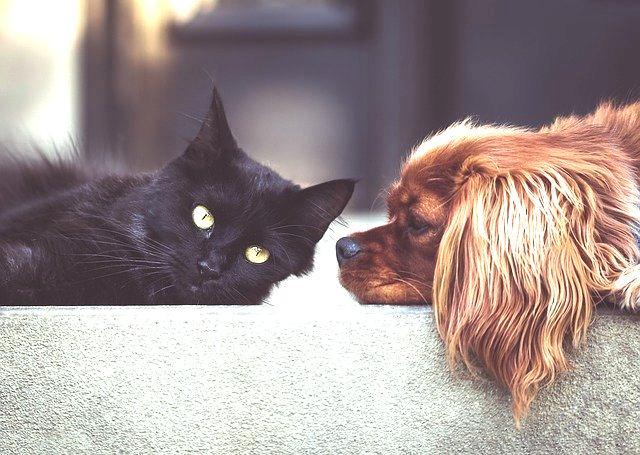
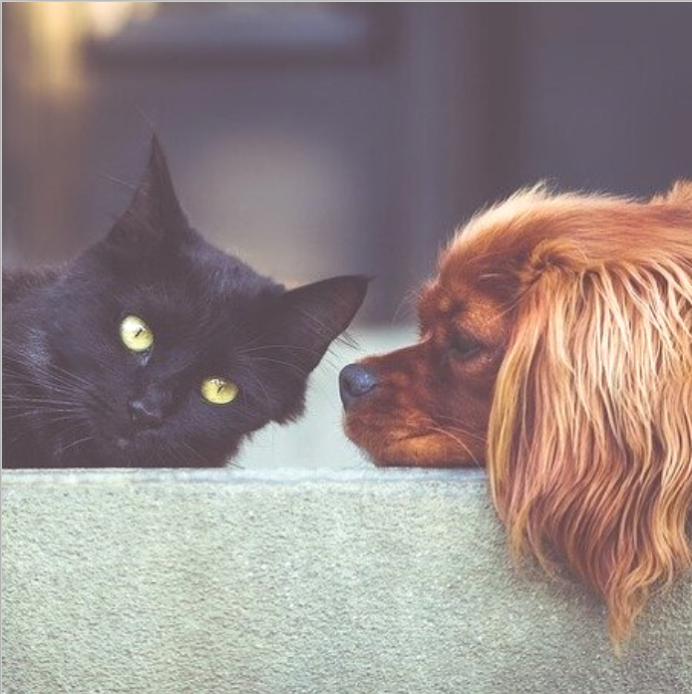
@jcupitt As you mention above i set my brightness of image 1.5 but still have difference between imagick and vips. How can i achieve the same result like imagick. Also while changing the brightness check the image quality is also dropped.
VIPS Image
IMAGICK Image
I'd guess imagemagick is moving the zero up and taking the contrast down.
Add eg. 50 to each pixel and multiply by 255 / (255 - 50).
@jcupitt Not getting idea in above answer is it possible you to add in my above function. Thanx
Try swapping:
            ->colourspace(Interpretation::LCH)
            ->linear([$brightness, $saturation, 1.0], [0.0, 0.0, $hue])
            ->colourspace($oldInterpretation)
For:
    ->add(50)
    ->multiply(255.0 / (255 - 50))
@jcupitt i tried above code, but still i am not getting my expected output. One more thing the 50 is the brightness value ot it's something else? Also i am not getting my expected output with hue and saturation
Ooop, of course I meant (255 - 50) / 255.
#!/usr/bin/php
<?php

require __DIR__ . '/vendor/autoload.php';
use Jcupitt\Vips;

function brightness($image, float $brightness = 0.0) {
    $hasAlpha = $image->hasAlpha();

    // remove alpha, if any
    if ($hasAlpha) {
        $alpha = $image->extract_band($image->bands - 1, ['n' => 1]);
        $image = $image->extract_band(0, ['n' => $image->bands - 1]);
    }

    // process
    $image = $image
            ->add($brightness)
            ->multiply((255 - $brightness) / 255.0);

    // reattach alpha
    if ($hasAlpha) {
        $image = $image->bandjoin($alpha);
    }

    return $image;
}

$image = Vips\Image::newFromFile($argv[1]);
$image = brightness($image, 50);
$image->writeToFile($argv[2]);
I'm not sure what you mean by "expected result with hue and saturation".
Saturation will be 1.0 for no change, 0.5 for half as saturated, 2.0 for twice as saturated.
Hue will be 0 for no change, 90 for a complementary hue shift, 180 for a contrasting shift, 360 for no change again.