

 libretro
Achievement Screenshot does not include the badge
I was wondering if we could make the screenshot of the achievement at the same time that the badge appears in order to use as evidence for manual unlocks when the Server is down.
The feature in this way would be much more useful, and perhaps it could include some other information to help the people judging the veracity of the screenshot if the screenshot belongs to a certain user like the Username, framerate or something of those sorts.
First and foremost consider this:
- Only RetroArch bugs should be filed here. Not core bugs or game bugs
- This is not a forum or a help section, this is strictly developer oriented
Description
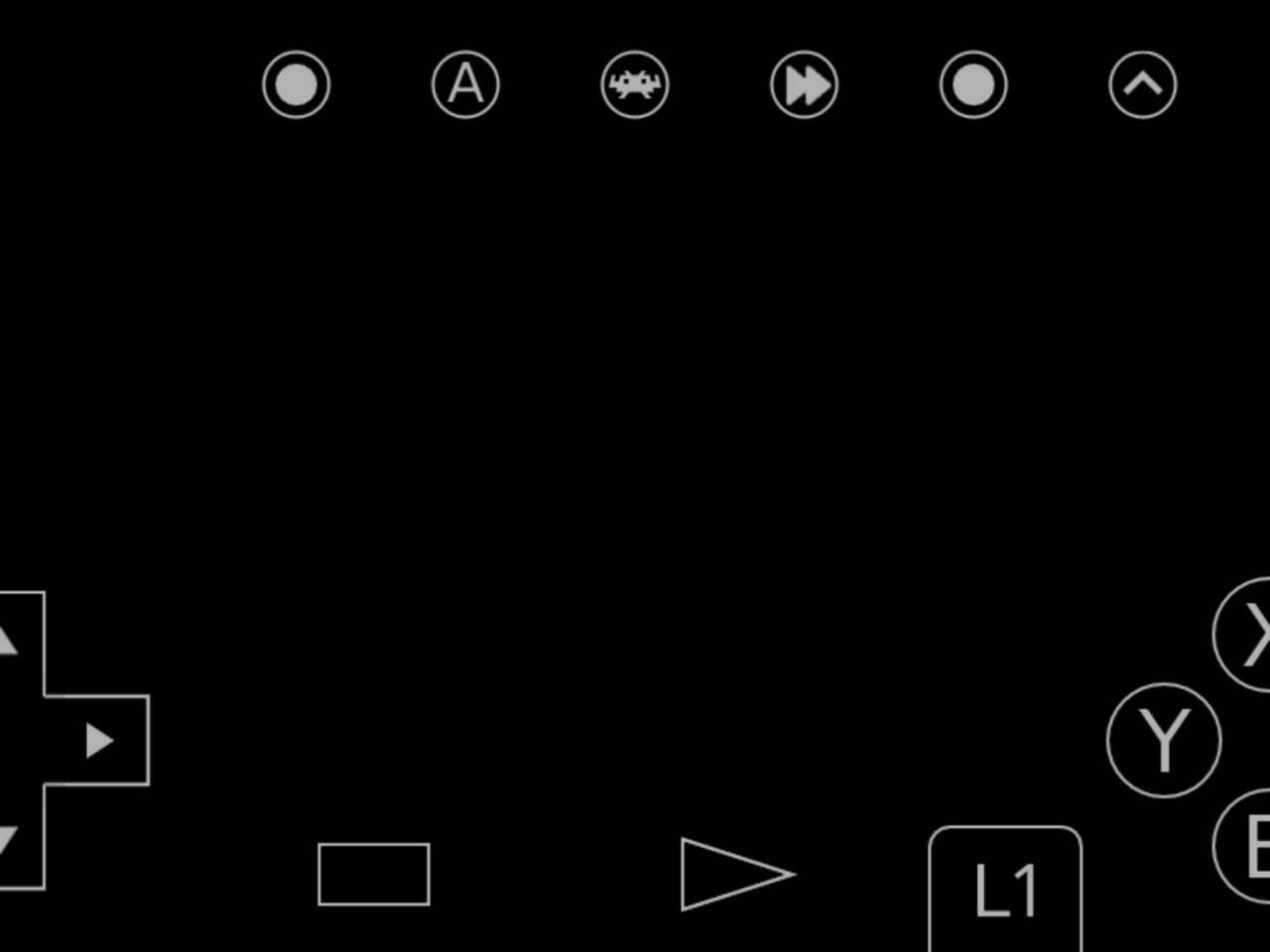
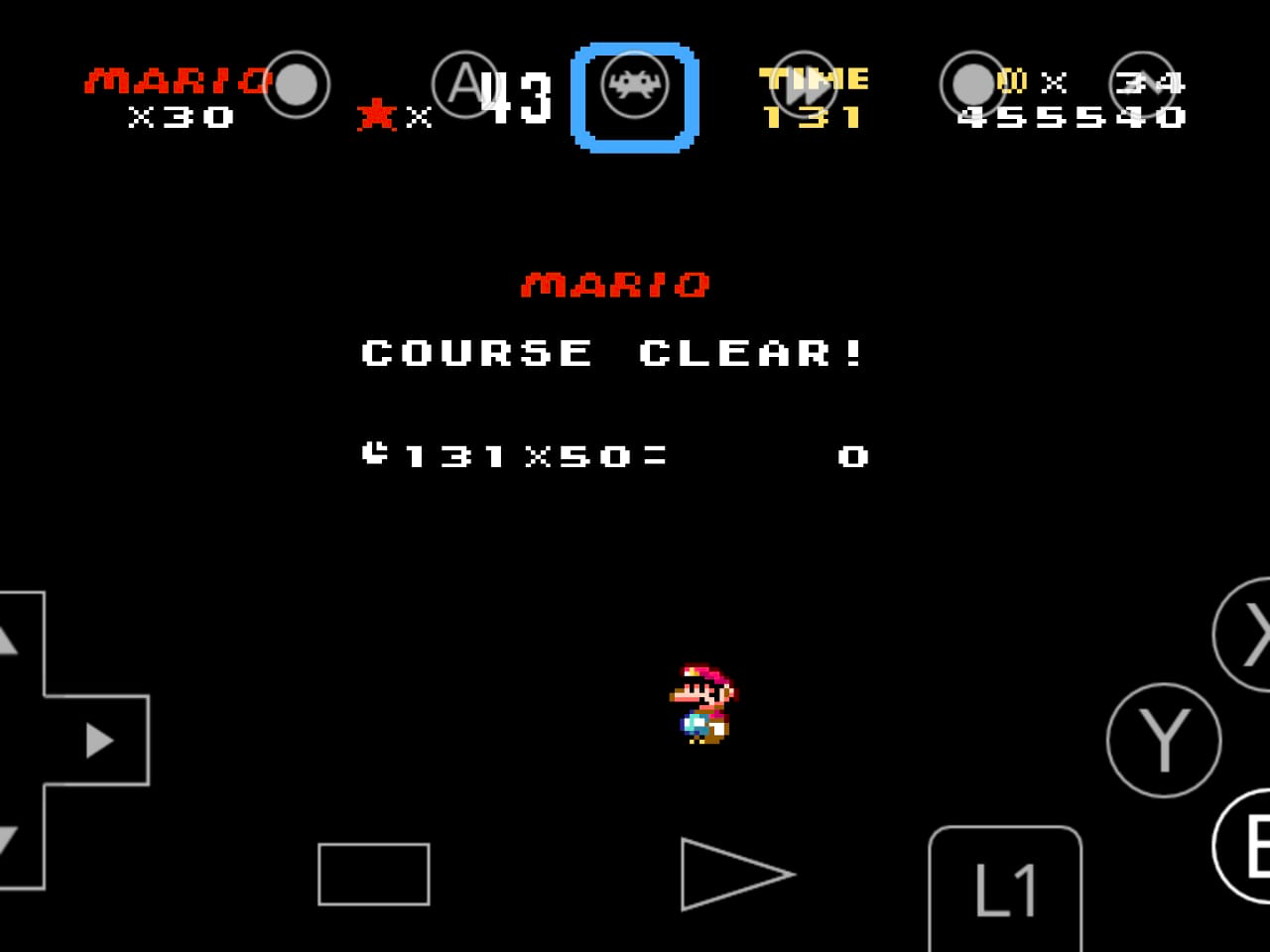
Today I played and activated the feature during downtime in order to ensure an easy screenshot of the cheevo, and it turned out that all the pictures do not include the badge and therefore are useless to show that I clear which cheevo.
Expected behavior
To have a screenshot of each achievement with the badge in order to submit as evidence.
Actual behavior
A screenshot is taken just before the badge triggers defeating the evidence purpose.
Steps to reproduce the bug
- Activate the Screenshot when unlocking an achievement feature
- Get an Achievement
Bisect Results
Version/Commit
You can find this information under Information/System Information
- RetroArch: [version/commit]
Environment information
- OS: Android, but all the systems have the same result according to mates in Discord
- Compiler: [In case you are running local builds]

Here I present some evidence of few achievements on Super Mario World that become a black screen, defeating any purpose for the player.
This has been requested a number of times, but not yet implemented. It's distinctly a highly desired feature though.
A few requirements for implementation:
- Different users/devices may have different notification speeds and durations. If it's not possible to detect when the notification is fully displayed, a setting to adjust the speed of the achievement screenshot may be needed. Timing will likely need to be in seconds rather than frames, or it'll fail on games that stop updating frames between actions (such as pure FMV-based games).
- When aspect ratio doesn't match the screen size, either the screenshot needs to be fullscreen or the notification needs to be moved inside the screenshot area.
- If possible, it would be preferable to implement this in a way that supports the potential for the achievements themselves specifying the delay in the future. This would allow creators to tailor the screenshot to more useful content. Implementation of this feature is uncertain though, so it's more an advisory than a requirement.

I'm not certain how the screenshot code in RetroArch is implemented, but the way RetroAchievements handles this in the standalone emulators is to capture the screen in memory and draw the popup on the captured screen before writing it to disk. The screenshot it taken (including the popup) at the exact moment of the achievement triggering.
Drawing the popup into the screenshot would also account for the notification not appearing in the screenshot for some screen sizes.
Note that if more than one achievement pops at the same time, using the timer is no better than the current behavior as only the first popup would be captured in all of the screenshots.
Also note that any delays designed into the achievement are timed for the popup, not the screenshot. It might be desirable to wait a bit before capturing the screenshot so the image best reflects the user experience, but that's still limited by multiple popups, and the duration that the popup is shown. If the popup is on screen for three seconds, do you take the picture as soon as it's fully displayed, just before it starts to disappear, or somewhere in between?

I hope it could be considered quite standard for the popup to be 3 seconds (or whatever the duration is set to be), therefore we could ask the user in the settings if they desire the badge to be included in the screenshot or not.
If the screenshot is desired to have a badge, we can delay the screenshots by 2.5 seconds each so that they line up to the next 5 badges.
In the next table:
- the first column the time of the first screenshot
- The second column would be the first badge duration
- The third would be the rest from the first to the second column
2.5 | 3 | -0.5 5 | 6 | -1 7.5 | 9 | -1.5 10 | 12 | -2 12.5 | 15 | -2.5 15 | 18 | -3
Something to possible add to this, is to also include the achievement title/name in the filename when the screenshot is saved. Right now when an achievement is triggered and a screenshot taken, the file name is GameName-cheevo-######.png. Ideally it should be GameName-CheevoName.png or GameName-cheevo-######-CheevoName.png


Yes, it's a feature request.
The achievement screenshot is taken as soon as the achievement triggers, and just captures whatever is currently on the screen, including any visible widgets (i.e. fast forward indicator, framerate monitor, a previously triggered achievement). The problem is that the widget for the achievement that just triggered hasn't animated onto the screen yet and therefore is not included in the screenshot.
Ideally, we'd capture the raw buffer (without any widgets [preferably after applying the user's filters]), then render the achievement widget in it's fully visible state into that buffer, and save that to disk.

Just posting to say that I would also very much appreciate this feature.

This has to be a bit tricky to implement but I hope to see this too. I understand the screenshot basically takes a snapshot of what is rendered in game. The backend I guess. The retroarch UI/notifications is a completely separate in terms of rendering. I'm not the most technically knowledgeable person but I'd say that much is obvious.
Instead of completely re-writing the screenshot system. Perhaps maybe have it take the screenshot and after the fact modify the .png and have it slap either a screenshot of the UI at the same moment or a pre-rendered badge to be copied and pasted somehow slap on top... I don't know just riffing, throwing ideas in the dark
It's not the most important thing as the achievements do get saved and displayed on one's retroachievements account. Hope this helps give the idea some weight. Thanks devs for your incredible work.

I'd like to add some insight to this. Until recently, I was on an old, 2017 version of Retroarch, and that version saved full sized (1080p) screenshots with the achievement name at the bottom of the screen (eg. "Achievement Unlocked: Phaser Set to Stun" in Kirby Super Star).
Since updating to the latest Retroarch, despite getting achievement badge icons during unlock (and achievements working at all again, the sole reason I updated in the first place, since they stopped working on my old version), I notice my screenshots are all native res (320 x 224 for Genesis, 240 x 160 for GBA) screenshots with absolutely no indication of what achievement was unlocked.
So it seems this used to work before, but at some point stopped working properly.
