

 libredirect
installation fails on chomium: CRX_REQUIRED_PROOF_MISSING
trying to install the .crx file from https://github.com/libredirect/libredirect/releases/download/v2.2.1/libredirect-2.2.1.crx on Version 104.0.5112.79 (Official Build) Arch Linux (64-bit), I get a pop-up message:
Package is invalid: CRX_REQUIRED_PROOF_MISSING
what should be done about that ?


Just tried it out and it's working fine on chromium: Version 104.0.5112.79 (Official Build) snap (64-bit)
Just tried it out and it's working fine on chromium:
Version 104.0.5112.79 (Official Build) snap (64-bit)
I am getting same error

Same problem here, but installing from the .zip file works. There's an error on import, but it can be safely ignored.

Relevant: https://github.com/ahwayakchih/crx3#known-issues
Here if you just click the .crx from releases, chances are it's trying to install it directly from the releases page, which isn't allowed unless you configure your browser policy to allow that url in install sources (ExtensionSettings policy.)
If you right-click save as, then you may be able to actually save the .crx somewhere, which you can then drag onto the extensions page when in developer mode. Then the extensions gets installed from the extensions page rather than the releases page, and it lets it through.
If your browser then blocks it and won't let you enable it, then you may need to add the extension ID to policy ExtensionInstallWhitelist for Chrome/ium, or ExtensionInstallAllowlist for Edge.
Alternatively, as mentioned above, installing directly from the .zip also works without the extra hassle. Save the .zip and drag that over to your extensions page like you would a .crx

The Zip is the best way too. You just put in the file instead of extracting .crx everytime. I think this is a better way. It also upgrades when you put in the new zip file.
If OP is okay, This could be closed.
I think we can suggest Chromium users to drag and drop instead of building crx and keep it just universal.

@Ammako I am currently using by drag and dropping the zip file.
It just works doesn't throw an error like crx in below image.
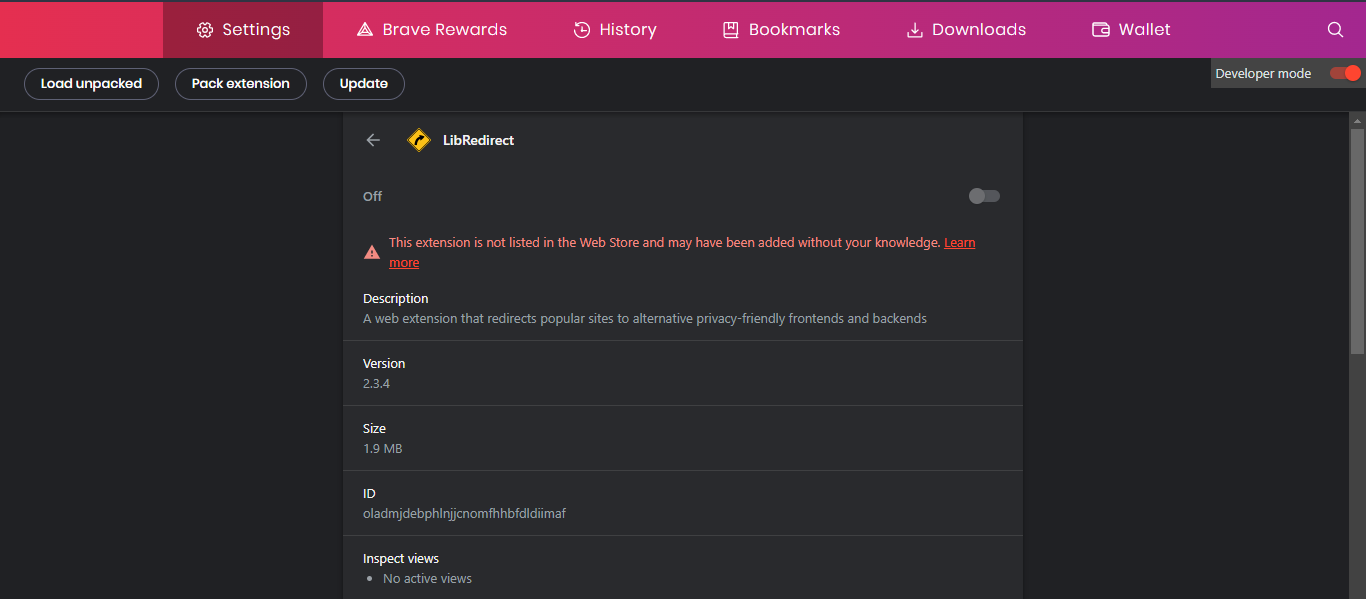
Now, The problem I notice with zip file is After dragging by enabling developer mode and configure for myself. The extension doesn't seem to be there persistent.
The extension disappears from xxxx://extensions. I need to drag the zip again, then extension is back with settings. This ain't often but seems happening per week or so.
You know what might be the reason ?
Is there something specific that zip gets removed after some time interval ?
I think I know why, but that might depend on your OS/Browser behavior.
When you drag over the .zip to install, what it actually does behind the scenes is extract the zip into a folder, and it's that extracted folder that the browser loads.
Now, depending on your OS/Browser, it might default to extracting the .zip into a temp directory. Then if that temp directory gets cleared, the extension files are gone, and browser can't load it anymore.
So the best course of action might be to manually extract the .zip somewhere safe, and load that extracted folder instead.
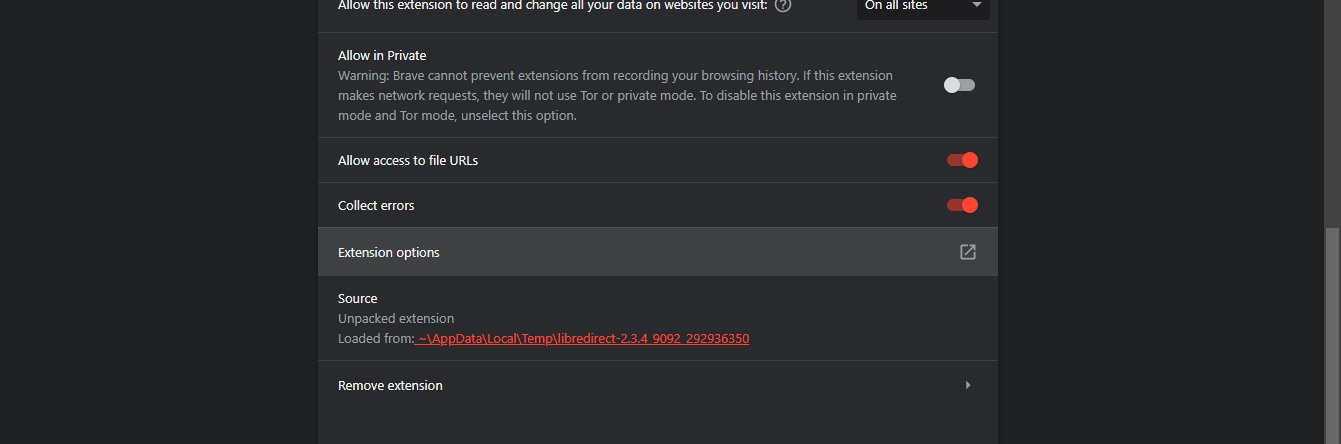
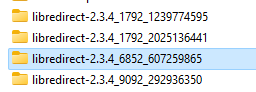
When I check the temp folder there is extracted folders like this. Multiple times probably extracted when I loaded back. If older stuff is there why there is a need for a new extraction ?
Your theory is right but I am asking why does re-extraction when there are folder with contents of zip already in it.
It's better you check yourself in your system.
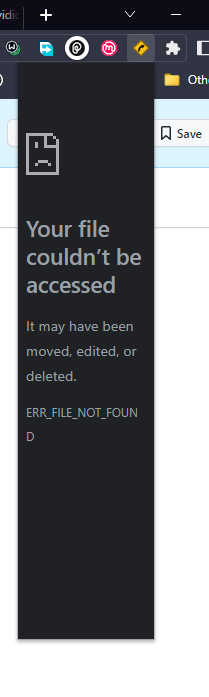
When you see the above image while I use zip. It seems risky to drag and drop. So, We might possible switch from crx to .zip but stil the same way of extracting.