leocad
 leocad copied to clipboard
 leozide
Press multiple camera movement keys at once
Currently, the WASD keys control camera movement, but only one key can be pressed at a time. Could you make it so that I can press more than one key to get diagonal/simultaneous movement? Thank you.

This is not a game, and there is no game engine that would drive the keyboard directly. The application only responds to keypresses like any regular application. I don't think there is a way to implement this.

Okay, I can do this in LDView and assumed it would be possible in LeoCAD too. Sorry.
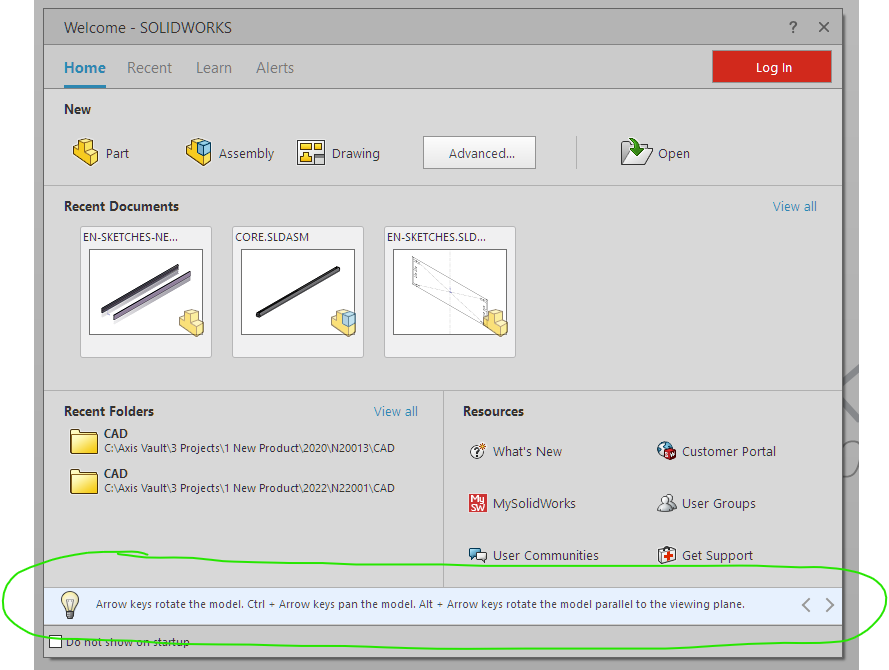

Okay, I can do this in LDView and assumed it would be possible in LeoCAD too. Sorry.
needs to be implemented
The image says:
Arrow keys rotate the model. [...]
Do the arrow keys work like FPS controls, i.e., rotate continuously as long as the key is pressed, or does that just depend on auto-repeated key-presses? Do simultaneously pressed keys mix the rotation, or does the second key-press override the first one?
Yes, like fps... as long as the arrow is being pressed, the model rotates in the arrow's direction
This is not a game, and there is no game engine that would drive the keyboard directly. The application only responds to keypresses like any regular application. I don't think there is a way to implement this.
ldview does it too btw... and I believe I've mentioned it a few times before.