lencx
lencx
[Bug] Refresh Page Btn clears all chat conversation
Version
v0.12.0
Bug description
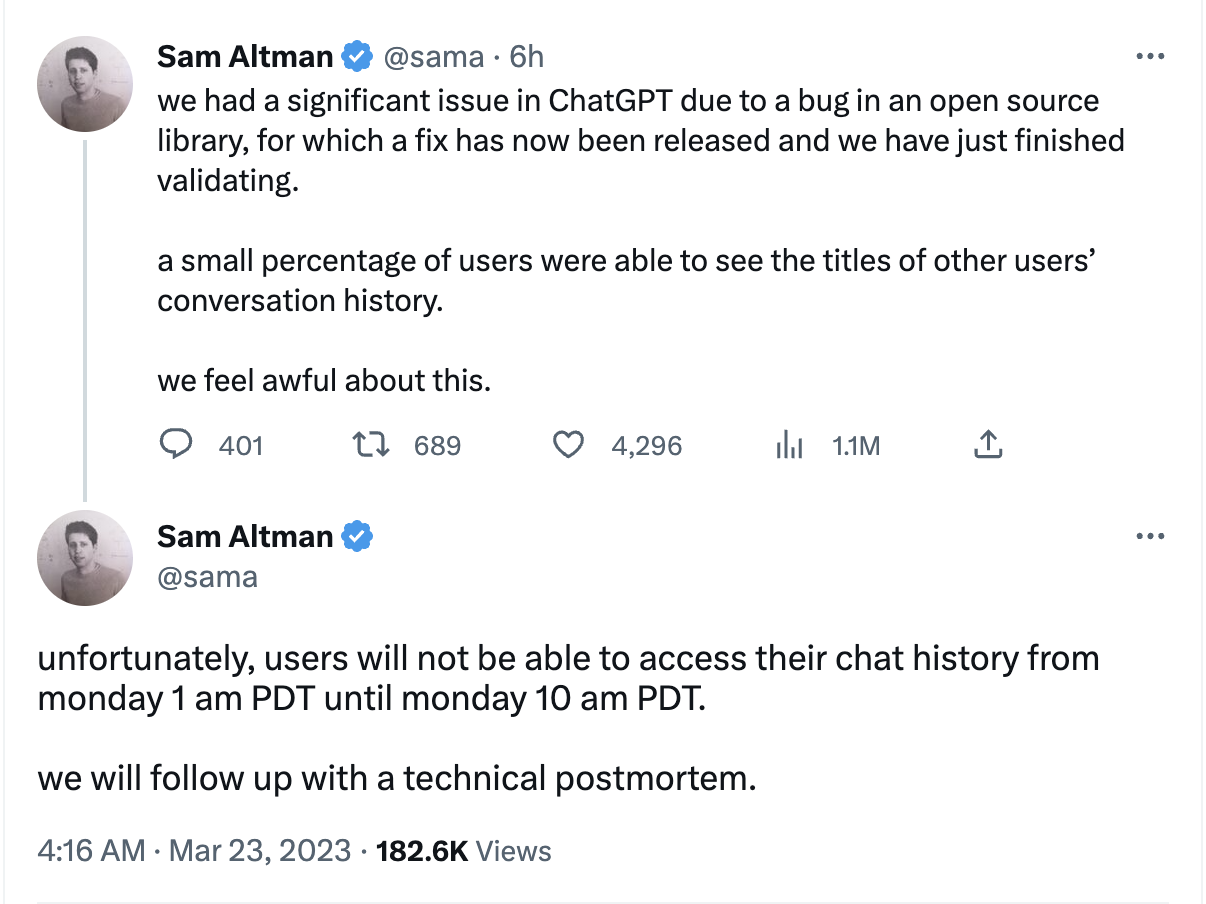
When I click the refresh page button, and after page refreshed, my all conversation at the sidebar cleared, this is not what I want to happen. After that I cant create new conversation, it can't generate new chat topic. I dont know why it also affects my chatgpt in web browser.
OS
Windows 10 22H2
Environment
No response


I am experiencing the same issue. Running v0.12.0 on MacOS.
@Purplishmoon Can you please update your bug title description to accurately summarize the issue?

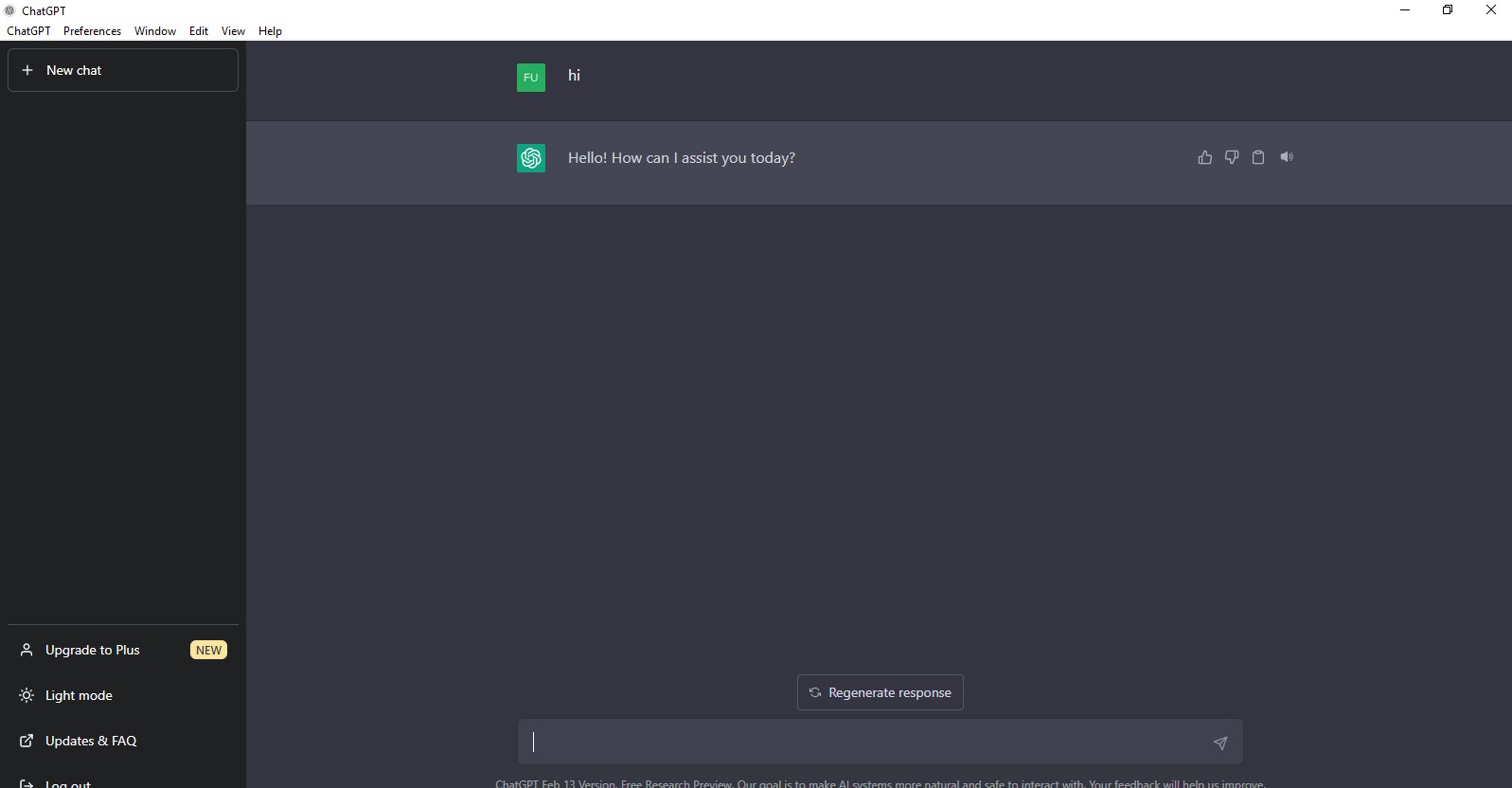
Same issue. Running on Windows. Have the application open for less than an hour. Can't create new chats and there isn't even the default button of clear chats.
Screenshot with the issue in question.


OpenAI has fixed this issue, log out of your account, then log back in and you'll see the chat history.
ref: https://github.com/lencx/ChatGPT/issues/691#issuecomment-1480544435