
kolibri
 kolibri copied to clipboard
Published
20 hours ago •
 learningequality
learningequality
Kolibri App - SCORM resource freezes on loading screen, but the resource is marked as completed after some time
Observed behavior
Kolibri App > the SCORM content items in the Kolibri QA Channel - a SCORM resource freezes on loading screen and if it stays like that long enough the resource is marked as completed.
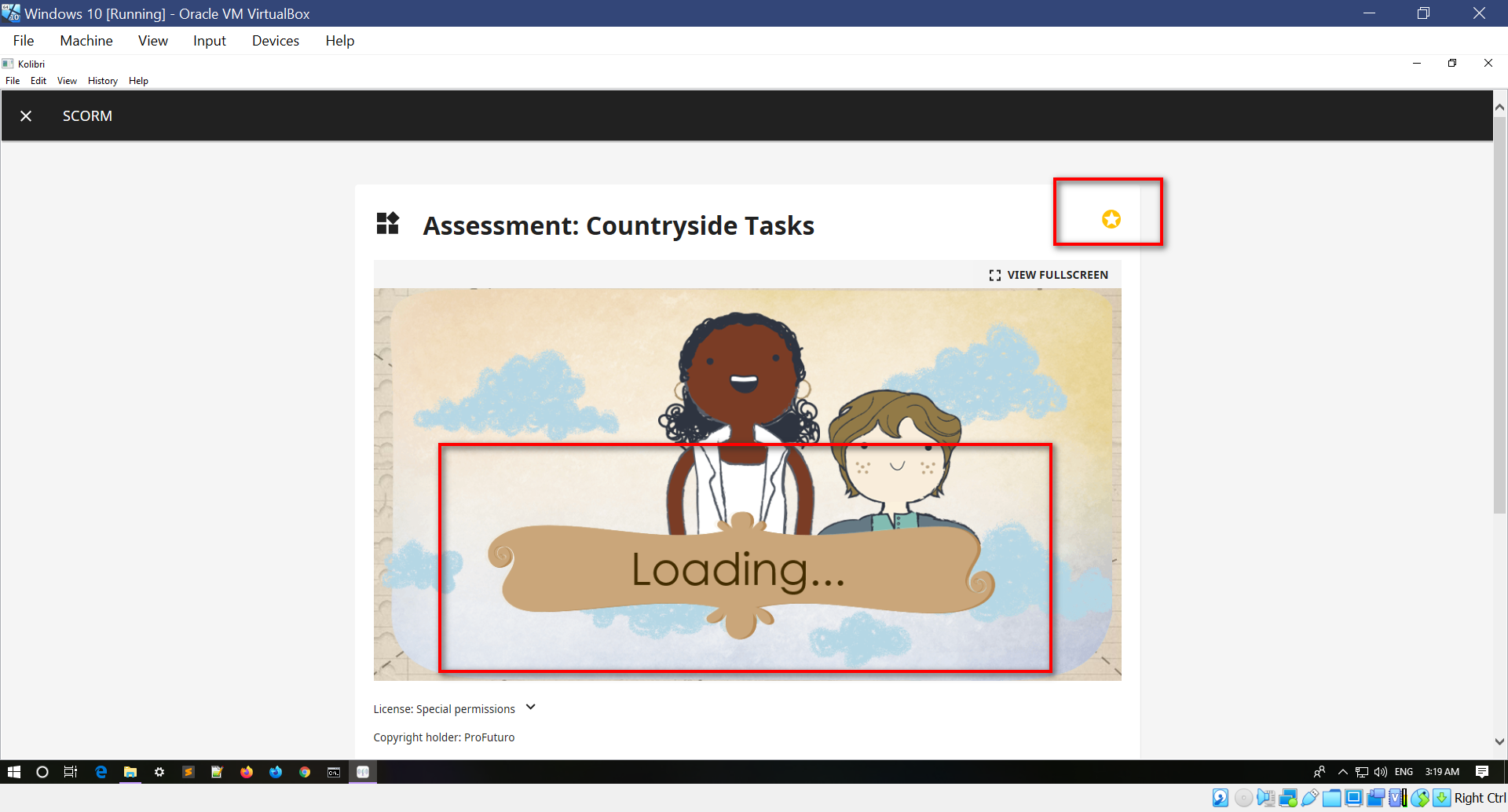
Expected behavior
SCORM content loads with no issues and the resource item is marked Completed in case it has been fully loaded and browsed by the user.
Steps to reproduce
Preconditions: Kolibri QA Channel imported with the SCORM content
- Login to Kolibri App as a learner
- Click the Kolibri QA Channel
- Click the HTML5 folder
- Click the SCORM folder
- Click a single item
Context
Kolibri 0.14.3 - App Windows 10 vm

Note that we think there are two issues here:
- SCORM content will not render properly in 0.14.x without a special configuration that allows for the SCORM API to be accessed. This is fixed in current develop branch.
- Currently we only suspend 'time based' flagging for SCORM content once we have received a signal from inside the SCORM content that it indicates it is progress tracking. We might want to set a permanent flag at import time to mark this up front, although fixing 1 will ameliorate this.
cc @kollivier

This is resolved by the ability to flag the completion criteria as "set by content".