
backend.ai-webui

backend.ai-webui copied to clipboard
 lablup
Add a running session panel to the summary page
Describe the solution you'd like Add a running session panel to the summary page to briefly determine which sessions are running. These are needed to decide before starting development.
-
Location
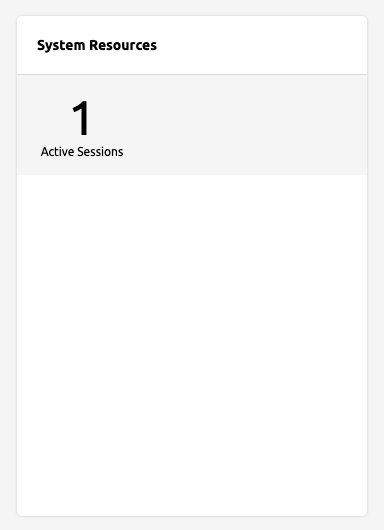
- Next to the System Resources panel
- Remove the number of the running session from the System Resources panel.
- And add a new panel named "Running Sessions".
- Fill the panel with only the title and grid.
- Inside the System Resources panel
- Widen the System Resource panel.
- Add a running session grid on the right side along with the vertical divider.
- If the authority is a general user, the lower left corner is empty, but the content is filled on the right side, so it will look awkward.
- Next to the System Resources panel
-
Info to show
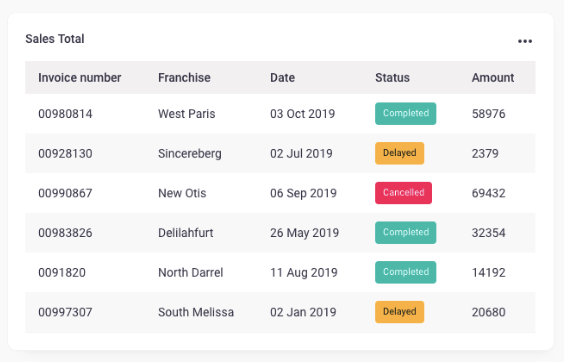
- Session info
- Session info + Configuration
Additional context I want to show as simply as I can. Let me know if you have a better idea or if you need to add/delete anything. Feedback is always welcome.
