

 lablup
Shell script config disappear after updating other config.
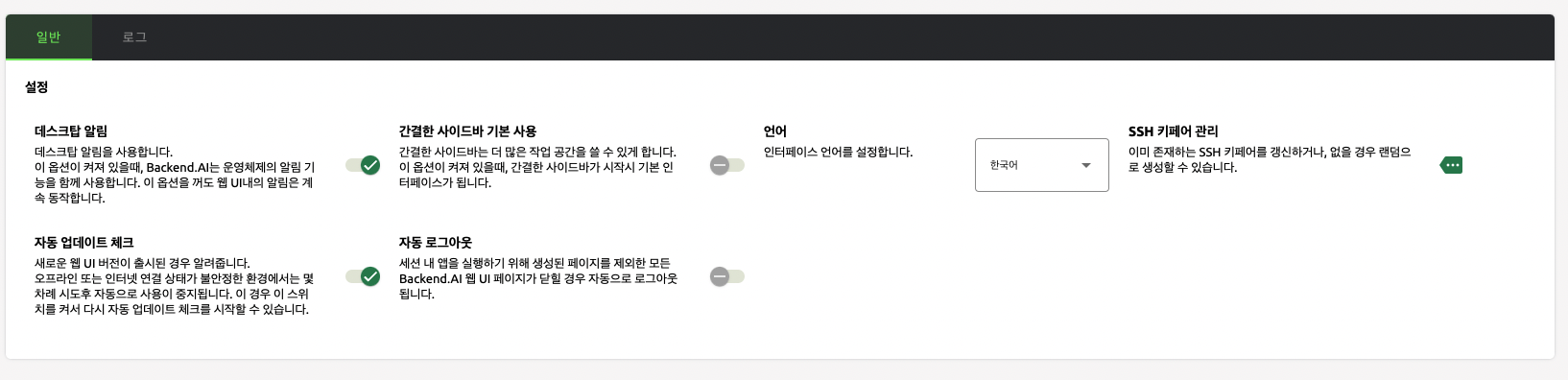
Describe the bug When updating other config and refreshing the page, the shell script config menu disappear.
To Reproduce
- Go to 'usersettings' page
- Update other configs such as system language, mini-ui etc.
- Refresh
- See error
Expected behavior Always visible if API support editing shell script.
Screenshots
Client:
- OS: macOS
- Browser version: Chrome, Safari
Additional context This error occurs 100% in the cloud. And if you want to make visible the script config menu, you have to close the current tab and re-open it. But in the development environment, it occurs sometimes and it can be visible if you refresh the page many times.

Today, I registered the cloud Backend.AI service.
I also found the issue that when updating other config and refreshing the page, the shell script config menu disappear.
the issue appear the error on the browser.
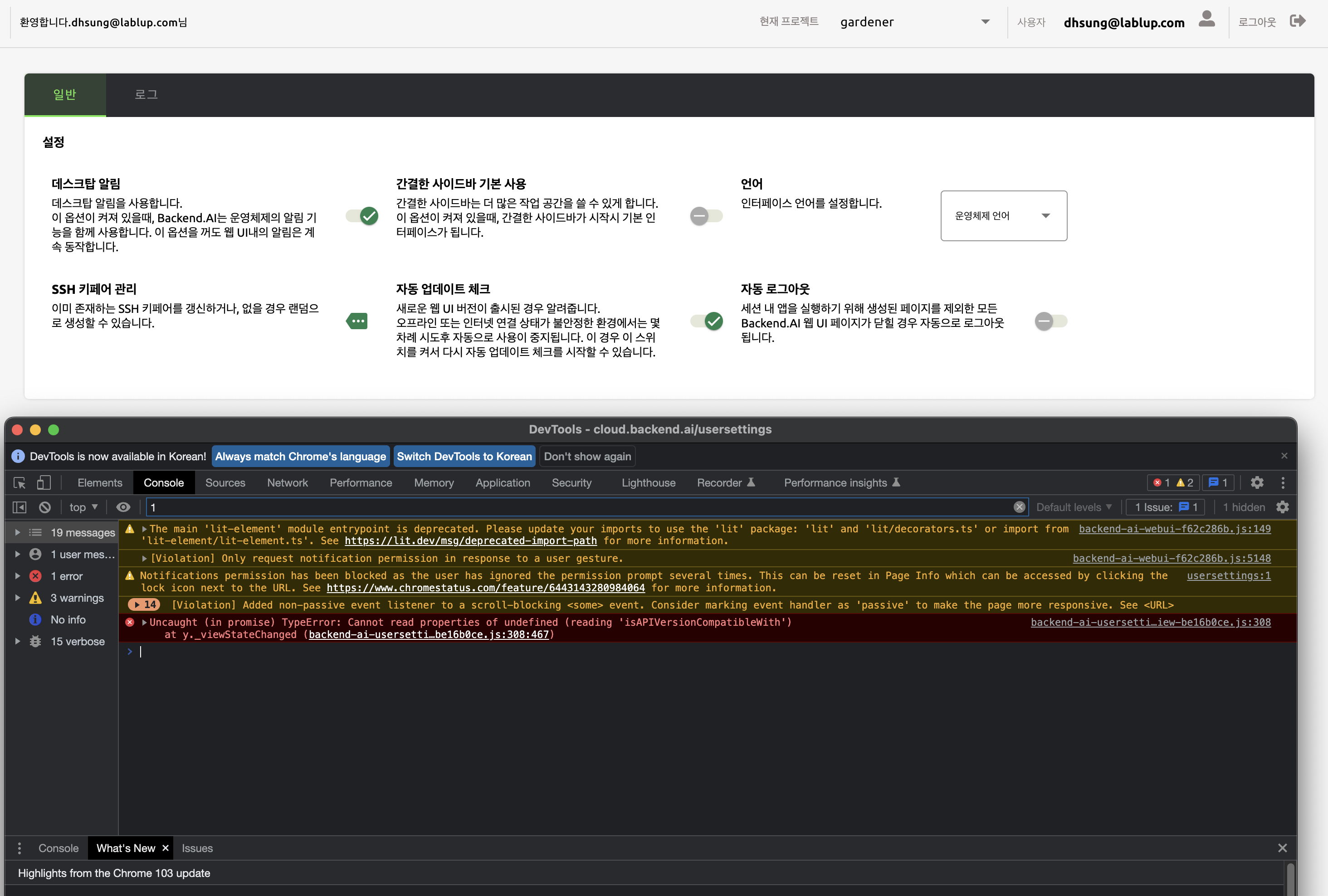
@Sujin-Kim1 , I found that 'isAPIVersionCompatibleWith' is missing on the page.


Now it works for me on dev. environment. Need to check again after releasing 22.09 to the cloud.