
testkube

testkube copied to clipboard
 kubeshop
Hide Sensitive variables from UI
Is your feature request related to a problem? Please describe. With the new release, we can see the variables in UI, but few variables are sensitive. Which are not visible in the test settings, but they are visible in the run output.
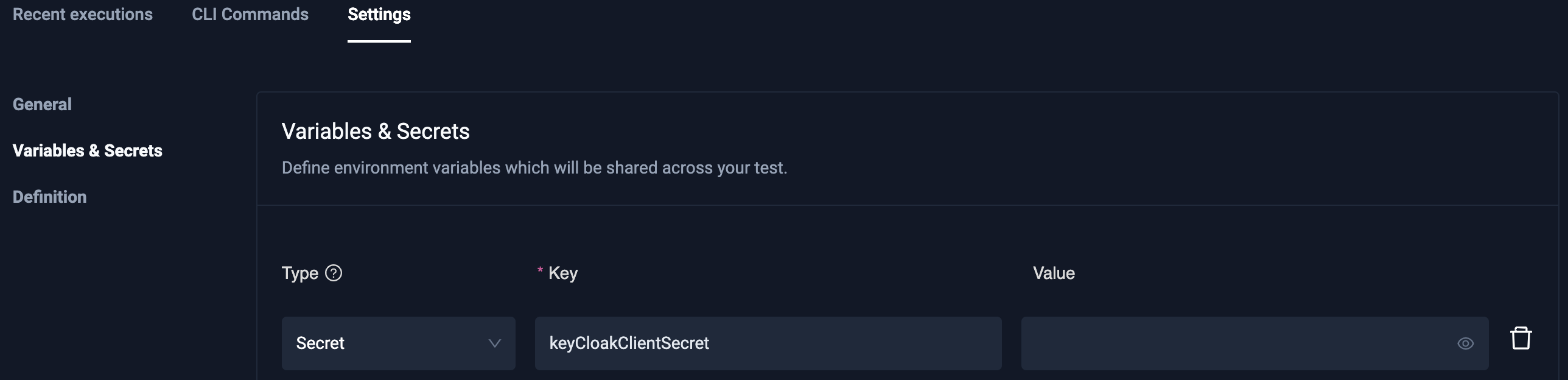
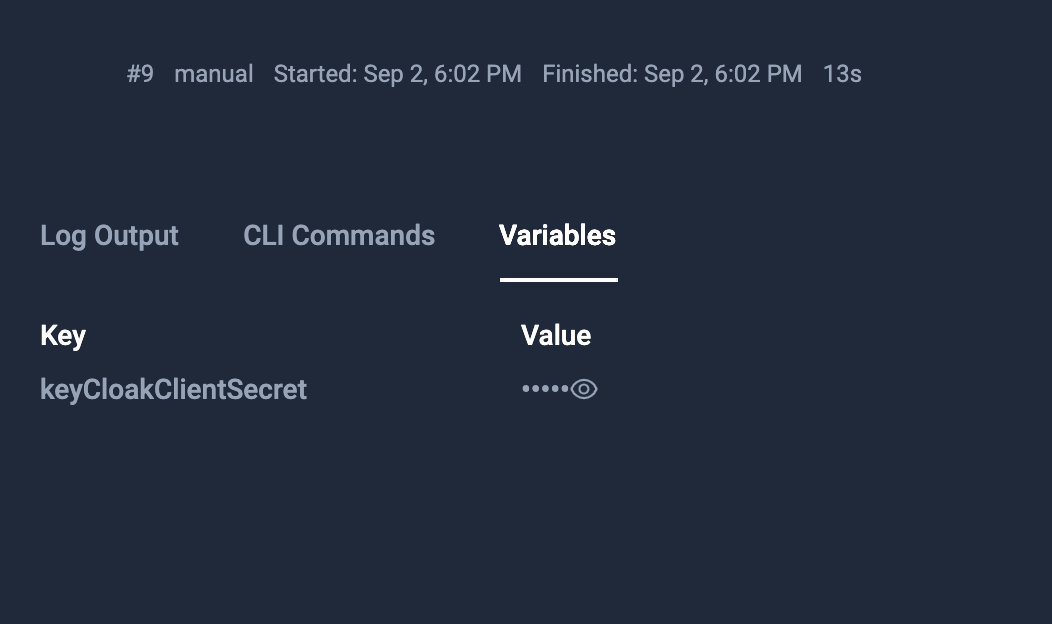
Describe the solution you'd like Hide all sensitive variables in UI
Describe alternatives you've considered Or add some flag in deployment, if sensitive enabled true show them, if false don’t show them.

Even from CLI the secrets are visible
╰─➤  kubectl testkube get execution 6312356eaa82962a076db84b                                                                  1 ↵
ID:         6312356eaa82962a076db84b
Name        dev-silicon-card-card-test-postman-collection-12
Number:            12
Test name:         dev-silicon-card-card-test-postman-collection
Type:              postman/collection
Status:            failed
Start time:        2022-09-02 16:55:10.149 +0000 UTC
End time:          2022-09-02 16:55:29.342 +0000 UTC
Duration:          00:00:19

  Variables:    2
  - keyCloakClientSecret = 1234 🔒
  - keyCloakClientSecret-gw = 1234 🔒

Status test execution failed:
Looks like for latest UI version this issue is not occurring. Can you still see it @abhipsnl ?
