
KPassCode
 KPassCode copied to clipboard
 krishnads
A simple StackView to be used for Passcode or OTP fields. Completely customisable with separate classes and very easy to use. Just Drag and drop with 2 lines of code.
KPassCode
A simple StackView to be used for Passcode or OTP fields. Completely customisable with separate classes and very easy to use. Just Drag and drop with 2 lines of code.
Separate files are there to fully customize the control
Demo Video
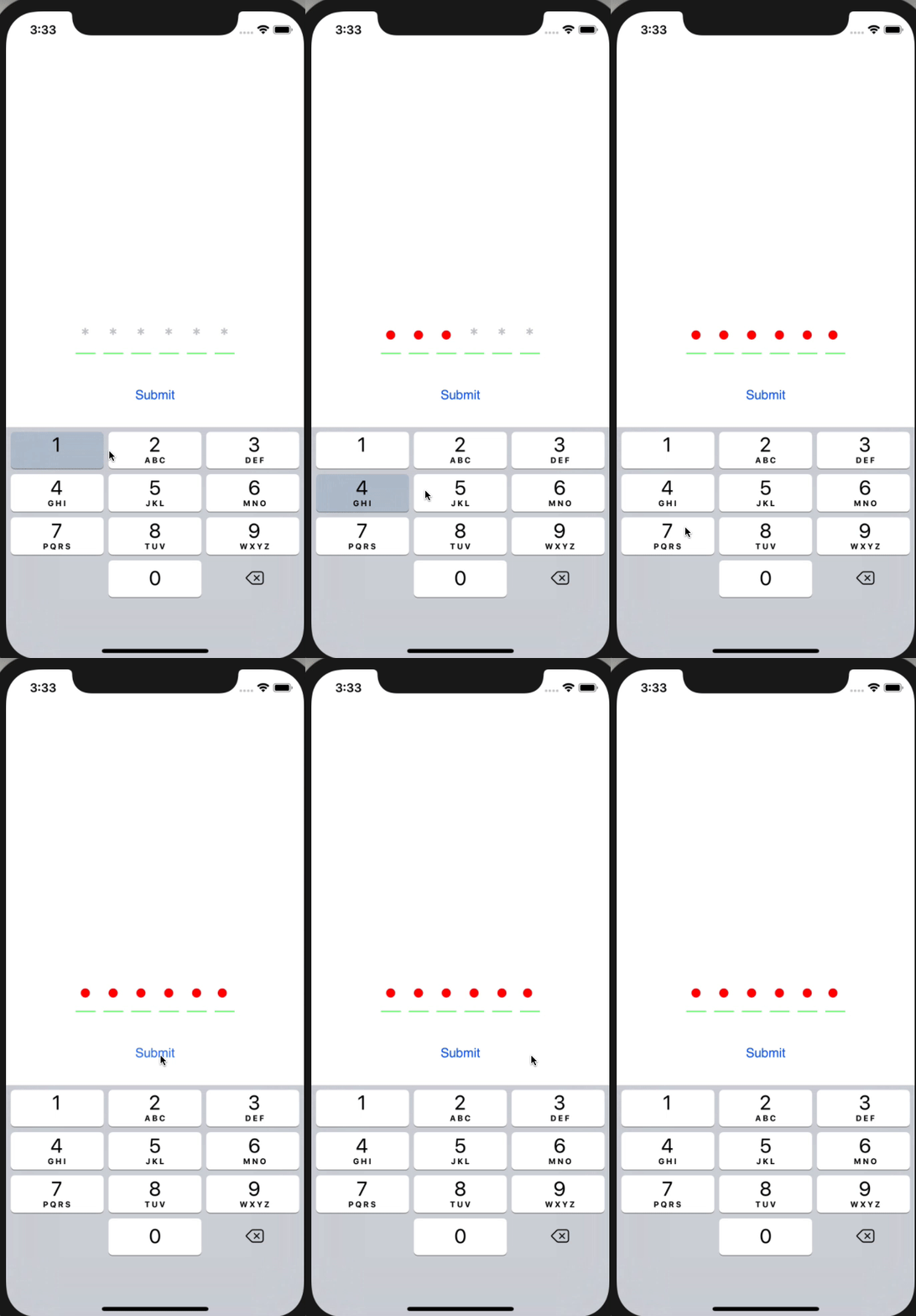
Screenshots


Usage - It's simpler than anything:
Steps:
1. Simply Drag and drop KPin folder in your project.
2. Drag horizontol UIStackView from UIElement Collection into the storyboard and Give it custom name as 'PinView'

3. In you viewControoler write the following code to initialize the PinView
@IBOutlet weak var viewOTP: PinView!
For Simple one:
      viewOTP.setUpView()
      viewOTP.textFields[0].becomeFirstResponder()
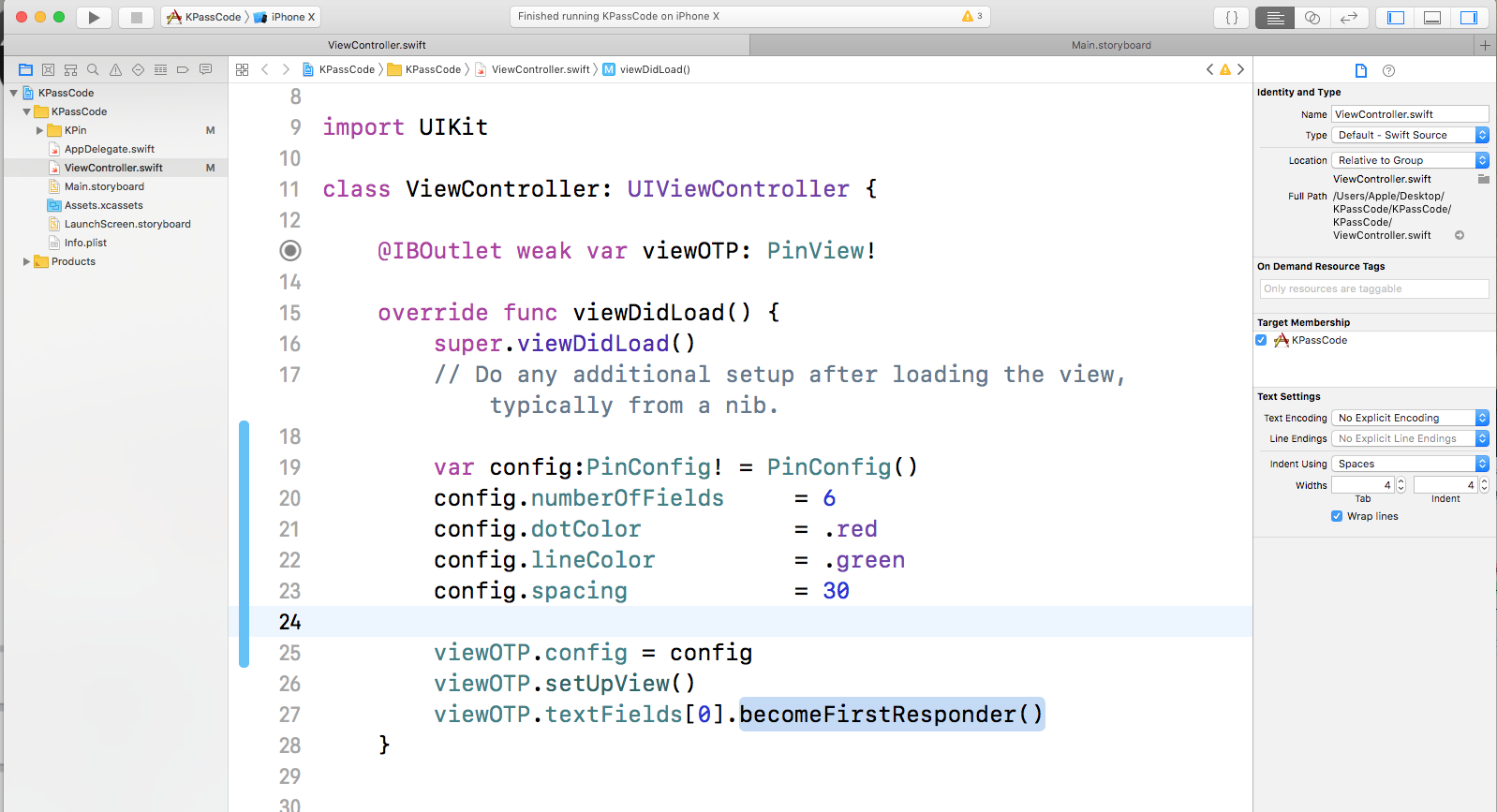
For More Content:
    var config:PinConfig!     = PinConfig()
    config.otpLength          = .four
    config.dotColor           = .black
    config.lineColor          = #colorLiteral(red: 0.8265652657, green: 0.8502194881, blue: 0.9000532627, alpha: 1)
    config.spacing            = 20
    config.isSecureTextEntry  = false
    config.showPlaceHolder    = false

    viewOTP.config = config
    viewOTP.setUpView()
    viewOTP.textFields[0].becomeFirstResponder()
 krishnads