

 krasa
krasa
Feature request - create a border around selected text
It would be nice to have a feature that can create a border around selected text/current line:
E.g. from this text:
Lorem ipsum dolor sit amet, consectetuer adipiscing elit.
Duis risus. Nullam rhoncus aliquam metus.
To this (single user chosen symbol):
-------------------------------------------------------------
- Lorem ipsum dolor sit amet, consectetuer adipiscing elit. -
- Duis risus. Nullam rhoncus aliquam metus.                 -
-------------------------------------------------------------
Or (user chosen symbol and prefix [when comment symbol differs from the border one]):
// #############################################################
// # Lorem ipsum dolor sit amet, consectetuer adipiscing elit. #
// # Duis risus. Nullam rhoncus aliquam metus.                 #
// #############################################################
Optional functionalities:
-
Ability to create only bottom (or any selected side) border.
Lorem ipsum dolor sit amet, consectetuer adipiscing elit. ========================================================= -
Customizable border width.
=============================================================== =============================================================== == Lorem ipsum dolor sit amet, consectetuer adipiscing elit. == =============================================================== =============================================================== -
Customizable padding.
=============================================================== = = = Lorem ipsum dolor sit amet, consectetuer adipiscing elit. = = = =============================================================== `` -
Ability to switch/replace current border symbol with other one (e.g. from
-to=).============= = X = Y + Z = ============= ------------- - X = Y + Z - ------------- -
Separate input for horizontal and vertical symbol (e.g. horizontal
-and vertical|).------------------------------------------------------------- | Lorem ipsum dolor sit amet, consectetuer adipiscing elit. | ------------------------------------------------------------- -
Borders from UTF-8 chars:
┌───────────────────────────────────────────────────────────┐
│ Lorem ipsum dolor sit amet, consectetuer adipiscing elit. │
└───────────────────────────────────────────────────────────┘
╔═══════════════════════════════════════════════════════════╗
║ Lorem ipsum dolor sit amet, consectetuer adipiscing elit. ║
╚═══════════════════════════════════════════════════════════╝
Notes:
- It should keep indentation of the original (when this feature would be used for an actual output of some (cli) program)


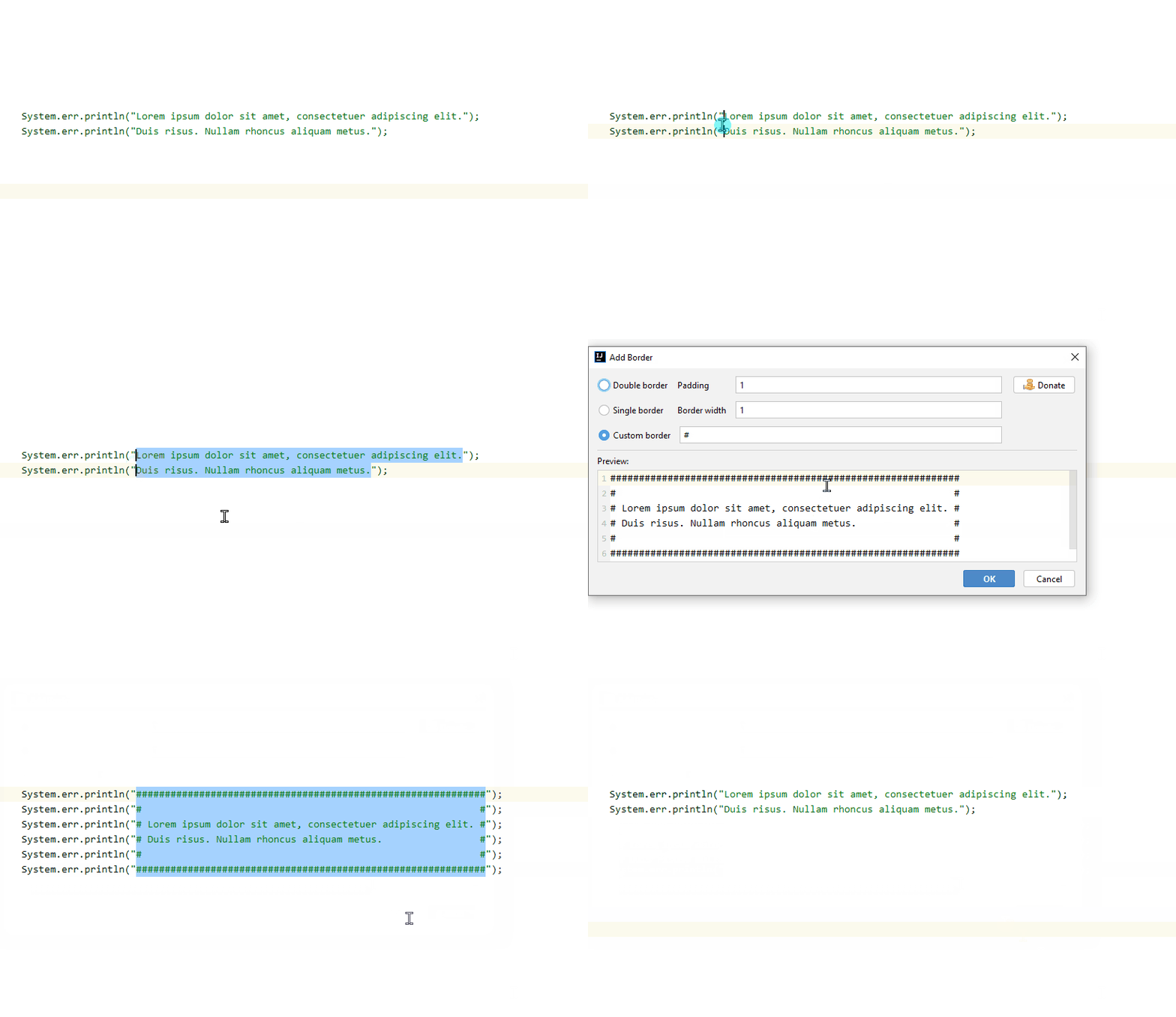 You can update and try it.
The bottom border will be added later, Switch/replace the current border hopefully too.
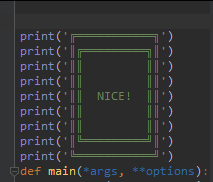
That your improvement with copying the code around is neat! Good work!
I have few UX suggestions:
- when i am on a line without any selected text
create borderwill select all text in the file instead of that single line. It should imho behave same likeswitch casefor example.. - padding/border_width text fields -> numeric (with +/- or something) and/or arrow keys up/down to inc/dec the value.
- keyboard shortcut for applying border (with predefined parameters) without the popup window.
- separate shortcuts/settings for full/bottom border if you implement bottom border:)
Thanks, fixed.
I will try to make a saving of custom settings as a separate action.