

 kraanzu
💡 [FEAT] Add a ---v or --verbose cmd to control writing the detail infos to file.log
Is your feature request related to a problem? 😢 Please describe.
Sometimes I'm frustrated when I click the z key to expand the parent item while it can't be expanded as expect although I try to re-click z many times. I don't know if this is a problem caused by terminal or os system and or app's itself.
Describe the solution you'd like 🤔
Perhaps we could add a directive to control whether to enable the background log output or to write these infos to a local file.
Now only think of so much😪

I click the z key to expand the parent item while it can't be expanded as expected
Does the click have no effect?
Perhaps we could add a directive to control whether to enable the background log output or to write these infos to a local file.
Like all the actions? including expands, adding a todo, increasing urgency, changing dates, etc.

I click the z key to expand the parent item while it can't be expanded as expected
Does the click have no effect?
Perhaps we could add a directive to control whether to enable the background log output or to write these infos to a local file.
Like all the actions? including expands, adding a todo, increasing urgency, changing dates, etc.
Emmm, let me describe my operation procedure.
-
I launch
dooiton my terminal. -
Enter the application, I select one of items in the left-panel by keyup/keydown event(not click event), and then the corresponding task details appear in the right-panel. And I double-click on the right panel, the mode of app is changed to
INSERTnow. See screenshot below: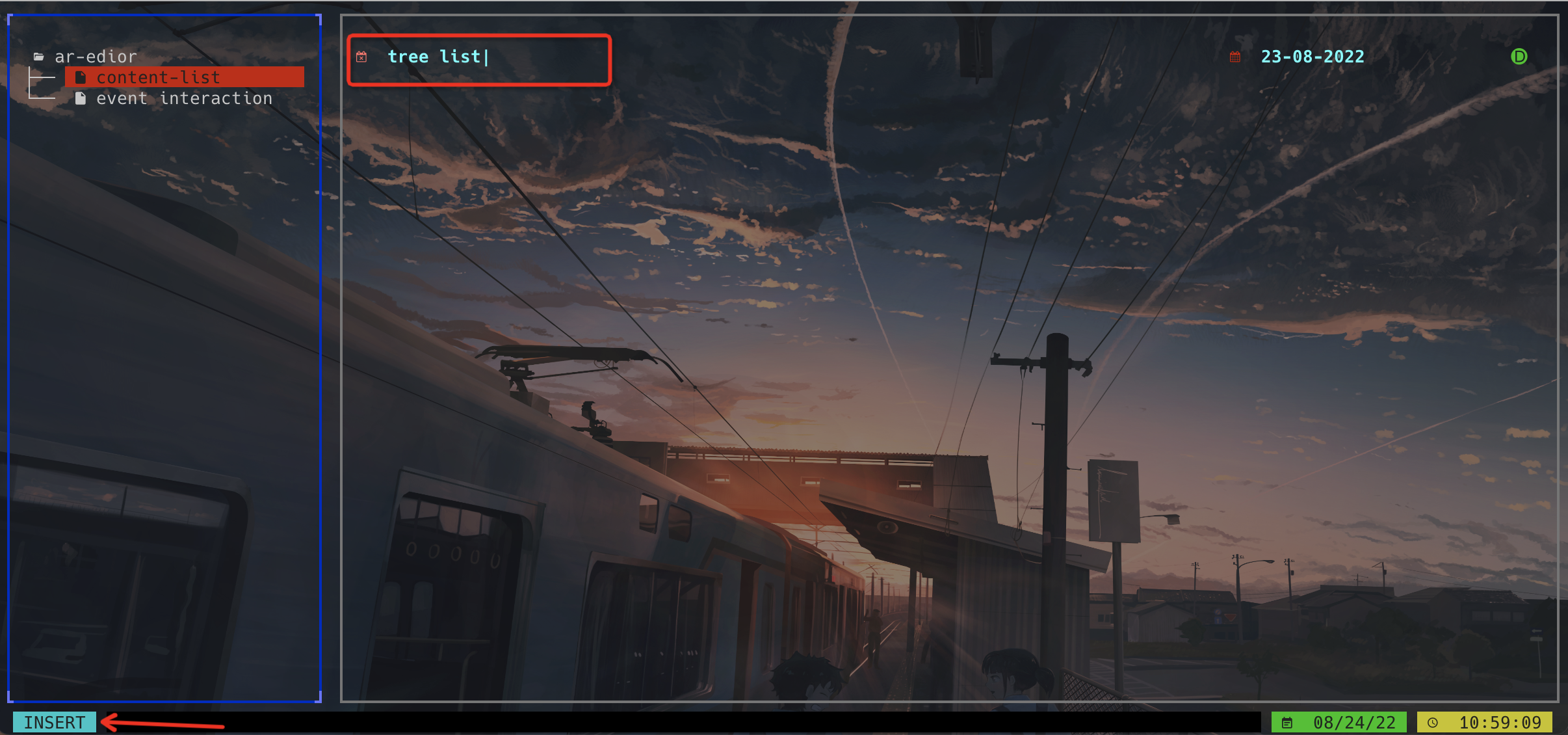
-
I thought the mouse-click event had helped me to change the current window to right panel, but it did not. The event focus is still on the left panel. And the
INSERTmode can't be exit byescapekey until I click on the left panel(theenterkey does not work here), the event focus switched to the right-panel, andescapekey can work, and everything is ok.
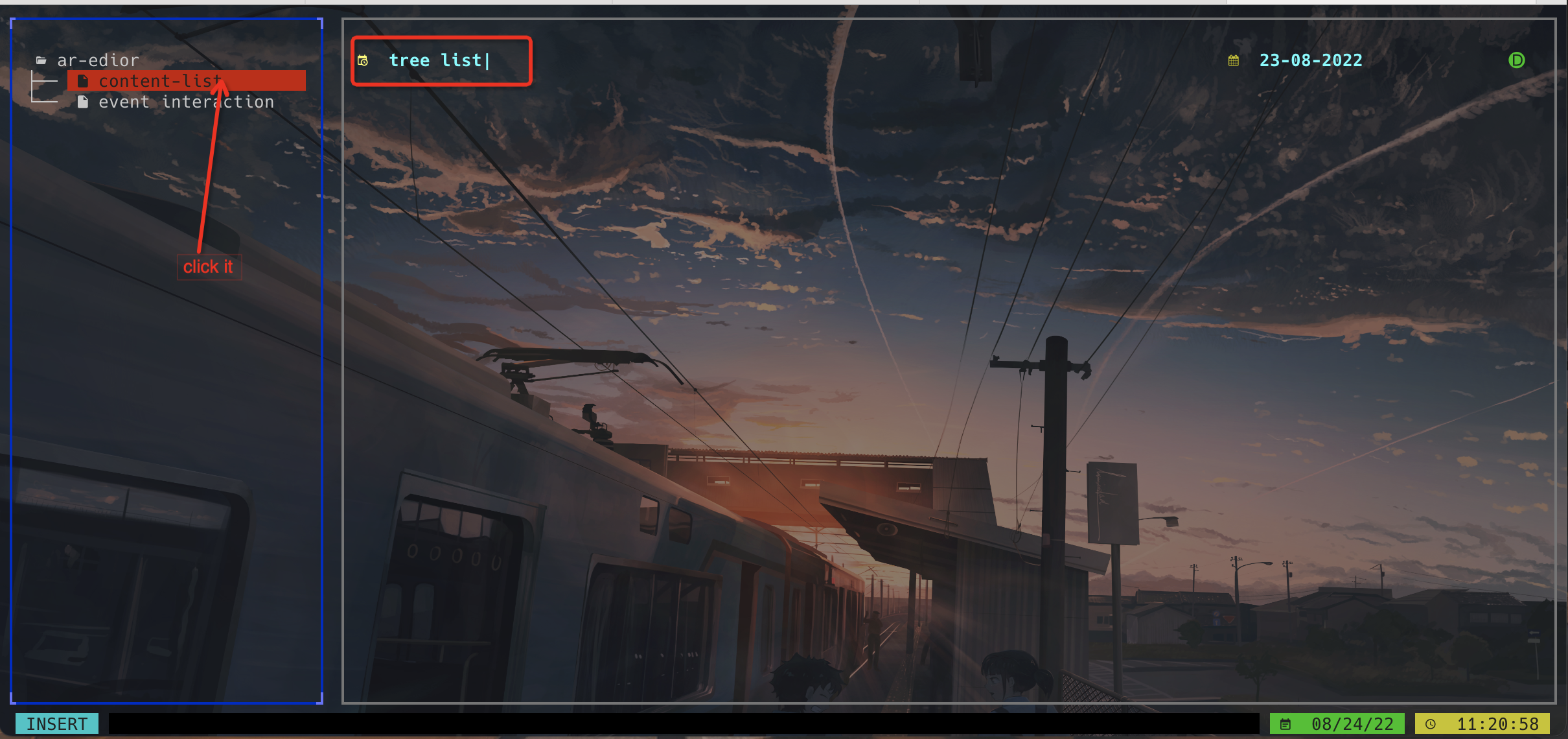
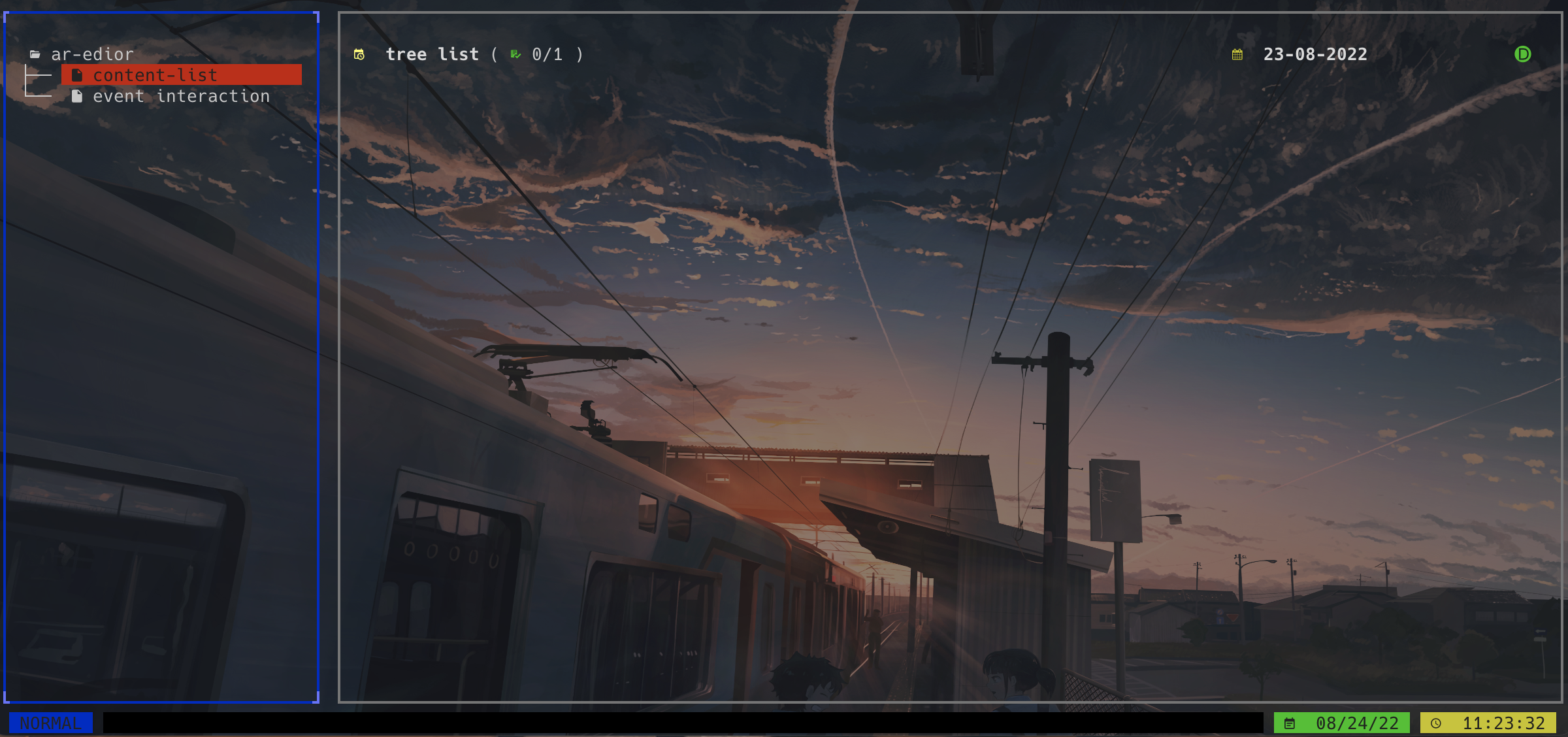
So It looks like it's my bad. I didn't know enough when I used it. It's a nice app and thank you for your reply.
Ah, I see. Thanks for the detailed explanation. Will push a fix right away :)
It's a nice app and thank you for your reply.
Thanks bud ;)
Although I can fix this easily for now... I'm afraid that the usage of mouse will break the app in some way or another. So maybe I should consider stripping away the mouse support for good? What are your thoughts on this?
Totally stripped out mouse support to avoid these kinds of error :) Should be fixed in the latest release