
Il2cppPatcher

Il2cppPatcher copied to clipboard
 kokonguyen191
Guide for Alice Gear Aegis
Here's your clean .apk

Rename it to .zip

Delete the x86 lib folder
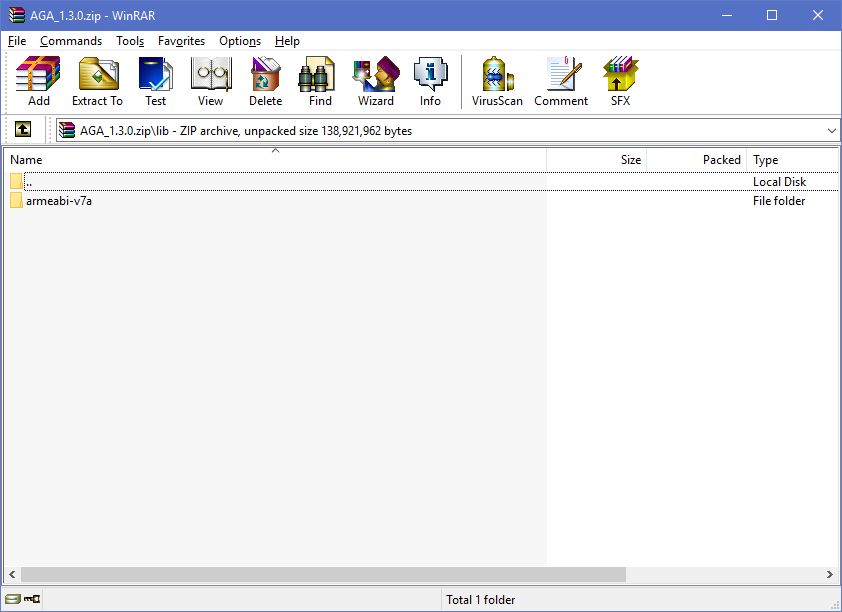
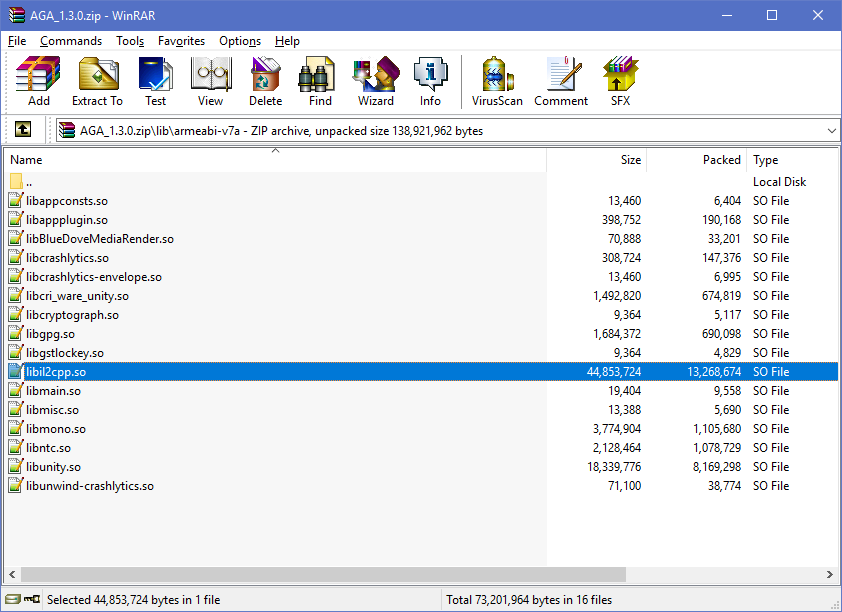
Extract the libil2cpp.so file
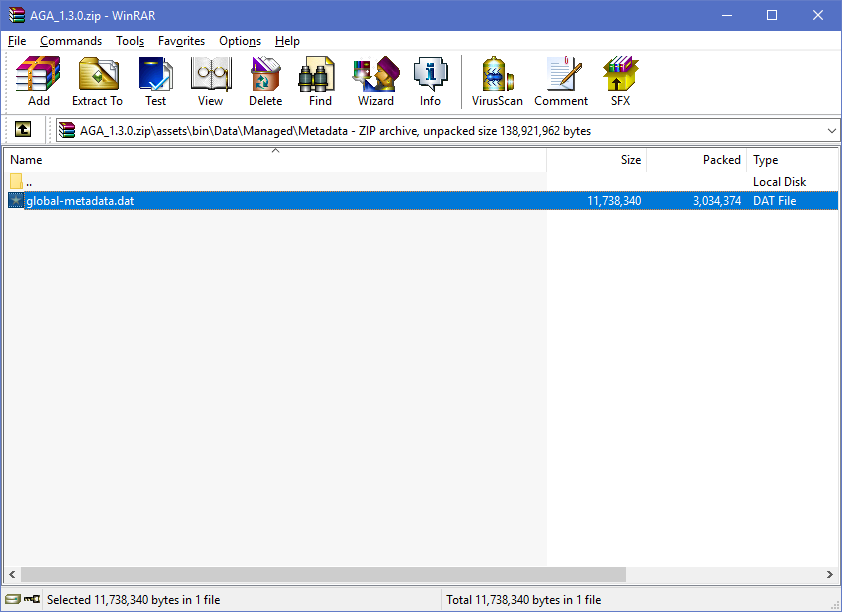
and the global-metadata.dat file
Use whatever tool you want to get the dump file, throw it, the libil2cpp.so file, the patch file, and the tool into one folder
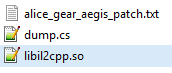
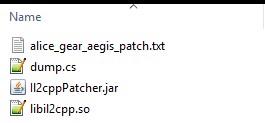
This is what your folder should look like at this step
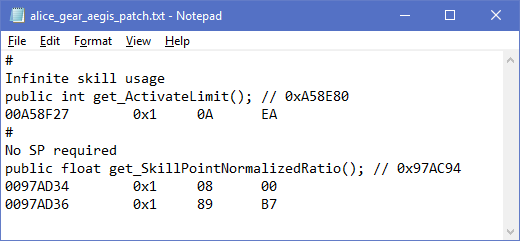
Edit the patch file, delete what features you don't want. Let's say I only want infinite skill usage and no SP required for SP skill, then my patch file looks like this
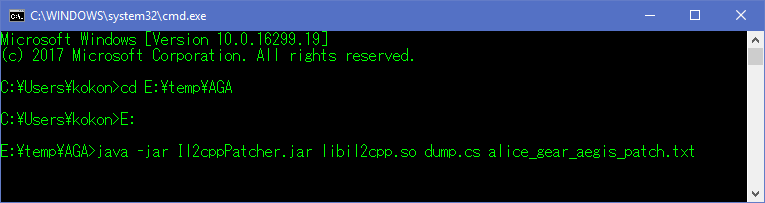
Save it, open cmd, cd to the folder, run the command
Drag'n'drop the modded libil2cpp.so file back into the .zip file, rename the .zip file back to .apk. Sign the new apk. Done.

