
kitodo-production

kitodo-production copied to clipboard
 kitodo
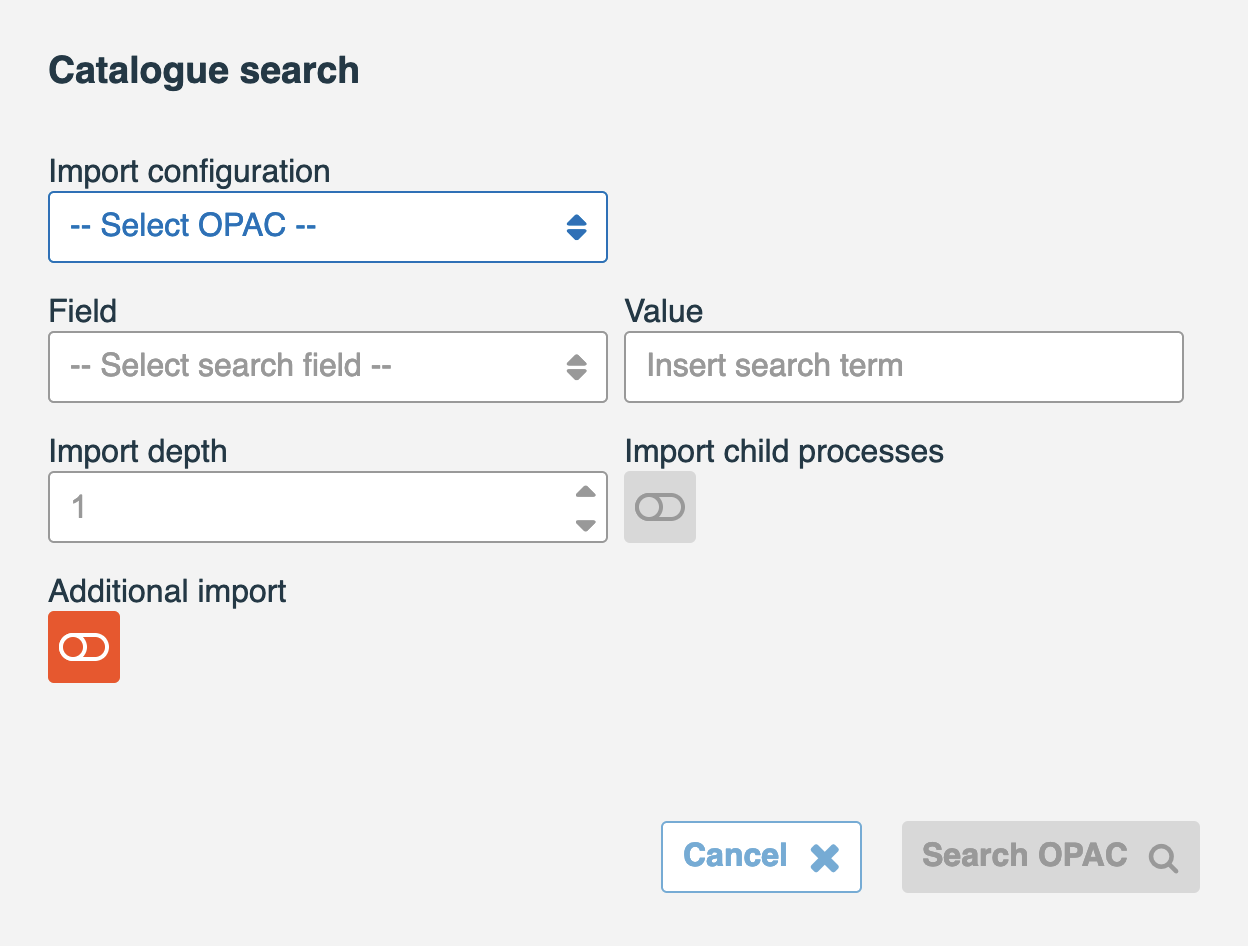
Switch "Additional import" is active on initial import and leads to an error
Describe the bug When importing metadata, the catalog import popup dialog offers a switch labeled "Additional import". This is meant to extend metadata retrieved from one source with metadata from a second different source.
This switch is always active, even on initial import, and then normally leads to an error (see below).
To Reproduce Steps to reproduce the behavior:
- Click the "+" button next to a project to create a new process
- Activate the "Additional import" switch on initial import (before any metadata has been imported)
- Click "Search OPAC" button
- Observe error
Expected behavior The switch should either be deactived if no metadata is present (which could also have been inserted manually!) or the status of the switch should have no impact on importing metadata into an empty metadata table.
Screenshots

Release 3.4.4-SNAPSHOT
