
WireFrame
 WireFrame copied to clipboard
 kiswa
kiswa
A simple set of CSS styles to allow quick wireframe prototypes in HTML/CSS.
WireFrame
A simple set of CSS styles to allow quick wireframe prototypes in HTML/CSS. Because, why not have wireframes that provide the starting point for the actual work!
Options
By default, the wireframes use a dark theme.
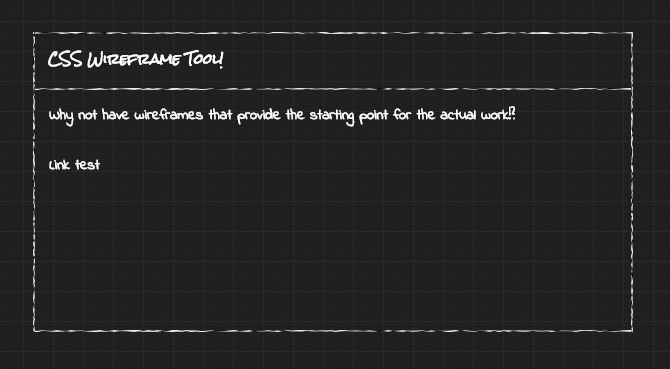
To change to a light theme, just alter the body tag to:
<body class="light">
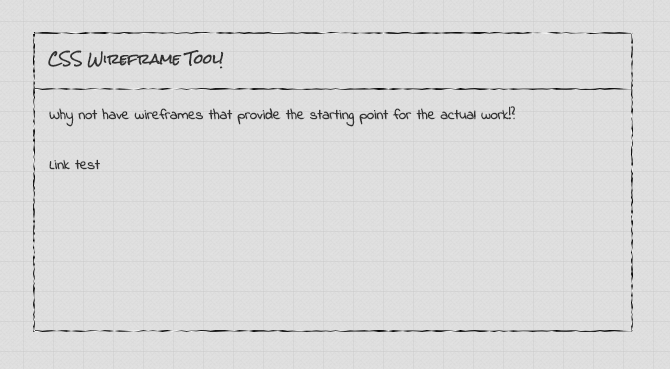
Use
When creating a prototype, just add the wf class to a surrounding tag and
use the wf-* and wf-child-* classes to add styles to elements.
There are the following classes (all with wf-child-* classes):
wf-topto add a wireframe border to the top of an elementwf-bottomto add a wireframe border to the bottom of an elementwf-leftto add a wireframe border to the left of an elementwf-rightto add a wireframe border to the right of an element
Forms and inputs are also styled to match the wireframe look.
Handwriting-style fonts are used throughout. The loaded fonts are Indie Flower for default text, Rock Salt for headers, and Coming Soon for
whatever you want (not set to anything in the wireframe CSS).
The wf.css file also includes Font Awesome icon fonts.
Inspired by Wireframing with HTML and CSS.
 kiswa
kiswa