
client

client copied to clipboard
 keybase
Keybase app won't pin to top menu bar on my new Macbook Pro M1
On my old macbook, when I open the Keybase app by clicking on the app in the bottom dock in the apple OS, a small icon of Keybase will also automatically pin to the top menu bar on my apple OS. But now that I have a new Macbook Pro (M1), the app will not open the small pinned icon in the top menu bar. Both Macbooks are running the same latest version of macOS Monterey 12.6.
Attached is a screenshot of when Keybase opens the small pinned icon on my old Macbook.
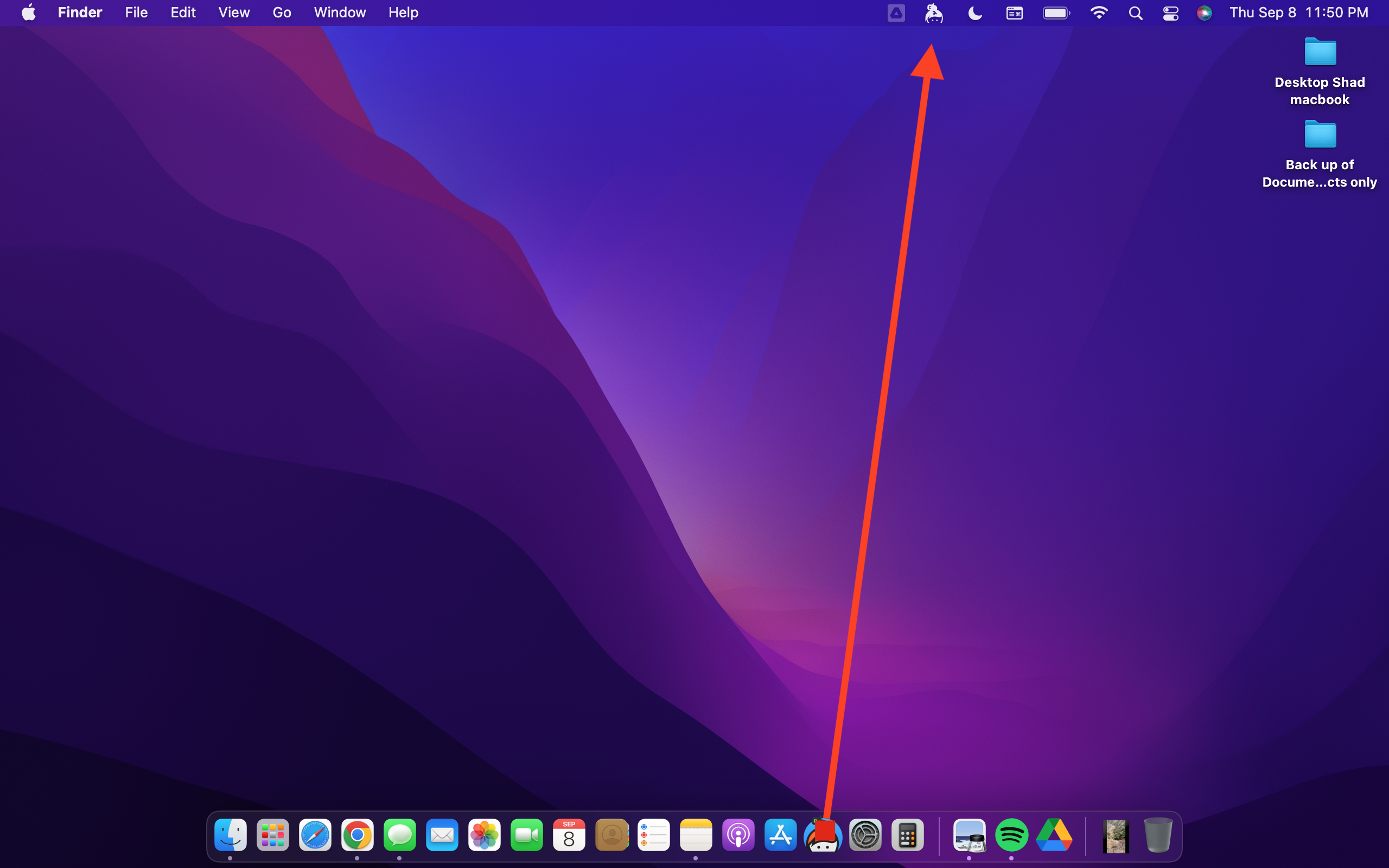
Keybase version is 6.0.1
Please advise on how to get the small icon to show in the top menu bar when I open Keybase. Thanks
