

 keybase
Keybase app on windows keeps prompting to update.
I'm regularly getting the following dialog:
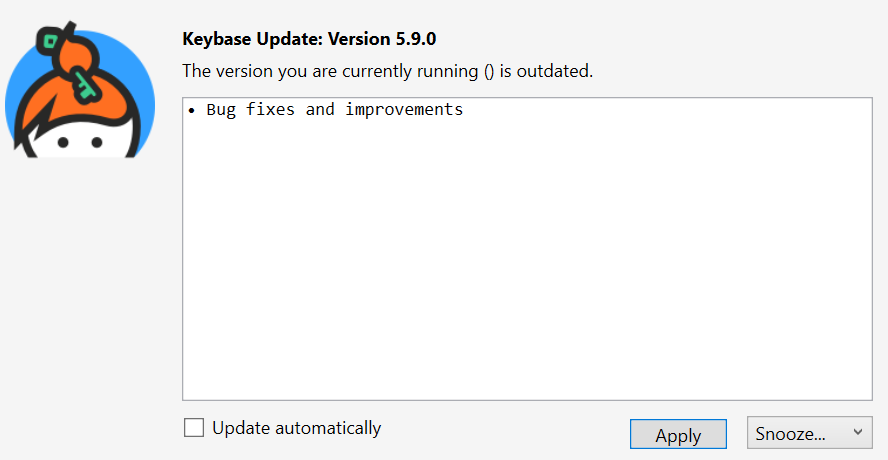
I've tried hitting Apply, as well as uninstalling and reinstalling. I'm on 5.9.0.12:





@bogosj This is still happening for me. I had it happen after the comment you made, and I chose to apply the update, it started some installer progress bar that went away without prompting me, and then the pop-up re-appeared five-ish days later.
I am still seeing this. An annoying pop-up from Keybase every few days prompting me to upgrade. Seems like Keybase doesn't look at their issue tracker though, as there hasn't been any acknowledgement or response in over six months.

This looks like the earliest/busiest of the four (d'oh) issues raised for this bug, so I'll link to the sleuthing I did and logs I gathered, but posted on one of the others:
If anyone with triage permissions sees this, it would probably be a good idea to close the other three as duplicates of this one. 😅

Hi all :wave: , just wanted to ping about this issue and make sure that owners have noticed the possible fix I pushed to keybase/go-updater.
