

 keepassxreboot
Cannot unlock database from Browser after reboot
Overview
I have Windows and Linux. I set the KeepassXC on Windows and Linux to start automatically after reboot on both of them. I usually click reopen database on the MS Edge or chrome extension and usually, it greets me with popup to unlock the database on Linux. But, I cannot do the same on Windows 10 and I have to check on taskbar and unlock it manually (not really straightforward).
Steps to Reproduce
- I usually clicked reopen database on the KeepassXC extension Edge and Brave on Windows 10
- it does not worked
- I have to go to taskbar and unlock it manually.
Expected Behavior
When, I clicked reopened database after reboot I should be greeted with popup to unlock the database
Actual Behavior
it does nothing on Windows 10 and I have to go to taskbar -> double click on toggle windows -> unlock database manually.
Context
I set the same parameters on Windows and Linux. But, it does not work on Windows 10.
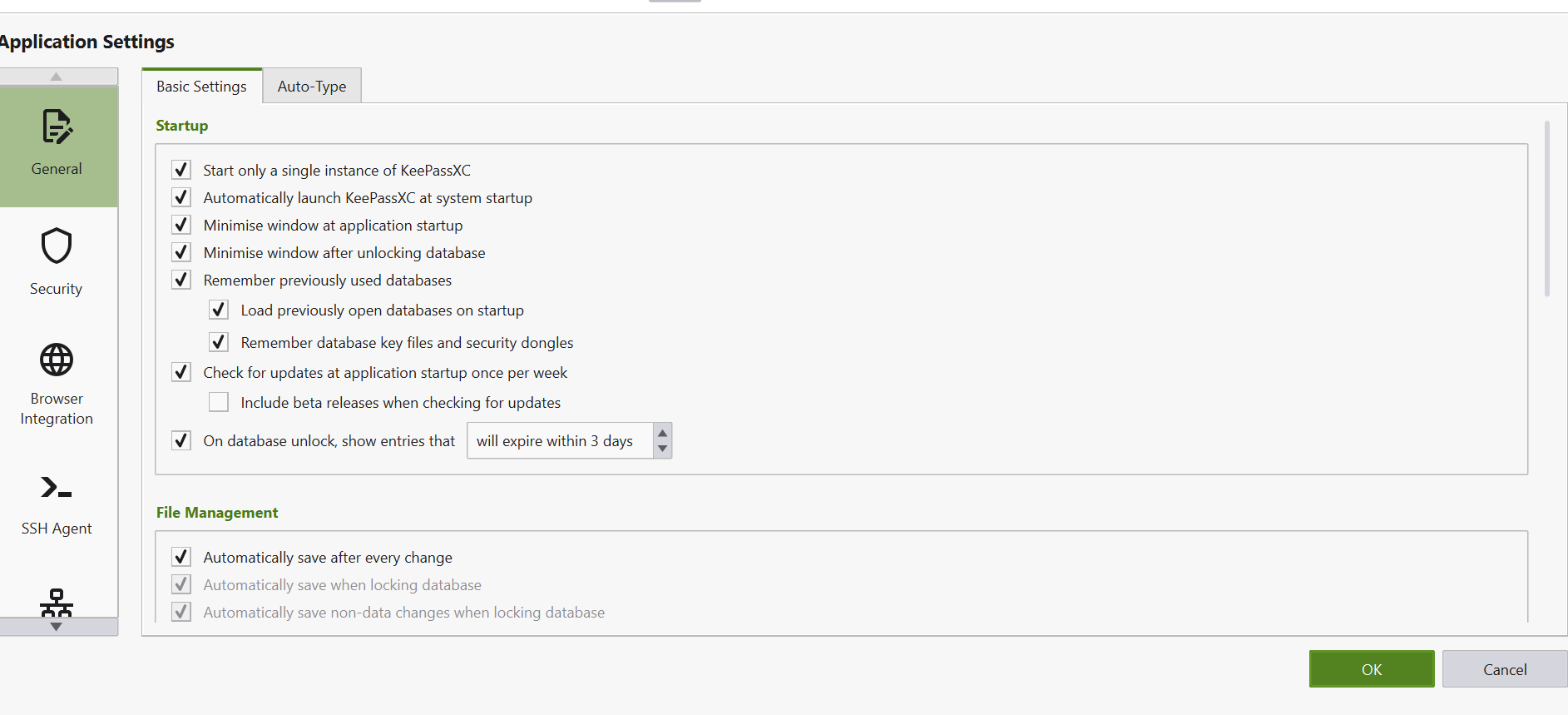 Strangely, when I close the KeepassXC properly and restart the app back (without reboot) on Windows 10. I clicked the reopened the database and it works as usual
KeePassXC - 2.7.1 Revision: 5916a8f
Operating System: Windows 10

Do you actually see the "Unlock Database" option in the browser extension or does it show "Key exchange failed"
