

 keepassxreboot
Right Click -> Merge selected entries
It would be nice to have a capabitlity to merge 2 (or more) entries into a single entry.
Use case: I use the KeePassXC-Browser plugin and when I go to a site for the 1st time which already has an entry in my KeePassXC database; when I "allow" access to the matching entry, a NEW entry is created in my KeePassXC database - typically with the system host name as the "Title".
I'd really like to "merge" these 2 entries and then delete duplicated fields (if any).

I haven't heard about this kind of behaviour before. New entries are not created from the browser extension unless told so. Could you provide some screenshots or details about the new entry that is being created?

I think the idea is still very valid no matter the result of the browser plugin test.

I think what is happening is this:
- Go to a site that does NOT have a URL in the entry
- "Auto Paste" the entry (user/password)
- The Browser Plugin will then prompt/ask to create/update the entry - Click and do it
- A new entry will be created in "KeePassXC-Browser Passwords"
Afterwards I now have 2 entries - one in the original folder and one in the new "KeePassXC-Browser Passwords" folder.
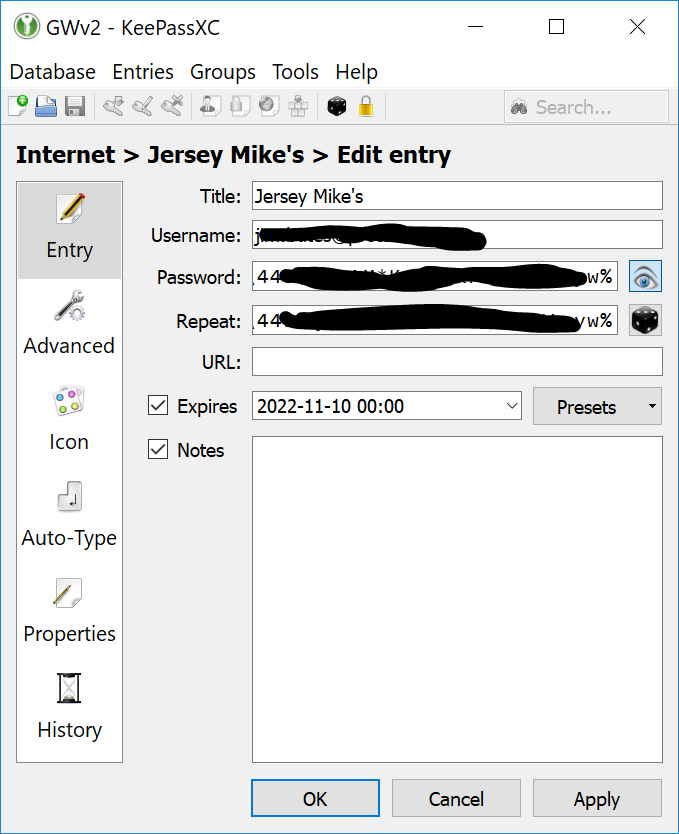
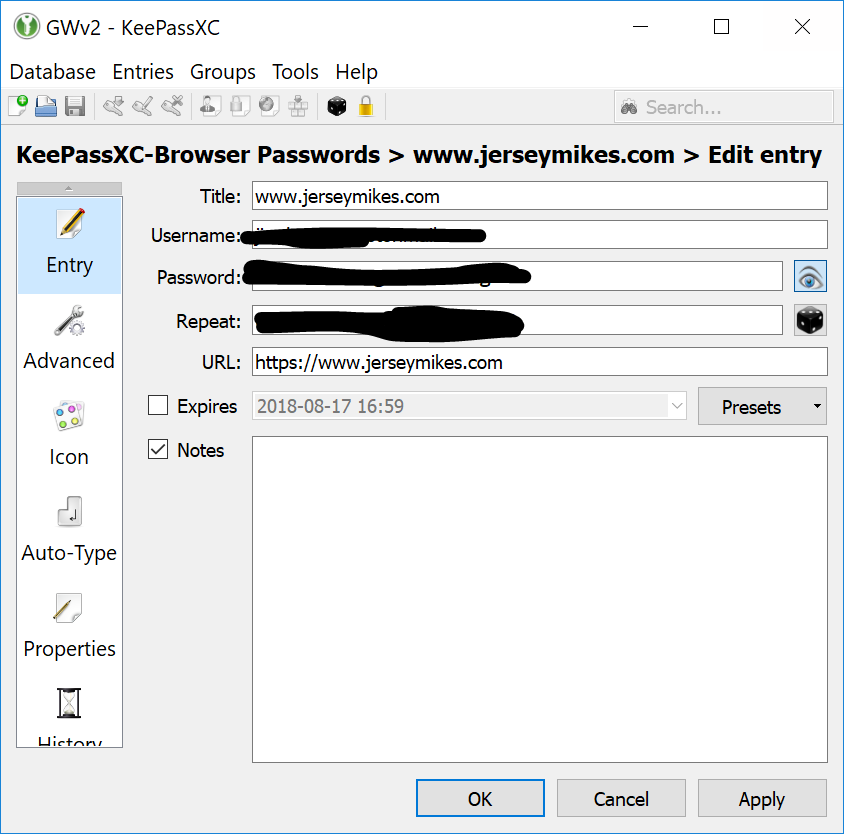
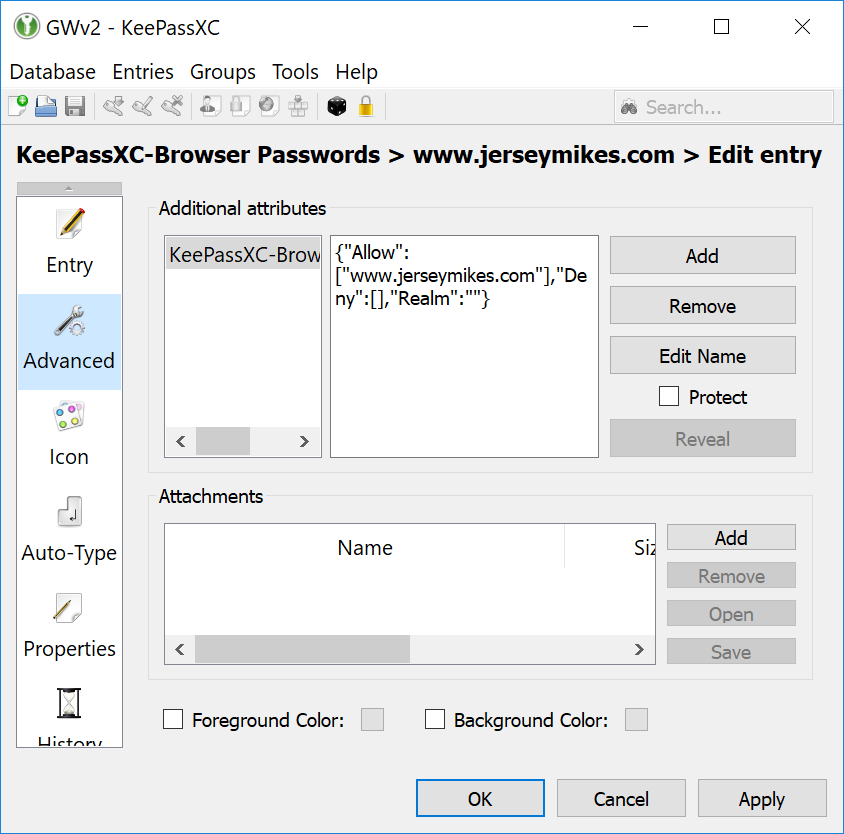
If the entry doesn't have a URL, KeePassXC-Browser has no way to know that entry for the site already exists. That's why a new one is created instead of updating the old one. If you add the URL to the original entry, everything should be fine.
See also #3272.
It would be great to be able to merge duplicate entries. I use Nextcloud and used to occasionally get conflicts. When I merge the two databases, I inevitably end up with two sets of entries. It would be great to remove duplicate entries either via teh GUI or via keepassxc-cli.

In Keepassxc (not browser) I use four different machines, and I will open of change entries on which ever one I happen to be using. Sometimes, for example when travelling, I am using my laptop all the time, and have difficulaty using the machines at home. At home I rarely use the laptop. Thus the keepassxc databases diverge. I want to be able to unify them. But I do not want to go through hundreds of entries updating them and adding them. That is what computers are for. Ie, there should be a way of merging two databases with the newest entries from either being kept for any entry. If I try to save and then import I get two separte sections on the one database, not a merging of them. I could go through one by one, but since these days with everyone demanding passwords, the number is simply far too large to go through merging them by hand.
Now apparently the URL is used. But passwords need not be associated with a URL. It should be able to merge by name of entry, not url, and certainly not by UUID.

I think a good generalization of this is "merge into other entry as historical entry" and "extract historical entry as new standalone entry", building on the existing "entry history" feature.


I'd also +1 this. The typical use-case is that you have half-a-dozen entries that are all the same account but they are [re-]created by accessing a site via different URLs.
One entry with the multiple URLs listed in Browser Integration -> Additional URLs would be more ideal.
It's interesting to note that Chrome does this automatically. It seems to discover that when you use a new URL to access a site you have an existing password for, it adds the new URL to the existing entry.
Rather than having to merge entries manually, Chrome's behaviour of just adding new URLs to existing entries would be even more desirable.

Another +1 here!
I often find myself needing to search for entries because they don't have a URL. Auto complete handles this really well. Then I get the browser extension pop-up asking to save the password -- but because it didn't match on URL, the only option available is to create a new entry! I'll often click "new" here, just to make sure the URL gets recorded in the database, but now I have two entries for that site!
A merge feature, or duplicate detection feature would allow me to clean these up later. (Even better, if the browser extension would be able to match or understand what entry auto-fill used and just update with the URL, then I wouldn't have this problem in the first place.)

+1 for this, and from one group to another as browser group isn't always the one updated, E.g. when you have to store the key manually it often ends up in root. For the folks having multi-system merging issues, I know this isn't for everyone, but I solved this by syncing the database between systems using a central server(any always on machine), ssh keys and a cron job to rsync the latest file there, along with anything else I want to find on all machines. It's like using owncloud or nextcloud without the hassles, versioning stupidity and third party security issues.
Here's the script I use do always keep the latest updated db on my systems without merging.
#!/usr/bin/bash

#push latest to server if newer
rsync -auhvrt --rsh 'ssh -i </pathtosshkey/id_sshkeyname> -p<port>' /<path/to/local/syncdir/> sshuser@sshdomain:/<path/to/syncdir/on/server>
#get latest from server if newer
rsync -auhvrt --rsh 'ssh -i <pathtosshkey/id_sshkeyname> -p<port>' <sshuser@sshdomain>:/<path/to/syncdir/on/server>  </path/to/local/syncdir/>
Be sure to review ssh security if you use this online. Turn off password entry and only use pubkeys, disable unused functions etc. You can use a dynamic dns like duckdns.org or buy a domain name to make things easier when outside the lan.
once you have it working right you can just call the script with a cronjob. crontab -e
50 * * * * <path/to/rsyncscript>
where 50 is the time between sync calls in minutes.
p.s. don't include the <> in stuff. I know I don't need to say this but kids these days... :P
