karlicoss
extension breaks ctrl + shift + V on Chrome
Ctrl+Shift+V is for pasting text as plain text (i.e. removing formatting) in Chrome in every text field on every website.
(I heavily use this all the time. E.g. when writing a mail, and copy text from some website, I don't want the custom font/formatting of the website, but just paste it as plain text.)
It seems that the Chrome extension of Promnesia breaks this. It seems to use this shortcut for sth (some visual feedback?).
I have not found a way to reconfigure or disable this. Is there? If not, there should be. And maybe also the default shortcut should be changed. I assume this is quite a common shortcut in Chrome?

Oh! I had no idea, thanks for letting me know! I guess I'll change the default.
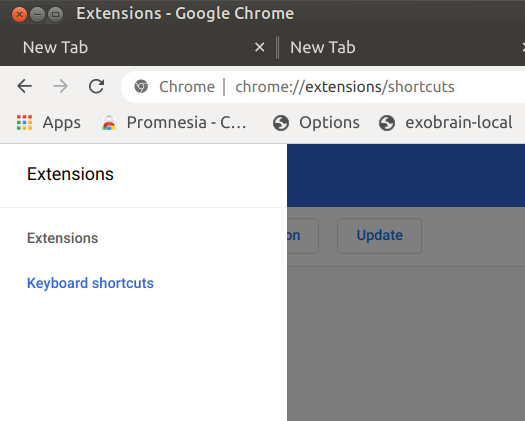
It's possible to change though -- it's just annoying that keybindings settings are hidden behind the hamburger menu