

 kaby76
Unable to run trash tool
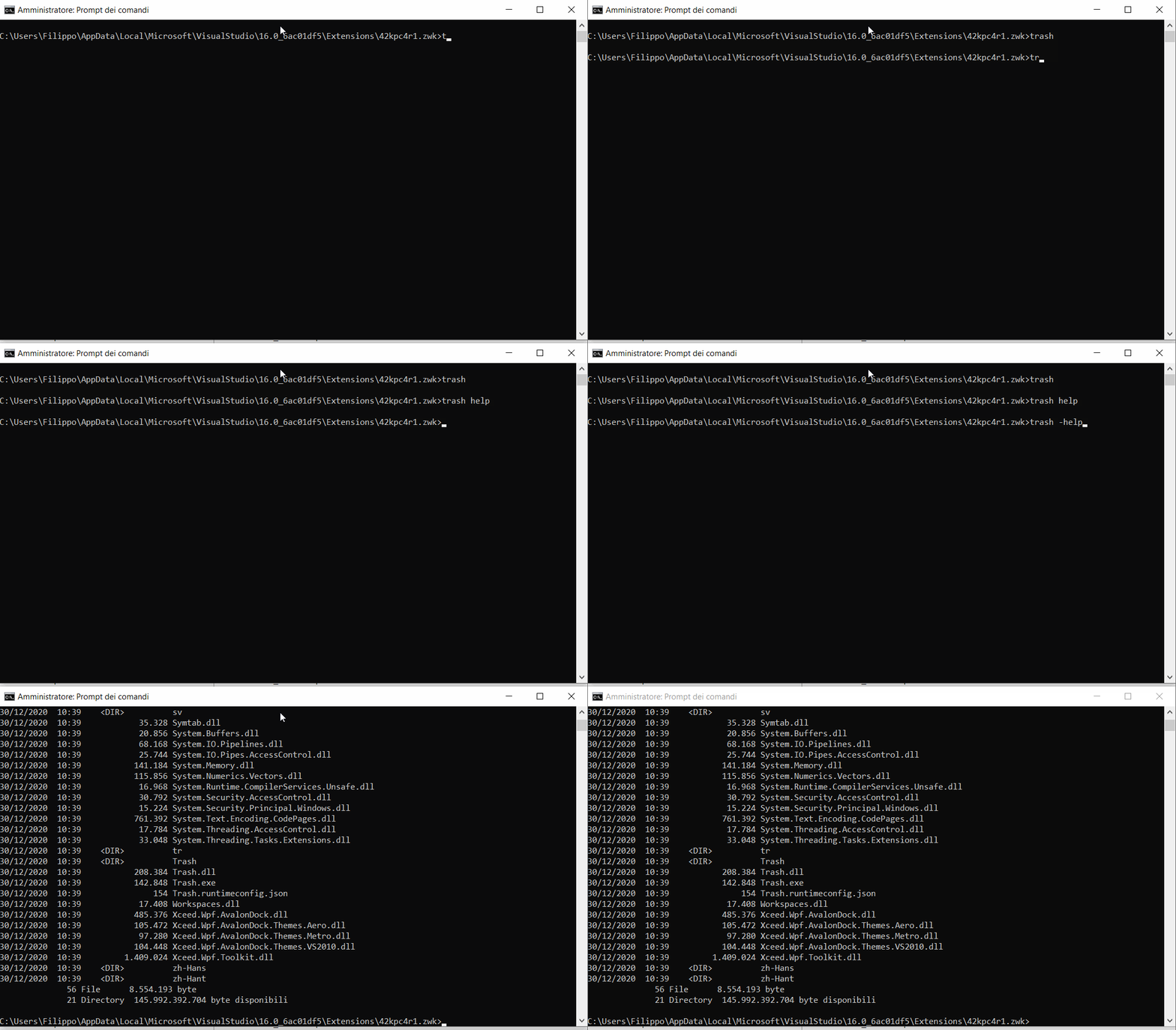
Hello, I'm trying to run trash but I don't understand how it works. When I run trash.exe it ends instantly without any message. I have tried a lot of commands without luck.
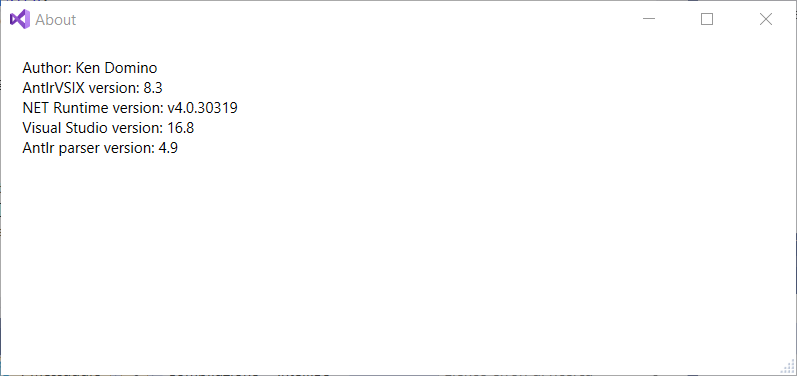
This is the tool version:

Start cmd or bash or powershell. Type 'trash'. No options. No args. It reads stdin. It's a shell program. I'll have to be more clear in the doc.

Actually, you are right. In cmd.exe, or powershell.exe, trash.exe returns immediately. I don't know why. I always use Git Bash or Cygwin--I cannot stand such primitive shells like cmd.exe or powershell.exe (and they are not available on Linux). I will figure this out and make another release to correct this and another problem. --Ken
OK, I still do not know why NET Core is having a fit, and even after doing a dotnet publish, this still is not running right. It could be because of this crazy window issue with AGL (automatic graph layout). See this https://github.com/dotnet/sdk/issues/14503#issuecomment-745572814
So, to run it from cmd.exe, type dotnet ...\net5-windows\Trash.dll. from the directory where you have your grammar files (.g4). Just give it the path to Trash.dll. Then, once you see the ">" prompt, type help.
Eventually, this will all get replaced by using whatever shell you like, and stand-alone NET 5 apps.