

 jurplel
Use mouse wheel to jump to next/previous image
Would it be possible to add the ability to map the mouse wheel to jump to the next/previous image?

This is a good suggestion. I'm not sure I can integrate it with the keyboard shortcuts menu though. It will probably need its own dedicated option (should be quite easy)

I use FastRawViewer a lot in my workflow. In that app you assign the mouse wheel as a keyboard shortcut, just click to active then push the wheel in either direction to assign. It's very intuitive.
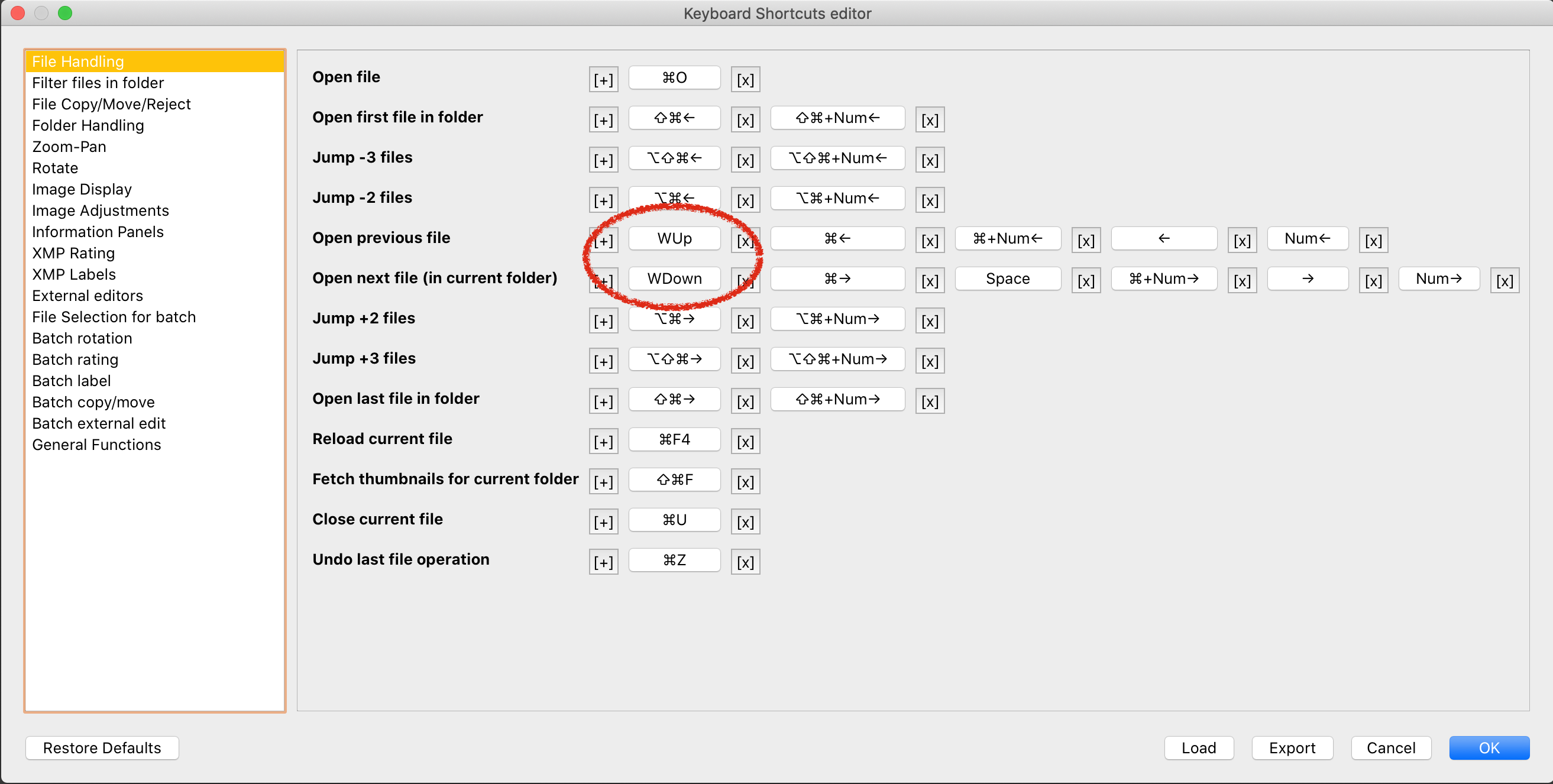
Based on the way the keyboard shortcuts system functions, I can find no way to implement mouse buttons into the shortcuts. The keyboard shortcut system uses a QKeySequenceEdit to form a QKeySequence object, which can then be assigned to a QAction as a shortcut. To bind mouse buttons, it is very different.
void MainWindow::mousePressEvent(QMouseEvent *event)
{
    if (event->button() == Qt::MouseButton::BackButton)
        on_actionPrevious_File_triggered();
    else if (event->button() == Qt::MouseButton::ForwardButton)
        on_actionNext_File_triggered();

    QMainWindow::mousePressEvent(event);
}

void MainWindow::mouseDoubleClickEvent(QMouseEvent *event)
{
    if (event->button() == Qt::MouseButton::LeftButton)
        on_actionFull_Screen_triggered();
    QMainWindow::mouseDoubleClickEvent(event);
}
The mouse controls in qView are bound by hooking onto mousePress events, determining what button was pressed, and triggering an action accordingly. There is simply no easy way to combine these two systems that I know of.
Thanks for your detailed explanation Ben, tbh I don't really mind how it's achieved, I just want my muscle memory to work.
If you build a macOS alpha please let me know, I'd be more than happy to test it, that zoom functionality is giving me anxiety :-)