

 julienkay
Where is MobileNeRF -> Asset Downloads
MobileNeRF -> Asset Downloads does not seem to exist?
Import From Disk seems to be the only option?

Hmm that's weird. I can not reproduce that right now. Which version of Unity are you on? OS? Any errors in the console?

My guess is that you didn't drag the Editor folder in the package into "Asset", so the editor scripts are not compiled by Unity Editor.

clean install, empty project. which version of unity should i be using - which has this been tested to work?
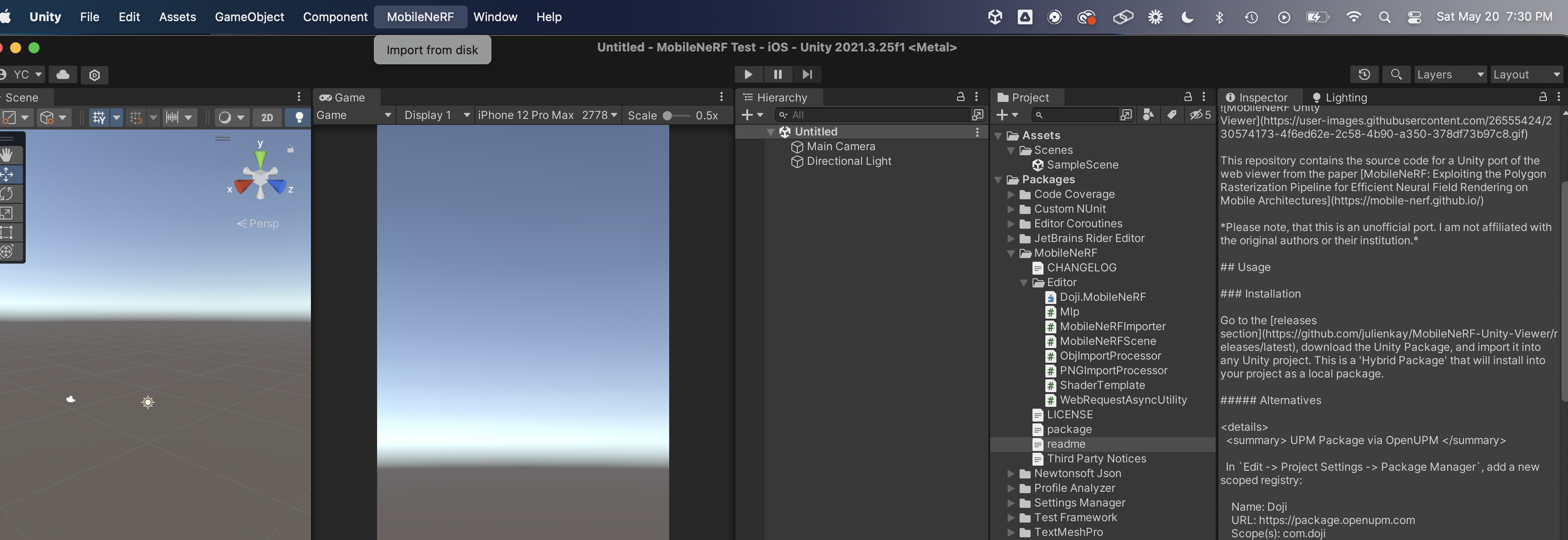
no errors on console - screenshot shown
i'm also not sure what types of files import from disk works with?
hmm i did that too but no effect earlier... after re-import, same thing? which version has this been tested with?
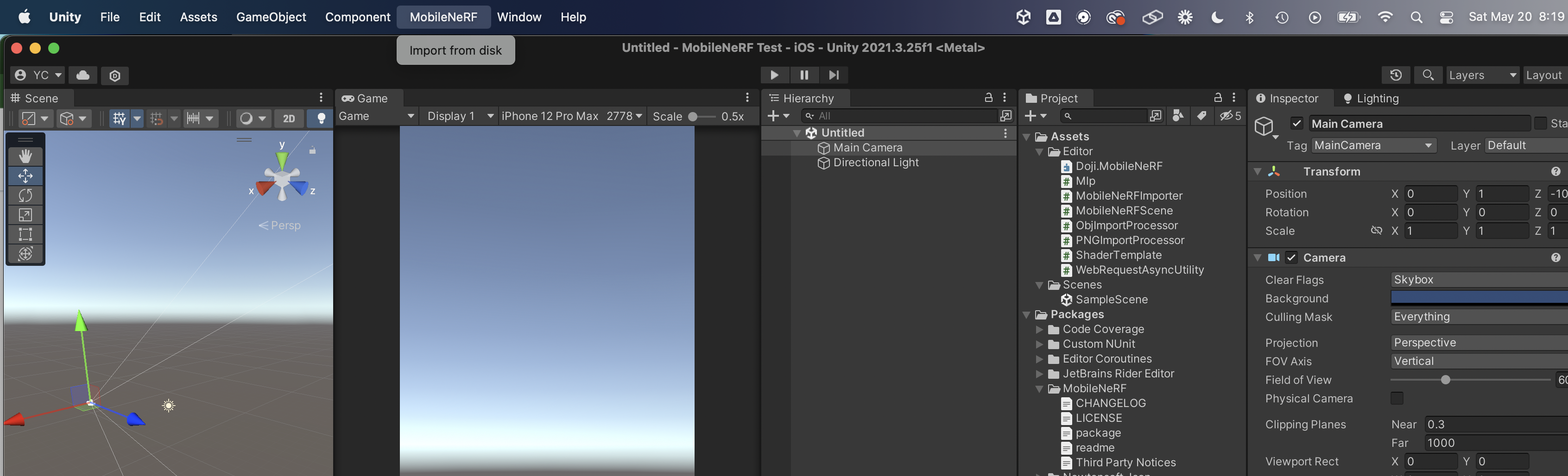
I don't think so, since the error seems to be in the Editor and not in rendering...Maybe just start a new project in the version I provided, install package, and move the Editor folder to the Asset directory.
@yosun Thanks for providing the screenshots. The Unity version you're using should work. I see that you're using macOS though, which I've never tested this with before. If anyone else used it with macOS successfully or can reproduce this issue feel free to chime in.
Otherwise I have to assume that this is a Unity bug, where the menu items are not displayed correctly on macOS.
If I had to take a stab in the dark: In MobileNeRFImporter.cs can you try and modify all occurrences of [MenuItem("MobileNeRF/Asset Downloads/...", ..., ...)] and delete the last two parameters so it's only [MenuItem("MobileNeRF/Asset Downloads/..."]
Maybe also try to delete some of the fluff like lines 28-59? https://github.com/julienkay/MobileNeRF-Unity-Viewer/blob/2011cd84302ece6f1e0a31dd6f3479b8ad4c6f80/Editor/MobileNeRFImporter.cs#L28-L59
Someone proposed a fix for this. Let me know if you keep having problems on macOS.