

 jtormey
Internal Server Error when connecting Github or deleting account, cannot disable a connection
Something went wrong with the Linear->Github syncing (for Github-created issues) so I tried to 'reset' the connection.
- Clicking "disable" produced this error:
Failed to disable issue sync (:github_webhook_disable_failure)
- I tried reconnecting the Github, just in case something was going wrong there, and got an
Internal Server Error
- When I reloaded the page, I got stuck on the login / "connect your Github" flow

- Somehow the view changed back to the connections page, so I tried to just delete the account, and again got an
Internal Server Error. - When I reloaded the page, I got this notice: "Failed to delete your LinearSync account, please email [email protected] for assistance."

I've manually removed the webhooks and plan to create a new connection with a new API key, just filing this bug in case it's helpful for smoothing things out in future. It's no problem now but if I set up 10 syncs in future and then had to manually disable and recreate them, that would be a bit of a headache.

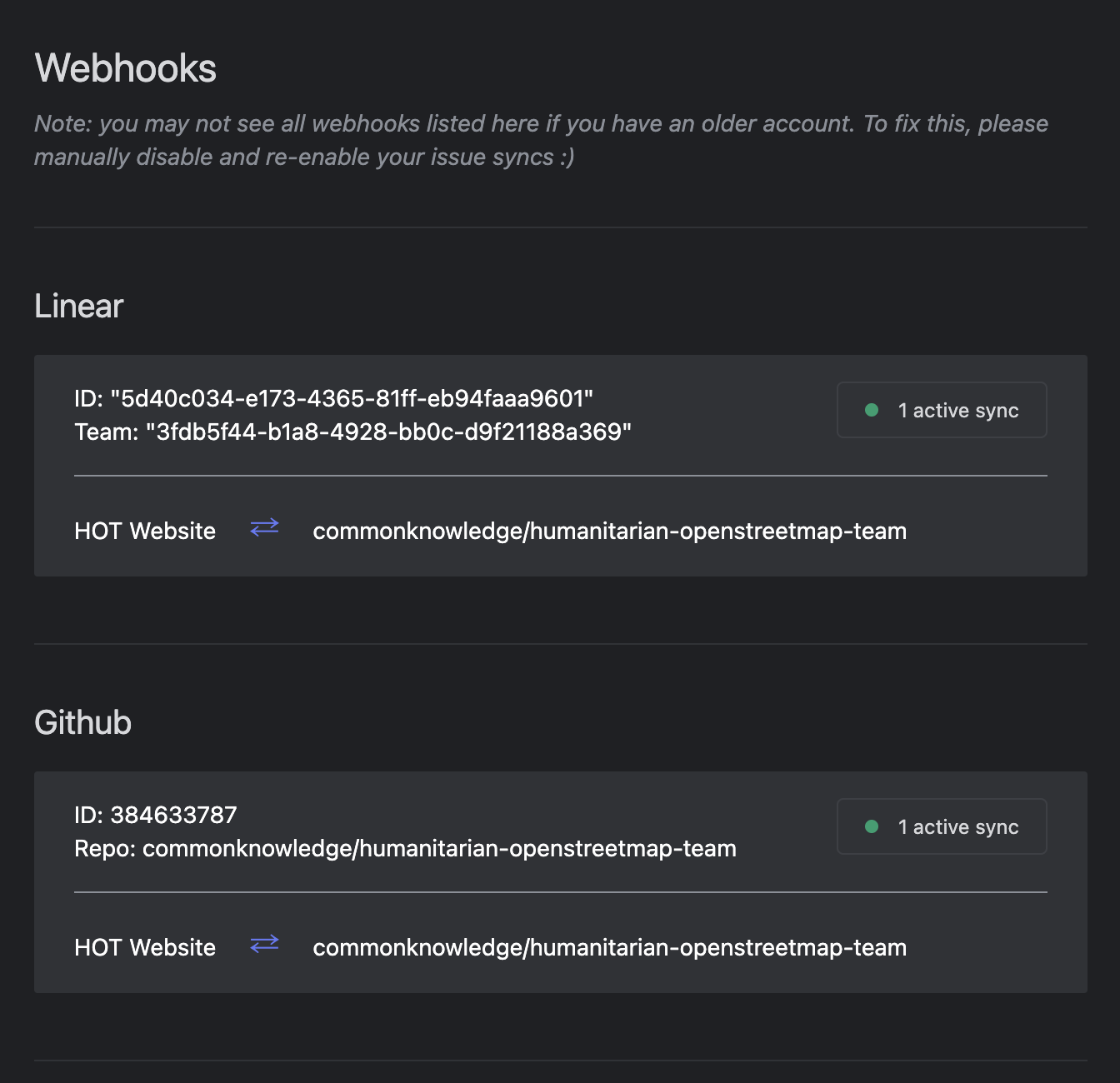
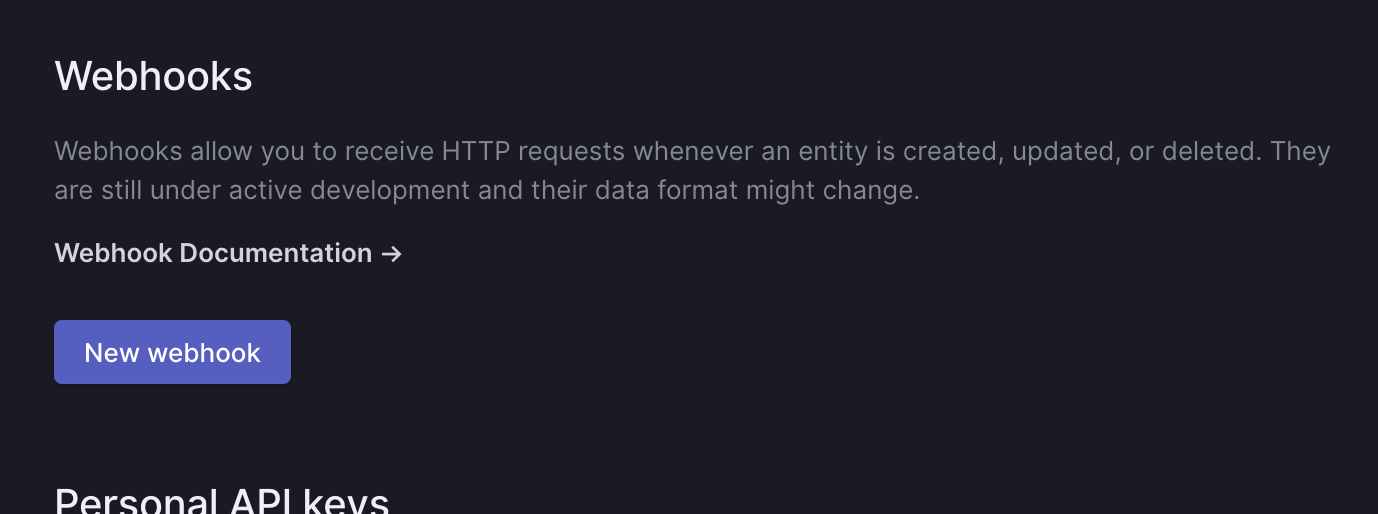
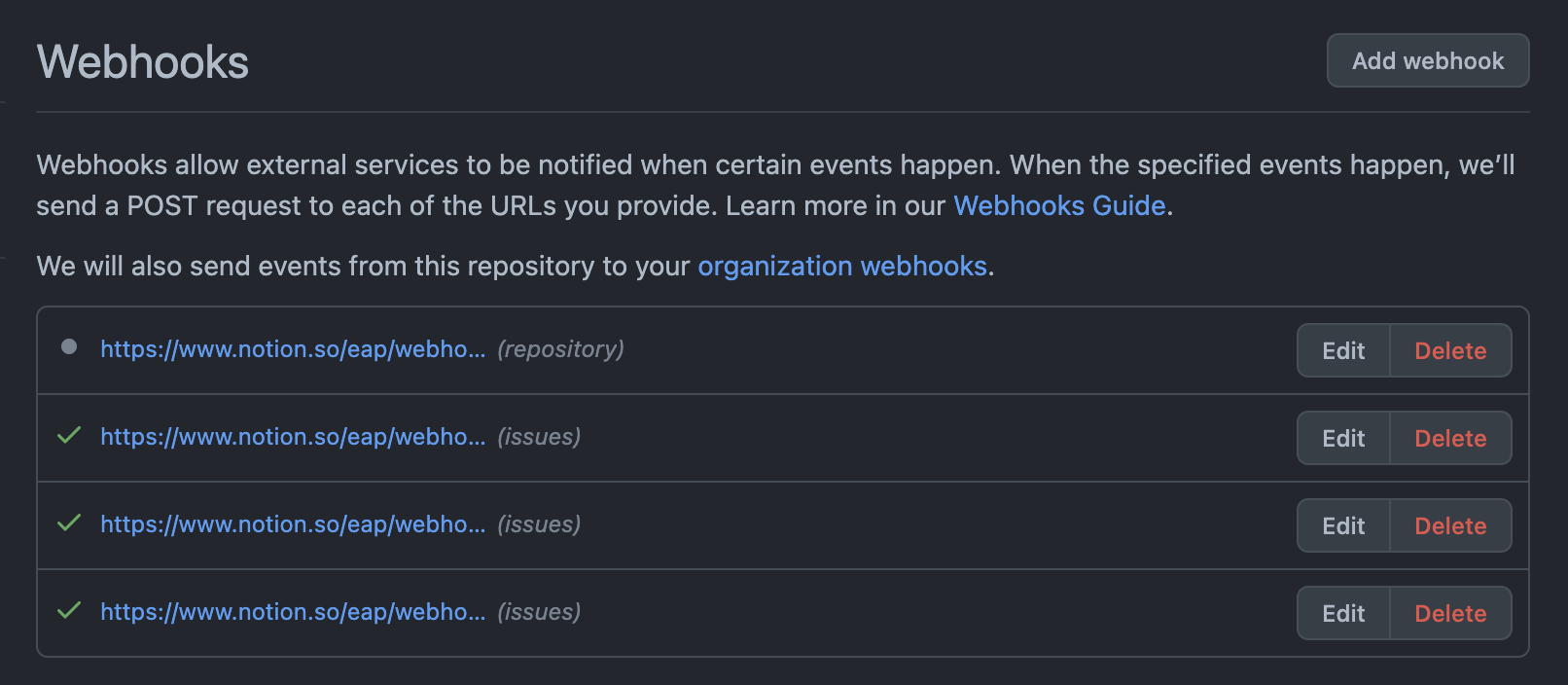
Related to this potentially, the app is perceiving webhooks which aren't there:
What the app thinks
No such webhooks in Linear
No such webhooks in the Github repo
Solution so far has been to:
- Delete the API key in Linear, create a new one
- Log in with the new API key
- Connect to Github
- It was glitching out, so I had to manually delete the integration in Github and then retry via linear-sync.com
- Now I see the same connection, but this time I can disable it!
Thank you for the detailed report, seems like the connection to GitHub needs work. I'm planning on a release this weekend to address this and your other issues. Thank you for contributing!
