
Auto2FA
 Auto2FA copied to clipboard
 jtbergman
Automatically copy SMS 2FA codes to the clipboard for use in Chrome, Firefox, desktop apps, etc.
🔐 Auto2FA
Automatically copy SMS 2FA[^1] codes for use in Chrome, Firefox, desktop apps, etc. How it works.
🚀 Installation
- Go to the current release and download the
Auto2FA.zipfile - Unzip the downloaded file and move
Auto2FAto your Applications folder - On your iPhone, go to Settings > Messages > Text Message Forwarding and enable forwarding to your Mac
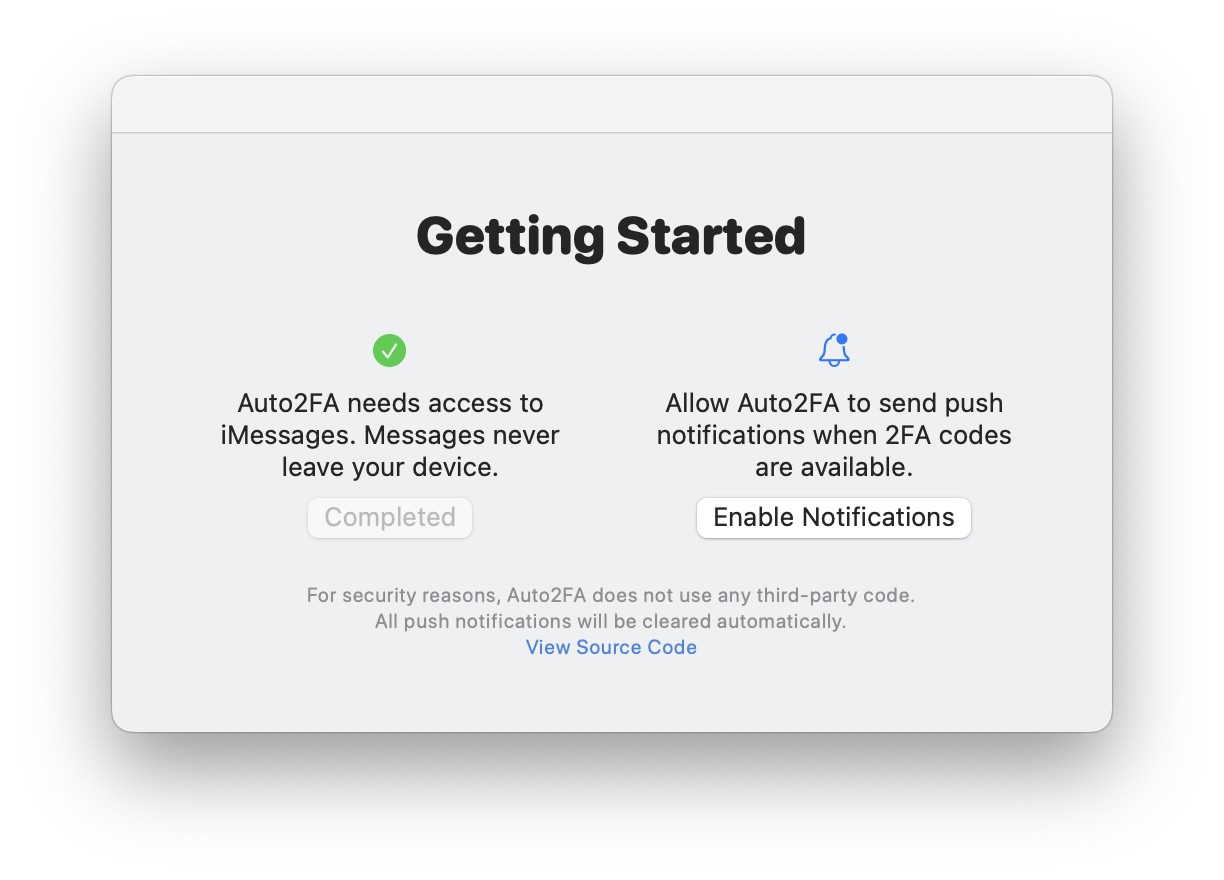
📸 In Action
| Notifications | Permissions |
|---|---|
 |
 |
[^1]: Only use SMS 2FA when it is the only 2FA option available. When possible, use Time-base One Time Password (TOTP) options such as those provided by 1Password, Google Authenticator, or Authy. I personally recommend 1Password, as it can autofill usernames, passwords, and OTP 2FA codes.
 jtbergman