
jspicl-mario-sample
 jspicl-mario-sample copied to clipboard
 jspicl
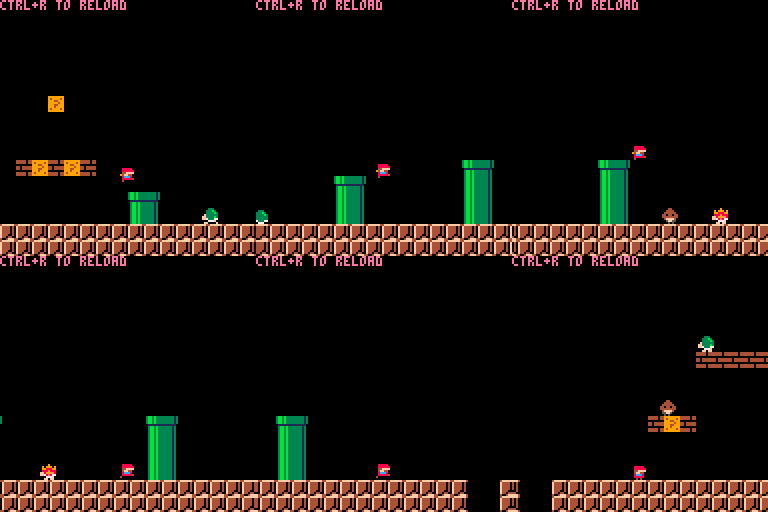
A basic Mario game showcasing how to create PICO-8 games in JavaScript.
PICO-8 Mario
This is a sample project demonstrating how you can use jspicl-cli to build PICO-8 games with Javascript.
Usage
npm start
This will create a cartridge and automatically launch it in PICO-8. Whenever source files are changed, a rebuild will take place and reload PICO-8 with the updated cartridge for you.

npm run restore-cart
This will take the game.p8 cartridge in the project root and put it in the build directory for you. CAUTION: This will overwrite any existing cartridge in the destination folder so make sure you do a backup first.
Updating spritesheet
With jspicl-CLI you don't need to draw your sprites in PICO-8 anymore. Simply edit the spritesheet file, save and the cart will be reloaded with the new changes.

 jspicl