

 josephwright
Inconsistent behavior regarding the footline with themes of same kind (with a Table of Contents Sidebar)
As shown by the following MCEs, the Goettingen and the PaloAlto themes, both of the "with a Table of Contents Sidebar" kind, behave differently regarding the footline:
- the 1st one is "okay": the colored background sidebar goes to the bottom of the page,
- the 2nd one is not "okay".
Is there any reason for this behavior, which is annoying with PaloAlto theme that doesn't let the user nicely add e.g. frame numbers in the footline.
\documentclass{beamer}
\usetheme{Goettingen}
\setbeamertemplate{footline}[frame number]
\begin{document}
\begin{frame}
  \frametitle{Goettingen theme}
\end{frame}
\end{document}
\documentclass{beamer}
\usetheme{PaloAlto}
\setbeamertemplate{footline}[frame number]
\begin{document}
\begin{frame}
  \frametitle{PaloAlto theme}
\end{frame}
\end{document}

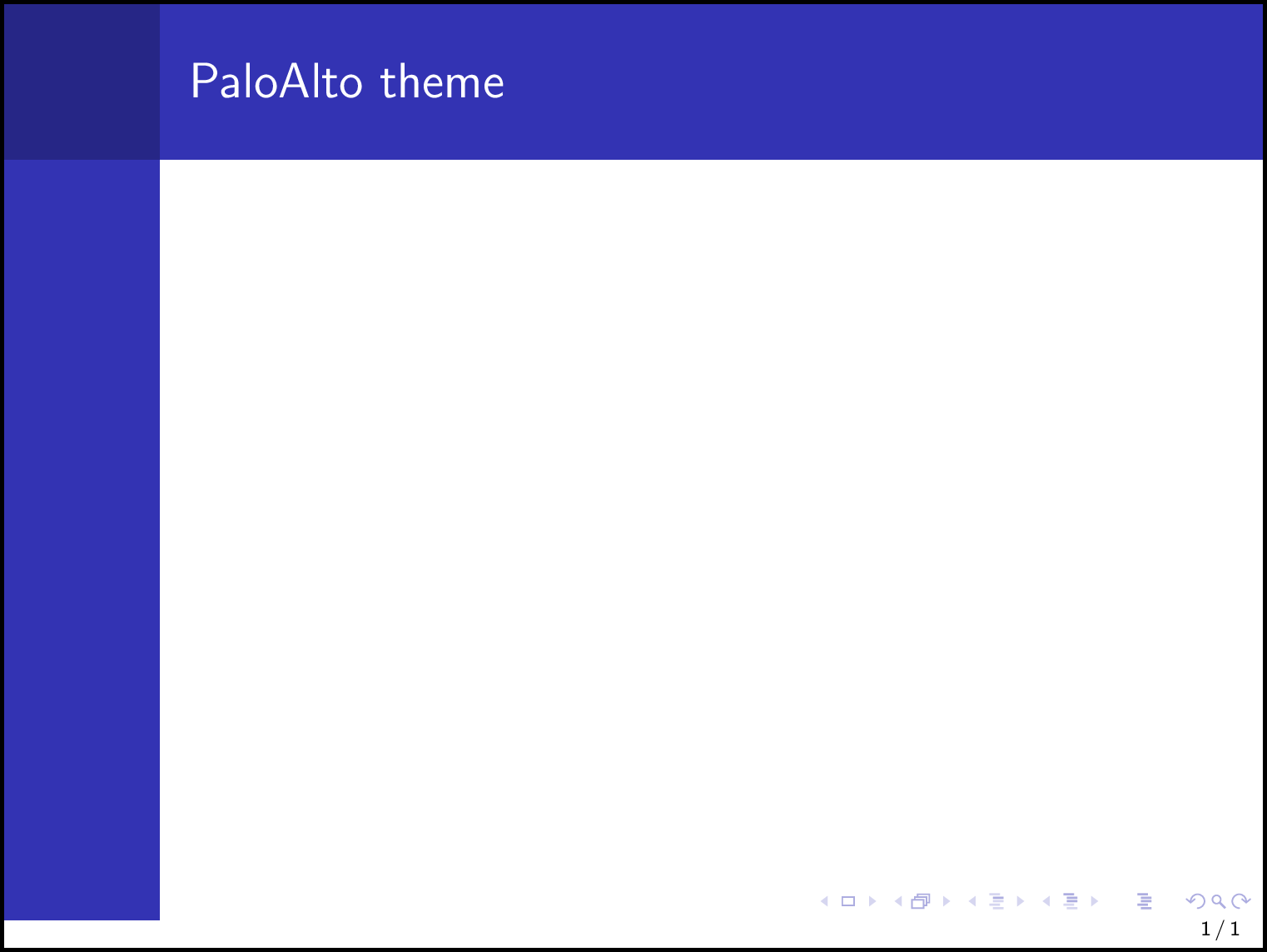

No idea if this behaviour is by design or not, but the difference between the two themes is that Goettingen not only loads the sidebar outer theme, but also sets the sidebar canvas template, which is drawn below the sidebar.
\documentclass{beamer}
%\usetheme{Goettingen}
\usetheme{PaloAlto}

\makeatletter
\setbeamertemplate{sidebar canvas \beamer@sidebarside}[vertical shading][top=structure.fg,bottom=structure.fg]
\makeatother

\setbeamertemplate{footline}[frame number]
\begin{document}
\begin{frame}
  \frametitle{PaloAlto theme}
\end{frame}
\end{document}
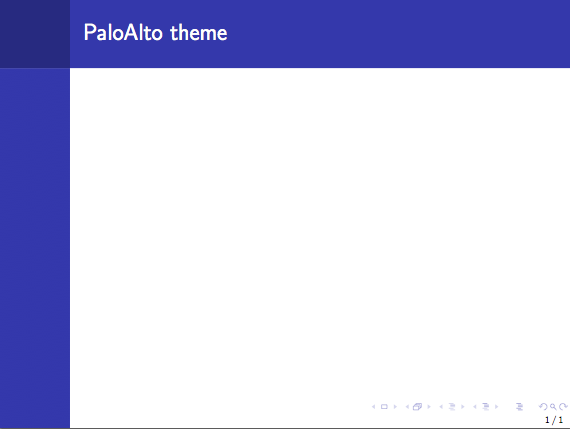

The behavior in PaloAlto theme is by design, for the height of both sidebars (\sidebarheight) are calculated using \beamer@calculateheadfoot macro, in which the heights of headline and footline (\headheight and \footheight) are subtracted.
Edit: @samcarter is right. The vertical shading in Goettingen uses the whole \paperheight.

@samcarter Nice to know! :)
@louisstuart96 Isn't the PaloAlto's design a bit weird? The samcarter's trick:
\makeatletter
\setbeamertemplate{sidebar canvas \beamer@sidebarside}[vertical shading][top=structure.fg,bottom=structure.fg]
\makeatother
- would look definitively complicated for average users who could legitimately want to have frame numbers nicely displayed in their
PaloAlto's themed presentation, - is not documented.
@dbitouze These 'built-in' themes might not take flexibility into account when they were designed. Though not documented, it seems that the custom combinations of outer / inner themes are recommended for users who have complicated requirements.
@louisstuart96 Well, having frame numbers with themes which don't provide them by default, such as PaloAlto, is not a complicated requirement (and, for students who present their work to a jury, it is often mandatory): it is documented to be as simple as \setbeamertemplate{footline}[frame number]. But, currently, this leads to a weird, abnormal and ugly result, and IMHO should be fixed.
As far as I can see, affected themes are PaloAlto, Berkeley, Hannover.
@dbitouze In addition to the themes you mention, all themes based on the inmargin theme are also affected, for example the Bergen theme
(this came up in this recent question: https://tex.stackexchange.com/q/464181/36296)