

 jorio
jorio
Linux PPC: wrong colors with the GL renderer
Hi All,
Thanks a lot for this game!
I was able to compile it on MintPPC and Void PPC today. It works but there are wrong colors with the GL renderer.
Maybe an endian issue?
The colors are correct without the GL renderer but the game is slow without it.
System:
A-EON AmigaOne X5000/40 with 8GB RAM AMD Radeon HD6970 (Cayman XT) OpenGL version 3.1 Mesa 22.2.0-rc3 on MintPPC (Debian Sid 32-bit) Mesa 22.1.7 on Void PPC 32-bit GCC version 10.2.1 on Void PPC GCC version 11.3.0 on MintPPC SDL 2.24 on Void PPC SDL 2.0.22 on MintPPC
I use the git version.
Any ideas because of the wrong colors issue?
Thanks, Christian

Hi, I wrote the GL renderer specifically to get the game to run smoothly on PowerPC Macs, so endianness issues should have been worked out already.
- Do you define
__BIG_ENDIAN__when compiling the game? - Do the colors look different if you disable the shadow dithering filter in the game's settings?
- Can you show me a screenshot of a random frame in the game, such as the main menu?

Hi,
How can I define the variable __BIG_ENDIAN__ and where? (file, shell …)
Thanks, Christian
No, the colors doesn't look different if I disable the shadow dithering filter.
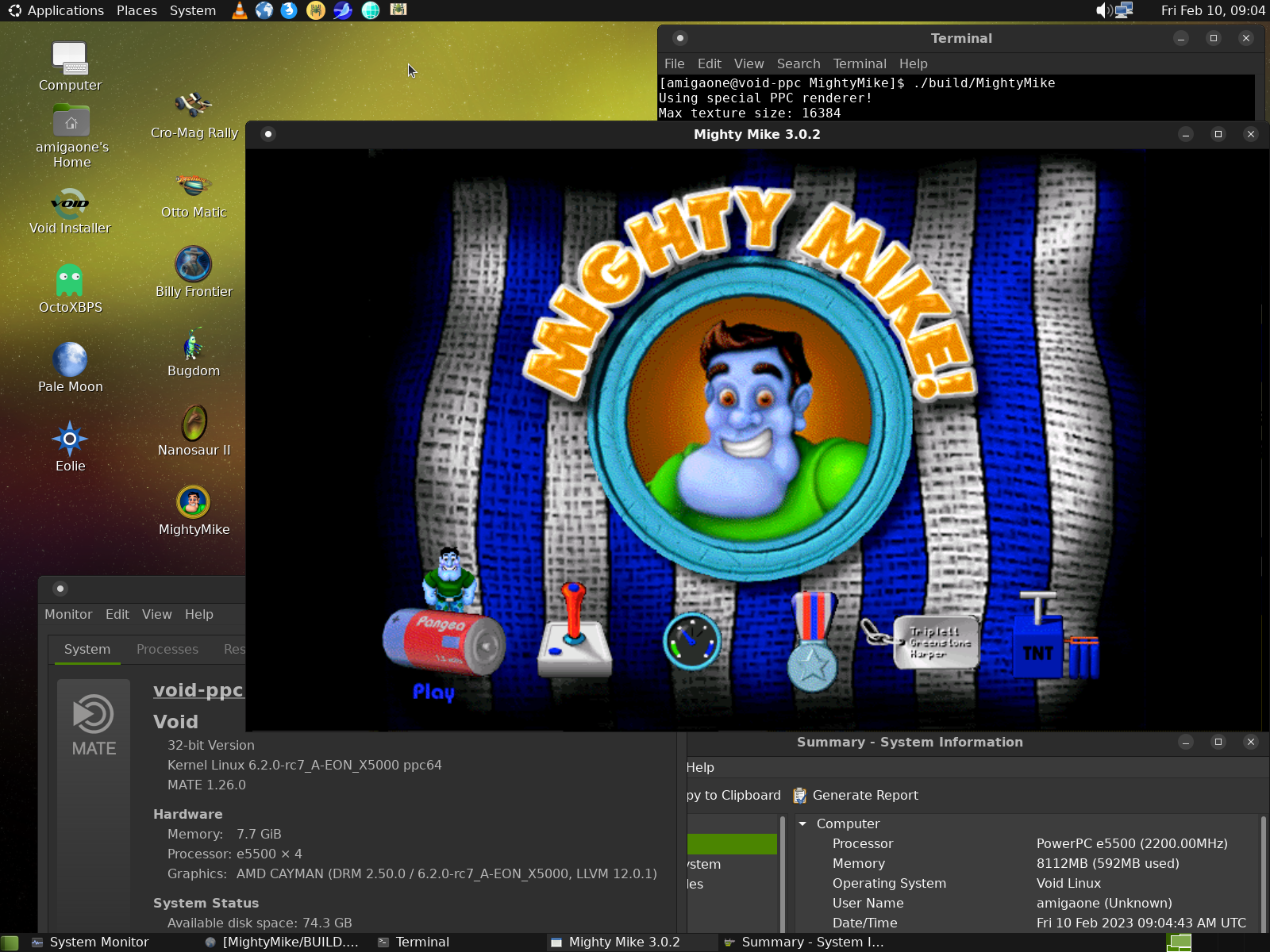
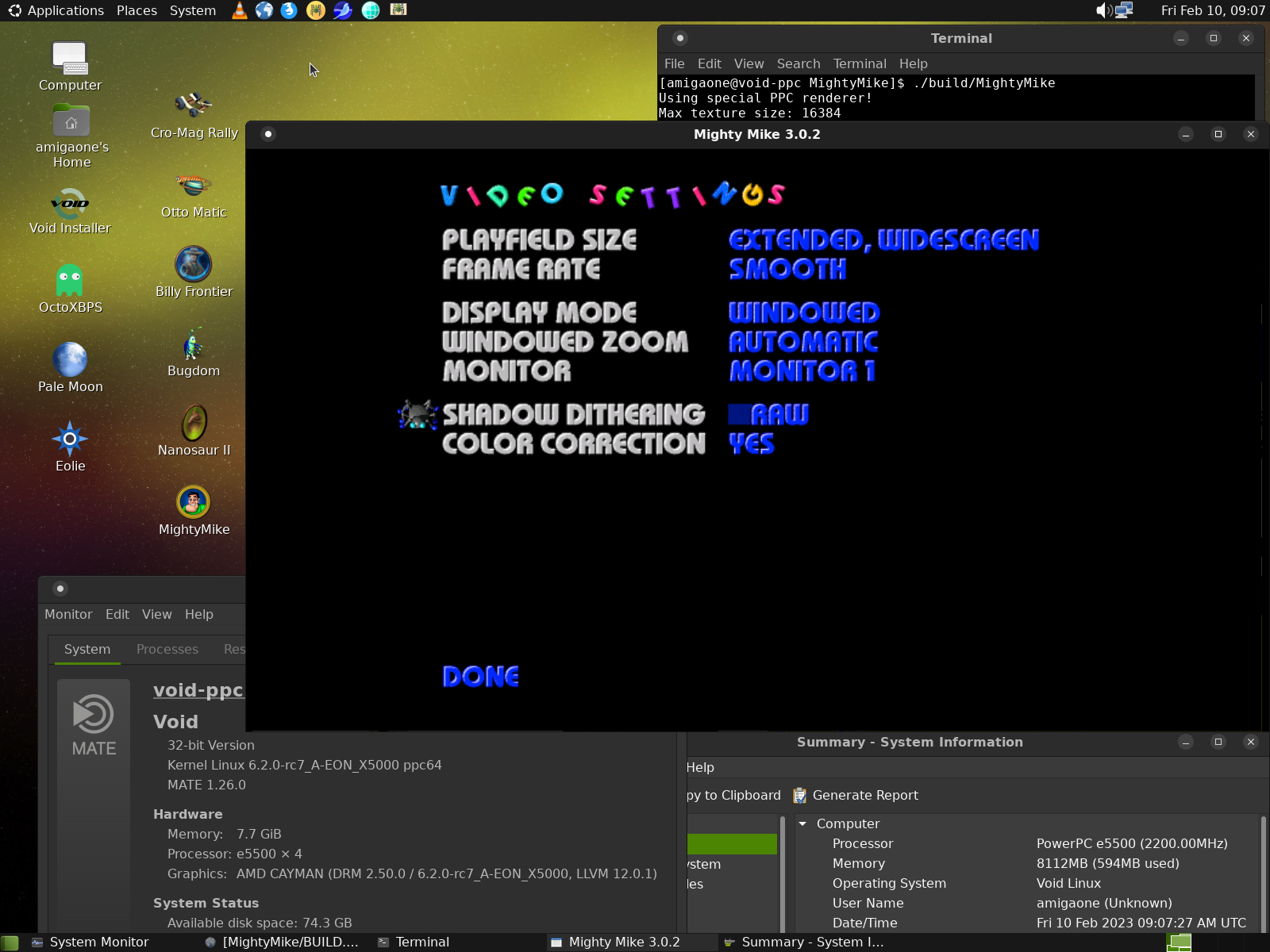
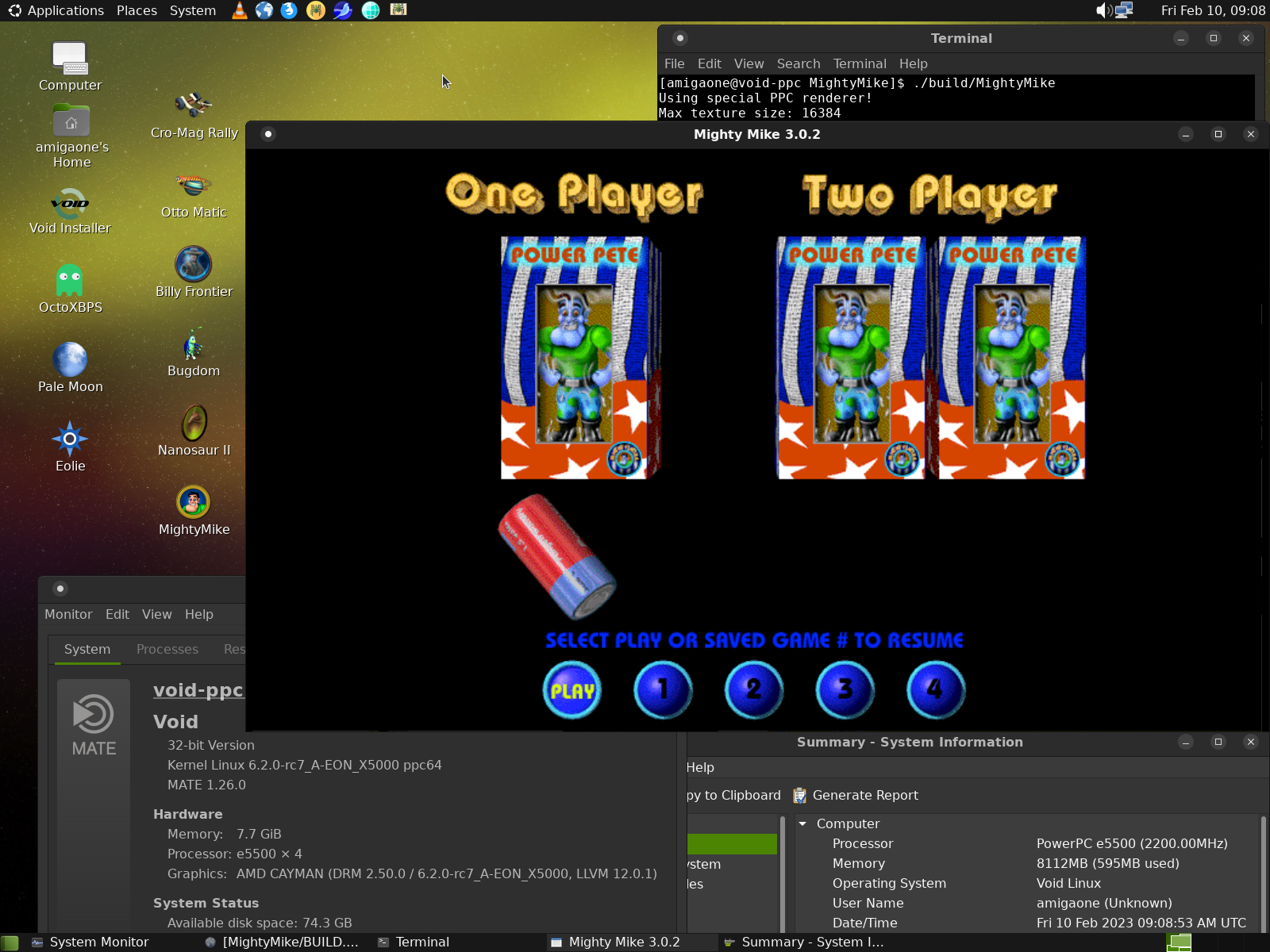
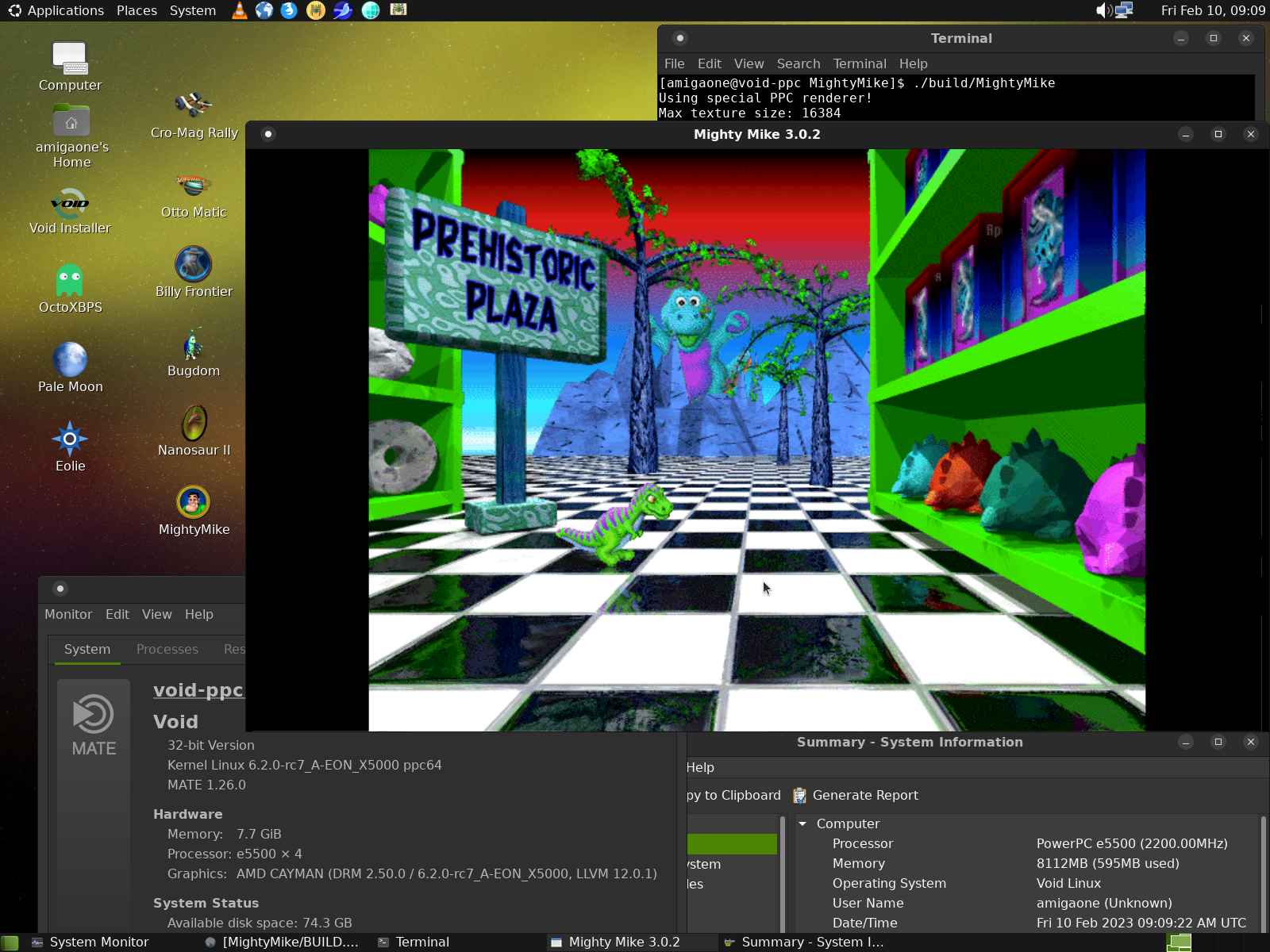
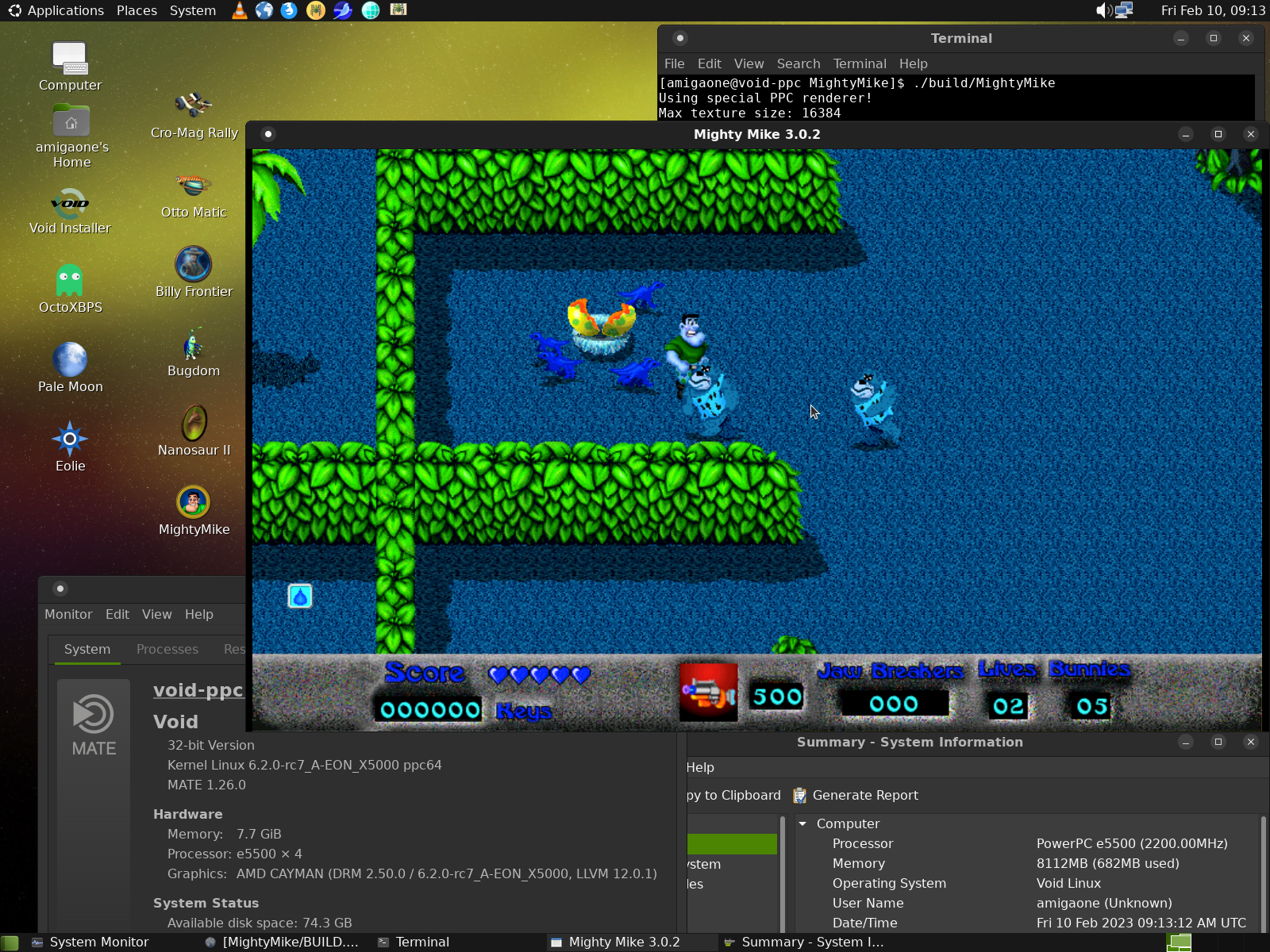
It looks like __BIG_ENDIAN__ is correctly set, otherwise you wouldn't have been able to get this far into the game.
Try to change GLRender.c:54 to:
#define kFramePixelType GL_UNSIGNED_SHORT_5_6_5_REV
Hi,
Thanks a lot for your help!
I compiled it with your modification today.
/home/amigaone/Downloads/MightyMike/src/Drivers/GLRender.c:54: warning: "kFramePixelType" redefined 54 | #define kFramePixelType GL_UNSIGNED_SHORT_5_6_5_REV | /home/amigaone/Downloads/MightyMike/src/Drivers/GLRender.c:46: note: this is the location of the previous definition 46 | #define kFramePixelType GL_UNSIGNED_SHORT_5_6_5
Unfortunately it doesn't start.
Output:
EE ../src/gallium/drivers/r600/r600_asm.c:2691 r600_vertex_data_type - unsupported vertex format PIPE_FORMAT_R5G6B5_UNORM EE ../src/gallium/drivers/r600/r600_asm.c:2691 r600_vertex_data_type - unsupported vertex format PIPE_FORMAT_R5G6B5_UNORM EE ../src/gallium/drivers/r600/r600_asm.c:2691 r600_vertex_data_type - unsupported vertex format PIPE_FORMAT_R5G6B5_UNORM EE ../src/gallium/drivers/r600/r600_asm.c:2691 r600_vertex_data_type - unsupported vertex format PIPE_FORMAT_R5G6B5_UNORM EE ../src/gallium/drivers/r600/r600_asm.c:2691 r600_vertex_data_type - unsupported vertex format PIPE_FORMAT_R5G6B5_UNORM EE ../src/gallium/drivers/r600/r600_asm.c:2691 r600_vertex_data_type - unsupported vertex format PIPE_FORMAT_R5G6B5_UNORM EE ../src/gallium/drivers/r600/r600_asm.c:2691 r600_vertex_data_type - unsupported vertex format PIPE_FORMAT_R5G6B5_UNORM EE ../src/gallium/drivers/r600/r600_asm.c:2691 r600_vertex_data_type - unsupported vertex format PIPE_FORMAT_R5G6B5_UNORM EE ../src/gallium/drivers/r600/r600_asm.c:2691 r600_vertex_data_type - unsupported vertex format PIPE_FORMAT_R5G6B5_UNORM EE ../src/gallium/drivers/r600/r600_asm.c:2691 r600_vertex_data_type - unsupported vertex format PIPE_FORMAT_R5G6B5_UNORM
Cheers, Christian
Revert to GL_UNSIGNED_SHORT_5_6_5 and try this instead:
Palette.c:241:
color16 = ((blue >> 3) << 11) | ((green >> 2) << 5) | (red >> 3);
FramebufferFilter.c:53:
*color = ((bmix8 >> 3) << 11) | ((gmix8 >> 2) << 5) | (rmix8 >> 3);
It works with the correct colors!
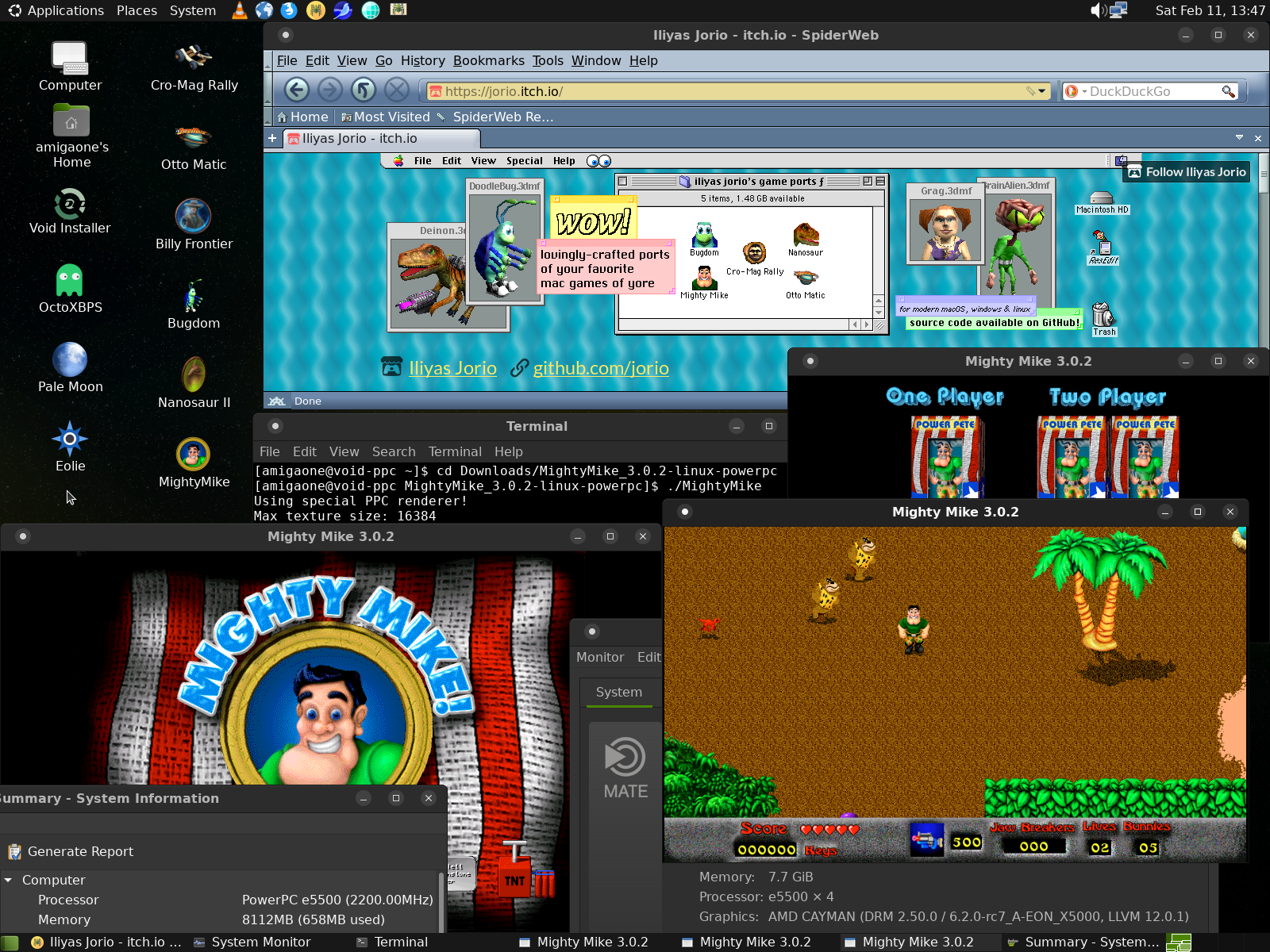
I have to say many thanks for your work. We love the Pangea games. Your code and your improvements are fantastic! :-) Great work!