
Johannes

Johannes
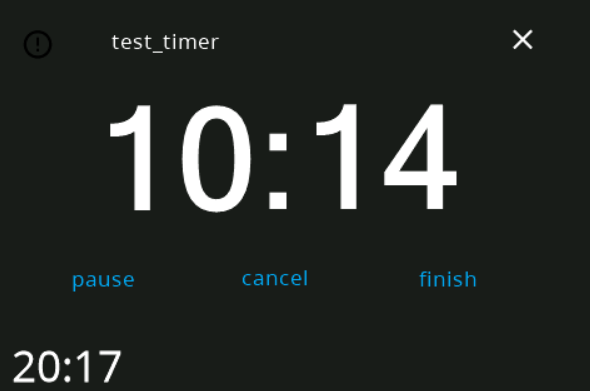 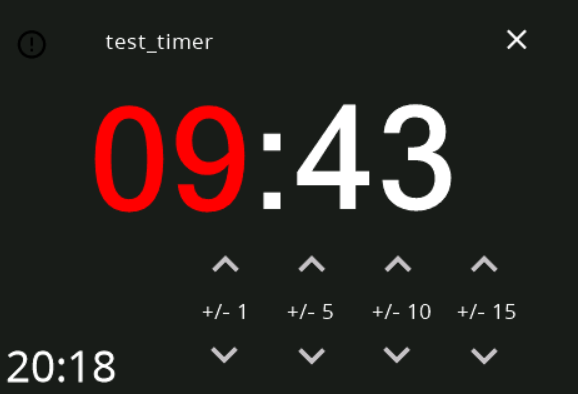 ToDo: - ~~Implement Translations~~ - ~~Implement Icons~~ - ~~Remove Dummy Content~~ - ~~implement colors~~
you need to have one configured in HA https://www.home-assistant.io/integrations/timer/
- `action_name` for scripts has been removed - `name` config option is now rendered as homeassistant template - a new `value` config option has been added which is also rendered...
Implemented support for the API yesterday evening :)
you can just run the docker container and configure homeassistant/mqtt credentials manually in the configuration file
untested compose file: ``` version: "3.5" services: nspanel-lovelace-ui-mqtt-manager: image: ghcr.io/jobr99/amd64-nspanel-lovelace-ui:latest volumes: - ./config:/config restart: unless-stopped ``` It should automatically place an example config file in `./config` on the first startup....
you need to add them to the config file
yes, I've written the config parameters here: https://github.com/joBr99/nspanel-lovelace-ui/issues/1058#issuecomment-1826151837
Also I don't now how the the MQTT envoniment variables behave. They could be required for the container to startup and it's also possible that they don't do anything. This...
no, please go to the config folder there should be a panels.yaml add the config there