

 jitsi
jitsi
Two people video for a while,"Unfortunately, something went wrong."
I can create room very well but after starting conversation with aother parties. I have got this message "Unfortunately, something went wrong."About once in 20 seconds.thanks in advanced

Yeah, I have observed the same with the latest release on CentOS 7 and using docker-compose.

Yeah, I have observed the same with the latest release on CentOS 7 and using docker-compose. But I don't know how to solve it.
If someone is interested, or if at least can provide pointers, this is the screenshot 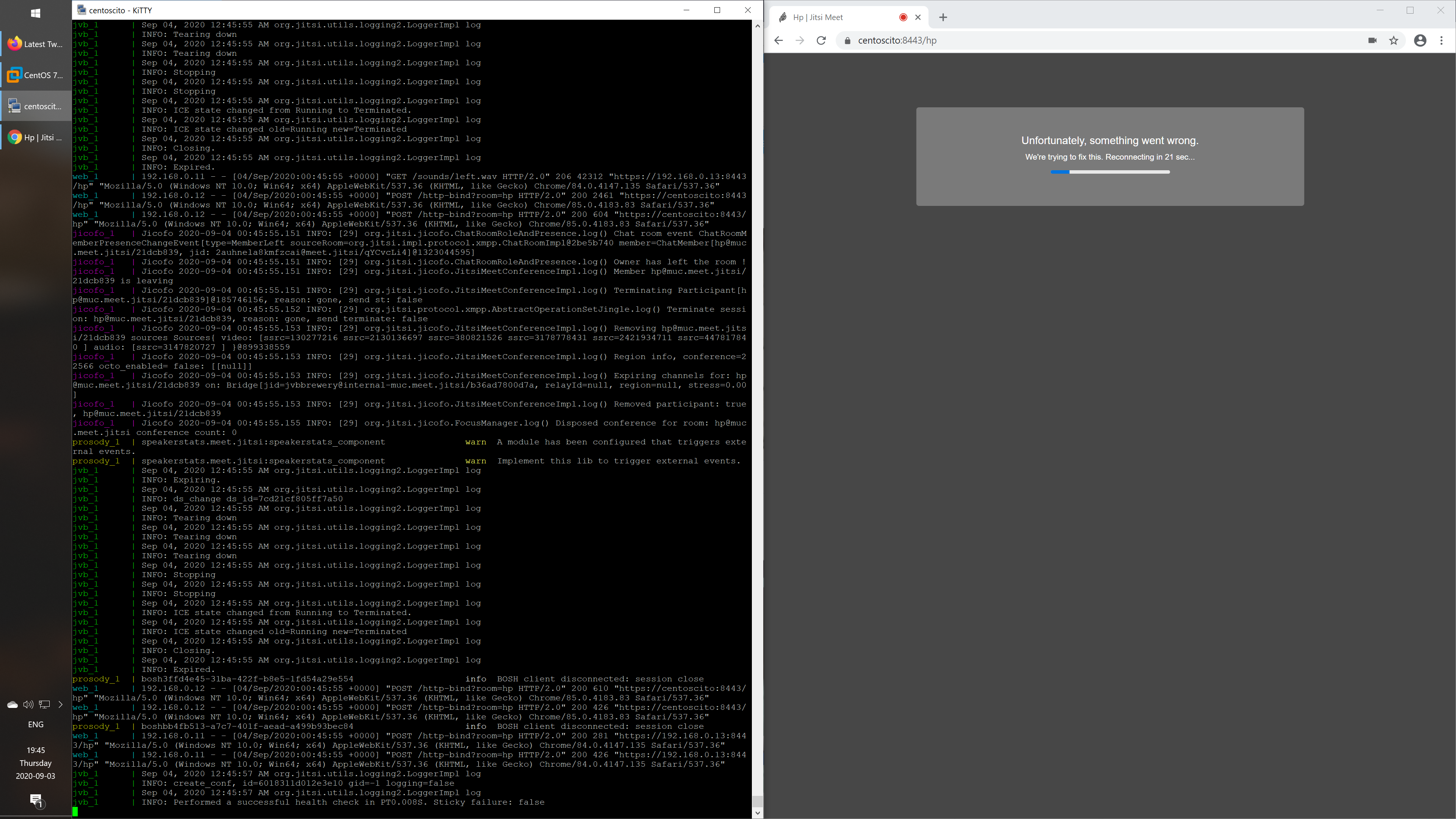 of the part where the connection is lost for both parties at the same time.
I was looking into potential timeouts hardcoded, but the only fragment of code that it's also close to the 20 seconds cut out is this call of handleRayoIQ((RayoIqProvider.DialIq) iqRequest, 2, null); at line 125 in MeetExtensionsHandler.java, although that is 15 seconds, but it's very strange. For the connection to drop at the same time for both parties, the reason probably it's at the server side, not sure if it's in the web app. The connection doesn't drop at all when it's only one user sharing his feed.
I also reverted to the code of 3 previous releases and the problem happened as well, so probably it has to do with something else.
I also disabled selinux, just because, but that doesn't have anything to do with it.
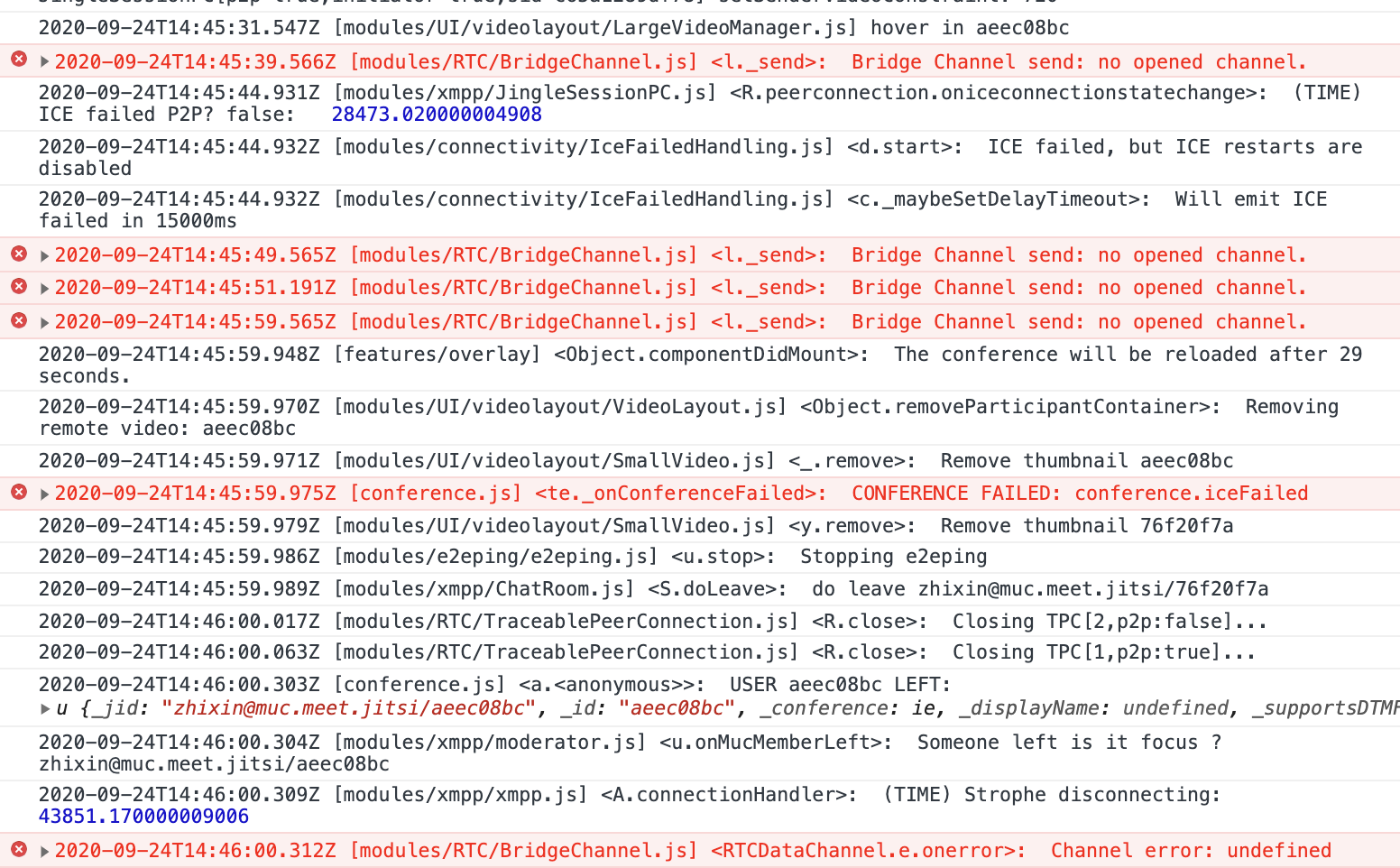

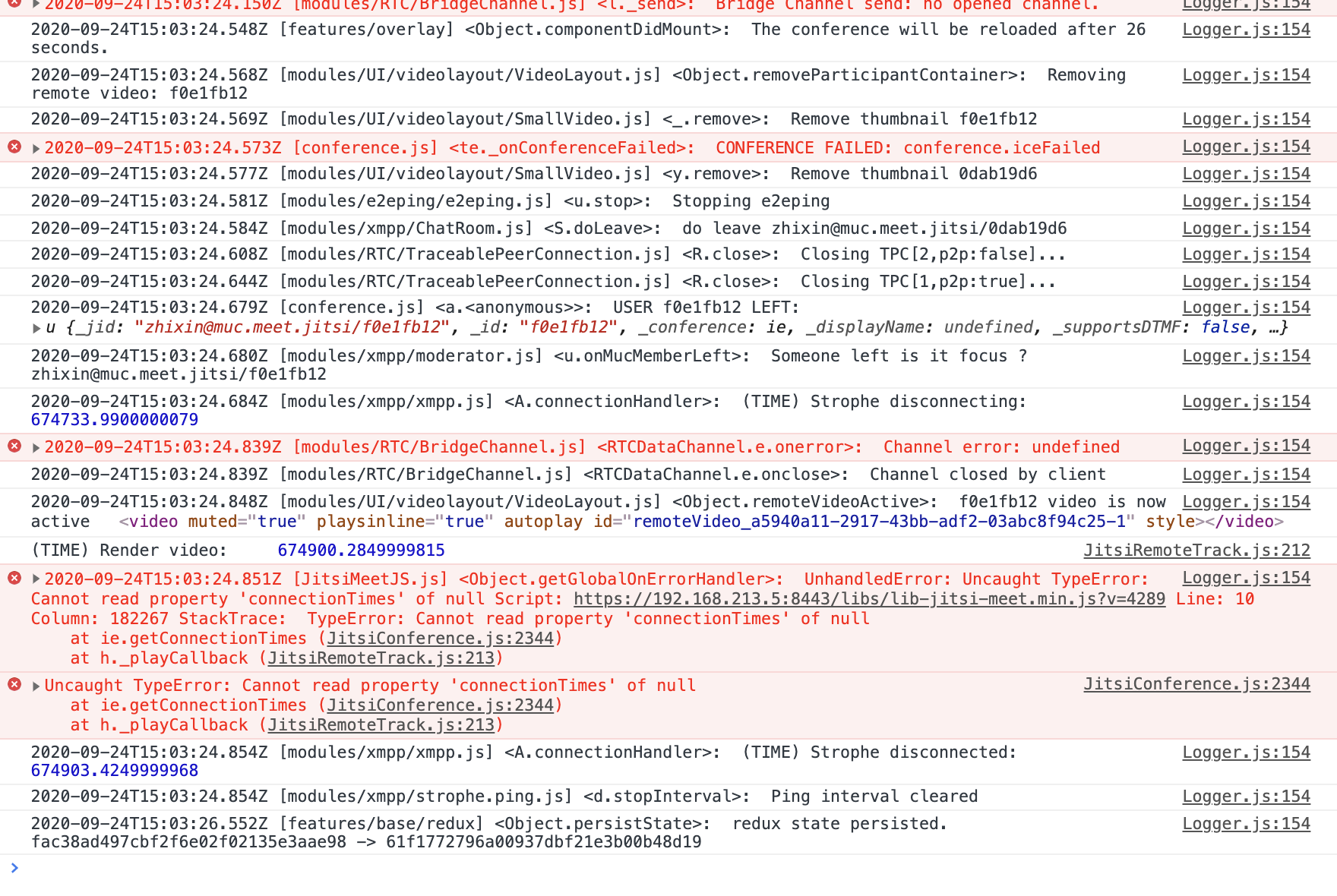
@yangyingdong @alexitosrv I have solved my problem.I install jitsi-meet by docker in LAN, but I don't set DOCKER_HOST_ADDRESS in .env. Check the doc:https://jitsi.github.io/handbook/docs/devops-guide/devops-guide-docker#running-behind-nat-or-on-a-lan-environment. Hope it helps.
This issue has been automatically marked as stale because it has not had recent activity. It will be closed if no further activity occurs. Thank you for your contributions.
![github-actions[bot] avatar](https://avatars.githubusercontent.com/in/15368?v=4 "Published by a pub.dev verified publisher")