
proxy_pool
 proxy_pool copied to clipboard
 jhao104
Python ProxyPool for web spider
┌──(jamy㉿kali)-[~/Downloads/proxy_pool-2.4.0] └─$ sudo docker run --env DB_CONN=redis://:password@ip:port/0 -p 5010:5010 jhao104/proxy_pool:2.4.0 126 ⨯ Unable to find image 'jhao104/proxy_pool:2.4.0' locally 2.4.0: Pulling from jhao104/proxy_pool Digest: sha256:da98d8565ef8b1438fc47f7d83a86d8e25fc4540053fa9c02a599a7e98323d04 Status: Downloaded newer image for jhao104/proxy_pool:2.4.0...


2019-09-26 22:26:20,457 ProxyManager.py[line:61] INFO ProxyFetch - freeProxy05: 1.197.16.222:9999 success 2019-09-26 22:26:20,467 ProxyManager.py[line:57] INFO ProxyFetch - freeProxy05: 175.25.26.117:3128 exist 2019-09-26 22:26:20,469 ProxyManager.py[line:61] INFO ProxyFetch - freeProxy05: 117.141.155.241:53281 success 2019-09-26 22:26:20,471 ProxyManager.py[line:57]...

2022-02-10 23:51:49,793 check.py[line:117] INFO UseProxyCheck - thread_956: 114.55.84.12:30001 fail, count 1 delete 2022-02-10 23:51:49,793 check.py[line:90] INFO UseProxyCheck - thread_982: complete libgcc_s.so.1 must be installed for pthread_cancel to work 2022-02-10 23:51:49,793...

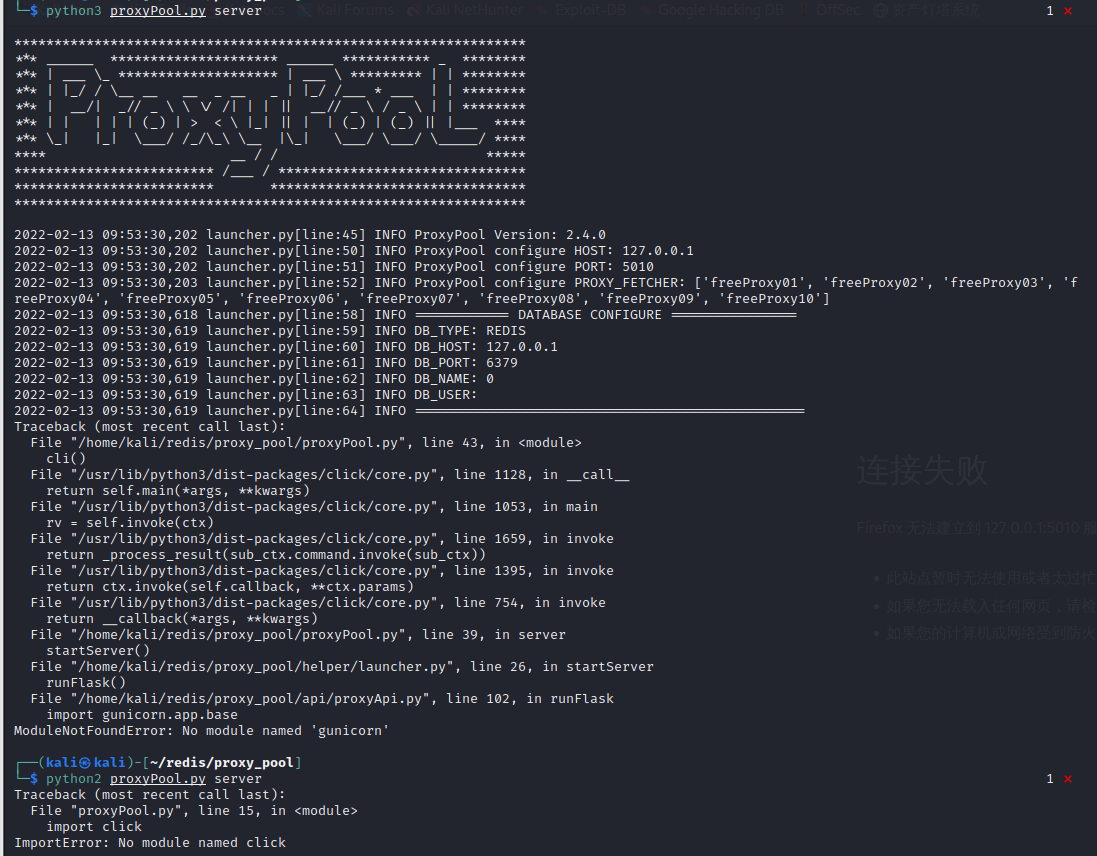
在使用时出现错误

当我使用 "python proxyPool.py schedule", 我可以看到诸如 "INFO ProxyFetch - freeProxy05: 210.77.87.71:3128 ok ". 但是当我使用"python proxyPool.py server", 我得到了 {'code': 0, 'src': 'no proxy'},如果打开网址的话,会出现"GET /favicon.ico HTTP/1.1" 404.请问一下是哪里配置错了吗?

DB_CONN = 'redis://VKs5%A#M@:@127.0.0.1:6379/0' 这样加密码的话怎么都链接不上redis我能确定我的密码正确,redis服务也是可以使用的,作者老哥可以试一下


现在只能ps出来kill掉 _Originally posted by @jhao104 in https://github.com/jhao104/proxy_pool/issues/626#issuecomment-1014057902_
