

 jgraph
Textbox table are invisible on creation
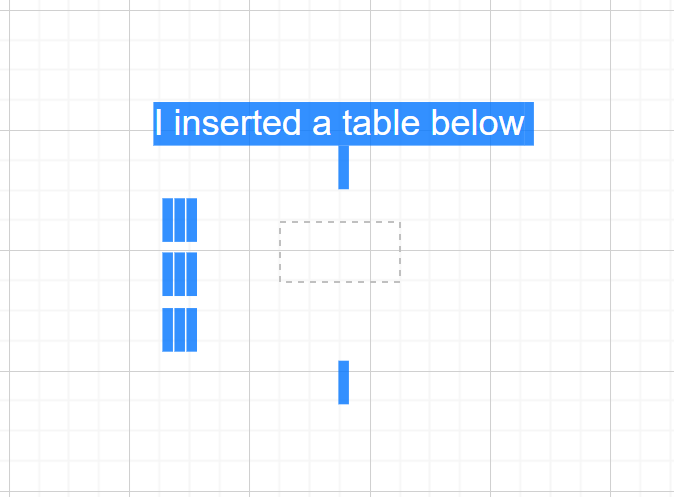
When you create a textbox table with a given number of rows and column, you can't see it in your textbox until your define a border column. It would be more user friendly to set directly a default border color (black for instance).


We improved table shapes and you don't have to use html tables any more. Please follow the steps described here: https://www.diagrams.net/blog/tables
I have already heard about it. Sadly there are not the features I expected. In the new table feature you can't reorder column, you can't select a whole column/lines and paste into another empty column/lines. Also the advantage of HTML table is that it is directly embedded in the textbox (not a separate box) like in OneNote.